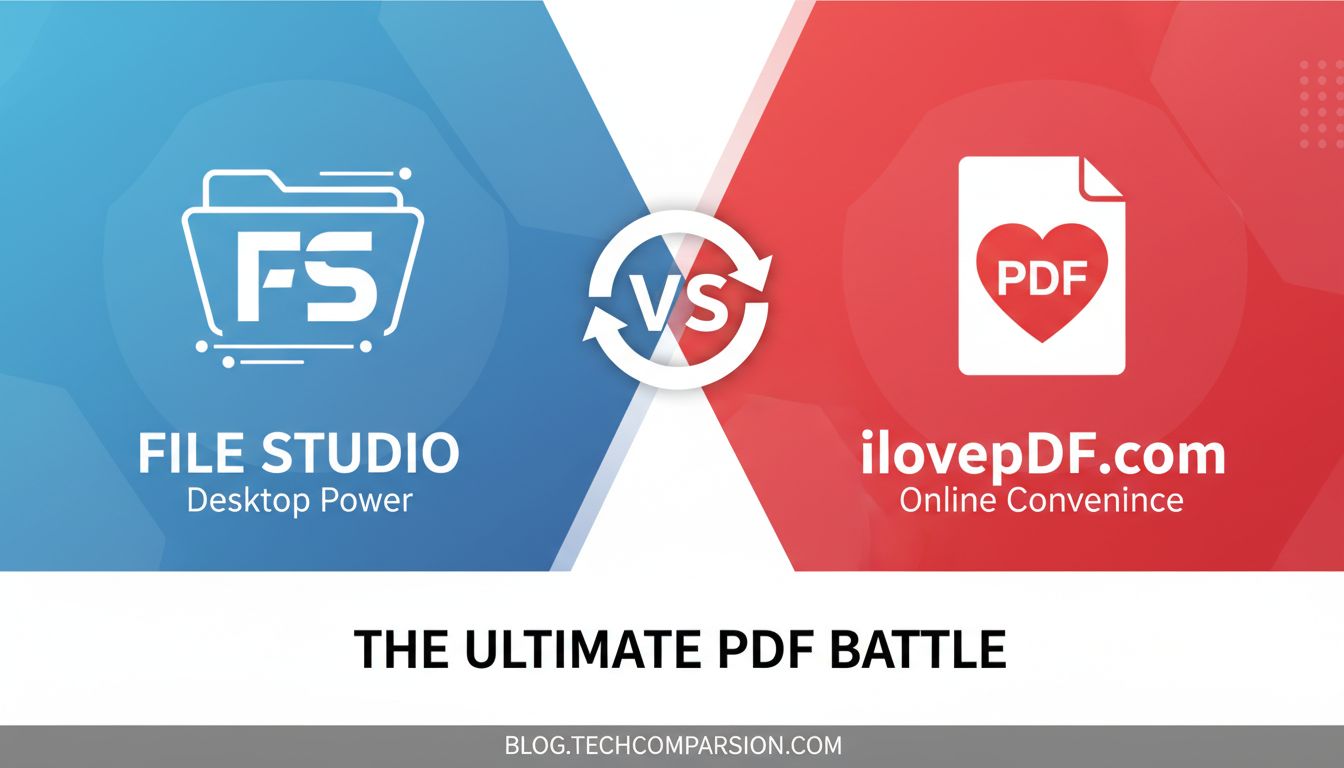
File Studio vs ilovepdf.com comes down to one core question:
Do you want fast, private, offline control of your files, or a convenient online tool you can use from any browser?
Everything else branches off that.
Quick comparison: File Studio vs ilovepdf.com
| Feature / Aspect | File Studio | ilovepdf.com |
|---|---|---|
| Platform | Desktop app for macOS & Windows | Web app in the browser, plus mobile apps |
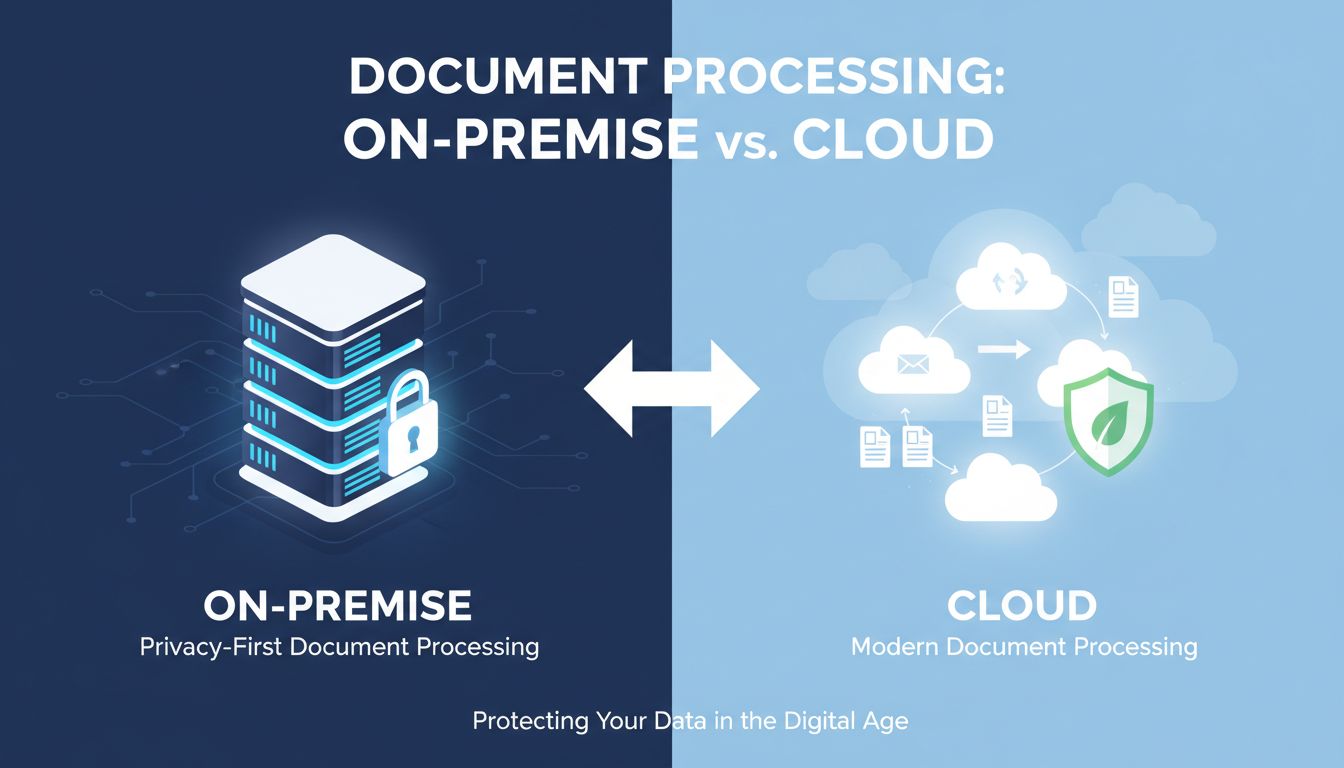
| Online / Offline | 100% offline, runs on your device | Primarily online, server side processing |
| Privacy & sensitive documents | Strong fit: no uploads, stays on your machine | You upload to their servers; fine for low risk |
| Best for | Frequent, privacy sensitive PDF & image work | Occasional, quick PDF tasks from any device |
| File types & tools | PDF & images: convert, merge, split, rearrange, unlock, resize, compress with fine controls | Very broad PDF toolkit: edit, annotate, sign, convert, merge, split, etc. |
| Control over output | Detailed control of resolution, compression, formats | More template style, fewer low level knobs |
| Speed with big files | Fast, depends on your computer only | Depends on connection and server load |
| Team / collaboration | Local workflows, good for individual pros | Easier for distributed teams sharing links |
| Pricing model | Desktop software style (pay to own / license) | Freemium: limited free, paid plans for more use |
| Use without internet | Yes | Not really, except limited mobile offline usage |
Now, how that actually feels in real life use is more important than the grid.
Where ilovepdf.com works well
ilovepdf.com is built for convenience. If you Google “merge PDF,” click the first result, upload two files, and download the merged document, that is exactly the ilovepdf experience.
A few situations where ilovepdf.com is genuinely strong:
1. One off, quick PDF tasks from anywhere
If you are on a random computer, Chromebox, or your phone and just need to:
- Merge two PDFs
- Convert a PDF to Word
- Compress something to email size
ilovepdf.com is easy. No install, no setup, no thinking about formats. You just upload, click a big clear button, and download.
For people who only touch PDFs a few times a month, this kind of browser based tool is often "good enough" and faster to get started than downloading desktop software.
2. Broad toolbox, general office workflows
ilovepdf.com has grown into a Swiss army knife of online PDF features:
- Merge, split, rotate
- Convert to and from many formats
- Some editing and annotation in the browser
- Signatures and form type workflows on higher plans
If your work is mostly standard office documents that are not highly sensitive, and you want a single online place to do everything, ilovepdf.com fits that bill.
It is especially handy for small teams that are loosely organized. Someone sends a PDF, someone else runs it through ilovepdf.com, then shares back a link or file. No IT involvement, no installs.
3. Cross platform access without setup
Because ilovepdf.com is web based, it behaves the same on Windows, macOS, Linux, school computers, and phones.
If you are a student jumping between campus PCs, your laptop, and a tablet, ilovepdf.com means you do not care what is installed on each machine. Your browser is enough.
That accessibility is a real advantage over any desktop first tool when you are constantly switching environments.
Where File Studio pulls ahead
File Studio is designed for people who work with documents and images frequently, care about privacy, and want control.
You feel the difference as soon as you start using it on real work instead of toy examples.
1. Privacy first, for real
With File Studio, your passports, IDs, contracts, NDAs, and internal reports never leave your machine.
Nothing is uploaded, nothing sits on a third party server, and you are not relying on a vendor promise that “files are deleted after X hours.” For many organizations, those promises are not enough to satisfy compliance or internal policy.
If you work in:
- Legal or HR and process IDs, contracts, and personal data
- Finance and handle bank statements, tax documents, or investor reports
- Healthcare adjacent fields that deal with de‑identified but still sensitive PDFs
then offline tooling is not just "nice to have." It is the difference between being able to use a tool and not being allowed to touch it at all.
File Studio is built specifically for those privacy sensitive workflows.
2. Predictable performance, especially on large files
Online tools like ilovepdf.com are constrained by your upload speed and the service’s current load. A 200 MB scanned contract package over hotel Wi‑Fi is painful.
With File Studio, the only bottleneck is your own CPU and disk. That tends to be dramatically faster, especially for:
- Bulk compression of large scans
- Splitting and rearranging big multi‑hundred page documents
- Converting lots of images or PDFs in sequence
If you regularly process dozens or hundreds of files in a sitting, the offline desktop approach saves real time every week.
3. Fine‑grained control over output
A key difference: File Studio lets you tune details that web tools usually hide.
Examples:
- Set exact resolution (DPI) when converting or compressing
- Choose compression strength to balance quality vs file size
- Control formats for images and documents instead of just “high / medium / low” presets
- Precisely reorder, split, and combine pages in complex PDFs
This level of control matters if:
- You prepare documents for print and need specific resolution
- You submit applications where files must be under a size cap but still legible
- Your team has internal standards for image formats or PDF quality
ilovepdf.com is optimized for simplicity. That is great for casual users, but frustrating when you care about the details.
File Studio leans toward "power user, but still approachable." You can start simple and gradually use the advanced controls as your needs get more specific.
4. Working reliably without internet
Many people underestimate how often they are offline or on flaky networks until they try to run a 300 MB upload through an online compressor from an airplane or train.
Because File Studio runs entirely on your computer, you can:
- Process files on flights, in secure offices without external network access, or on slow connections
- Avoid failed uploads or timeouts on big files
- Work at full speed even when your VPN is slow or locked down
If you travel a lot, work in secure facilities, or are on unreliable internet, this becomes a day to day quality of life difference.
5. Better fit for policy heavy and regulated environments
Plenty of teams have rules like:
- “No uploading customer documents to third party web services”
- “No personal data in online tools without a specific contract in place”
Under those conditions, ilovepdf.com is effectively off the table.
File Studio’s offline nature helps your security team say yes: no external data processors, no data transfer logs to worry about, and less vendor risk to inventory and audit.
That makes it more realistic to standardize on across a company, not just as a "shadow IT" tool a few people quietly use.
Real scenarios: Which should you pick?
It is easier to decide when you see yourself in specific situations.
Scenario 1: The occasional PDF tinkerer
You:
- Merge or split a PDF once or twice a month
- Need to compress something to send by email a few times a year
- Do not handle particularly sensitive documents
- Use multiple devices and do not want to install more apps
In this case, ilovepdf.com really is a strong choice.
You get:
- Instant access from any browser
- No learning curve
- A wide set of tools to handle almost anything you will encounter
File Studio would work, but you might feel like you are under‑using it compared to how often you pay for or maintain it.
Scenario 2: The privacy conscious professional
You:
- Regularly process IDs, passports, contracts, financial docs, HR records, or internal reports
- Work in a company with real security or compliance standards
- Already know your security team does not like “upload it to some website and download the result”
Here, File Studio is the safer and more professional choice.
You get:
- No external uploads at all
- A clear story for your manager and security team about where data lives
- Tools tailored to exactly these kinds of workflows
ilovepdf.com’s convenience is overshadowed by the risk and policy friction.
Scenario 3: The heavy document operator
You:
- Handle document prep or production as part of your job
- Often need to compress or convert tens or hundreds of files
- Do complex rearranging: splitting sections, recombining, fixing scans
- Are annoyed by slow uploads or browser limits
File Studio will likely feel much more “built for you.”
Reasons:
- Batch work is far more comfortable on a desktop tool
- Performance relies on your machine, not your network
- You have the detailed controls to match quality requirements
ilovepdf.com can do many of the same tasks, but if you try to live in it all day, browser based processing starts to feel clumsy and slow.
Scenario 4: The constantly traveling student or freelancer
You:
- Jump between campus computers, your laptop, clients’ machines
- Do not always have admin rights to install software
- Mostly work with non sensitive PDFs like assignments, marketing PDFs, or design exports
Here, ilovepdf.com gets the nod again.
- You never have to ask, “Can I install this?”
- Your workflow looks the same no matter where you are
- The free tier might even be enough for many tasks
File Studio shines more when you control your main machine and work with more critical documents.
Scenario 5: Small, distributed teams with light document needs
Your team:
- Shares PDFs occasionally across time zones and devices
- Needs basic merge/split/convert features
- Wants something people can use without training or IT tickets
In this case, ilovepdf.com is very appealing.
- New hires can start using it in minutes
- Links and web based workflows fit distributed teams
- You can stay on the free tier at first, then upgrade if usage grows
If you are a legal, finance, or HR heavy team, you should still lean toward File Studio, but for generic marketing or operations work, ilovepdf.com is sufficient.
The verdict: File Studio vs ilovepdf.com
Both tools solve similar looking problems on the surface. The right choice depends less on “which has more features” and more on where and how you work.
Use ilovepdf.com if:
- You mostly do occasional, simple PDF tasks.
- You value “open a browser, get it done, move on” above all else.
- Your documents are not especially sensitive, or your organization is relaxed about web tools.
- You need something that works from any computer without installation.
Choose File Studio if:
- You handle sensitive documents such as IDs, contracts, financials, HR records, or internal reports.
- You care about privacy by design and want everything processed locally, without uploads.
- You do frequent or heavy PDF and image work, and value speed and reliability.
- You need fine control over output formats, compression, and resolution.
- You want a tool that your security or compliance team can sign off on.
If you are on the fence, here is a practical next step:
- List 10 recent files you worked on that required any PDF or image manipulation.
- Mark which ones contained data you would not be comfortable uploading to a third party website.
- If that list is mostly non sensitive and small, start with ilovepdf.com.
- If a meaningful chunk is sensitive, large, or part of your core job, invest in File Studio and standardize your workflow around local processing.
That simple gut check will usually tell you which side of the File Studio vs ilovepdf.com line you belong on.