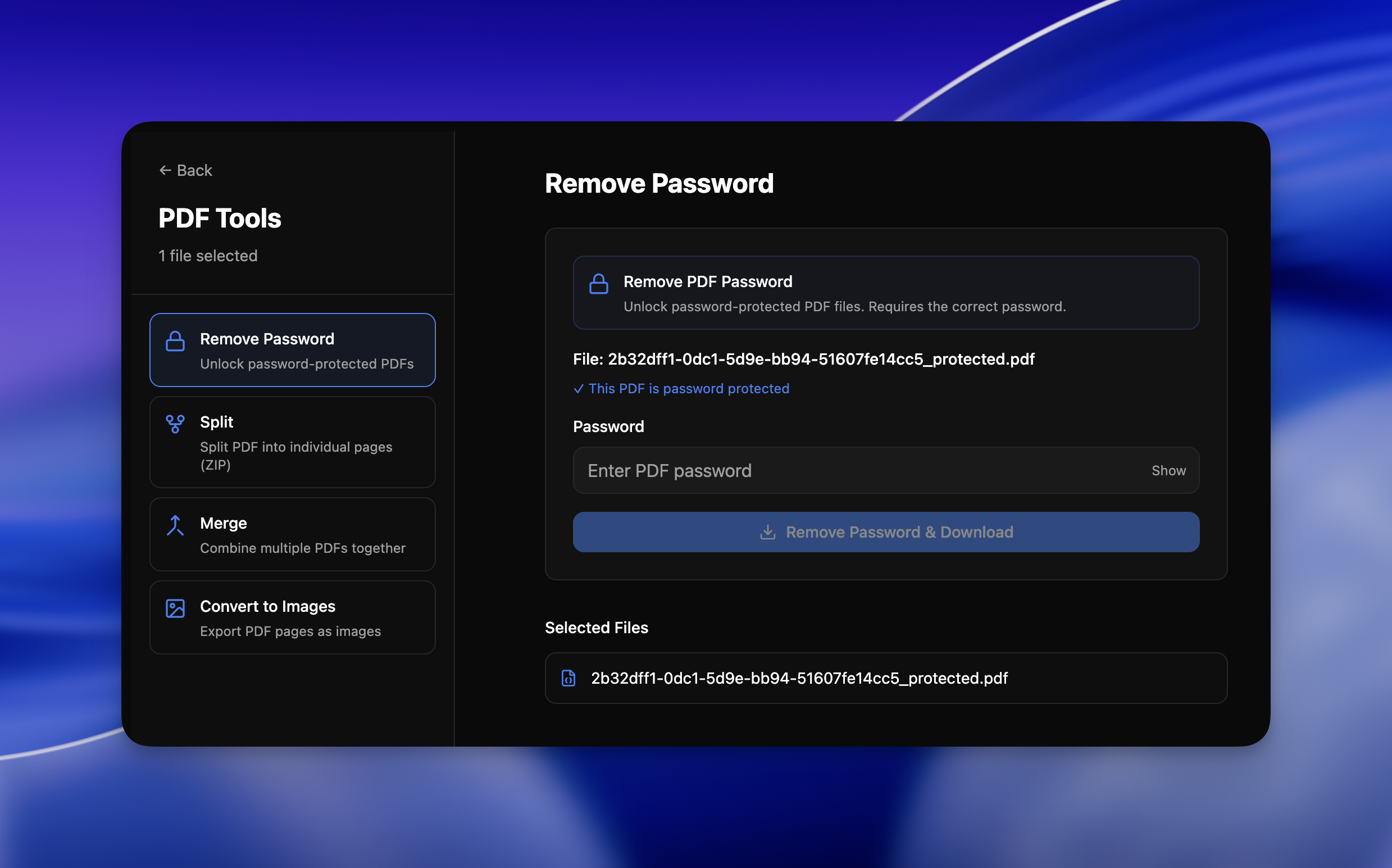
5 PDF tools
Merge, split, edit & unlock
Merge multiple PDFs, split into pages, reorder and rotate spreads, remove passwords — all offline. Full PDF management without uploading a single page.


15 Tools • 20+ Formats Supported
Process private files like passports, IDs, and agreements locally on your Mac or Windows PC. Merge, split, and rearrange PDFs, remove passwords, and clean metadata without sending a single byte to the cloud.
Works 100% offline on both Windows and Mac.
No uploads. No accounts. Your files never leave your device.
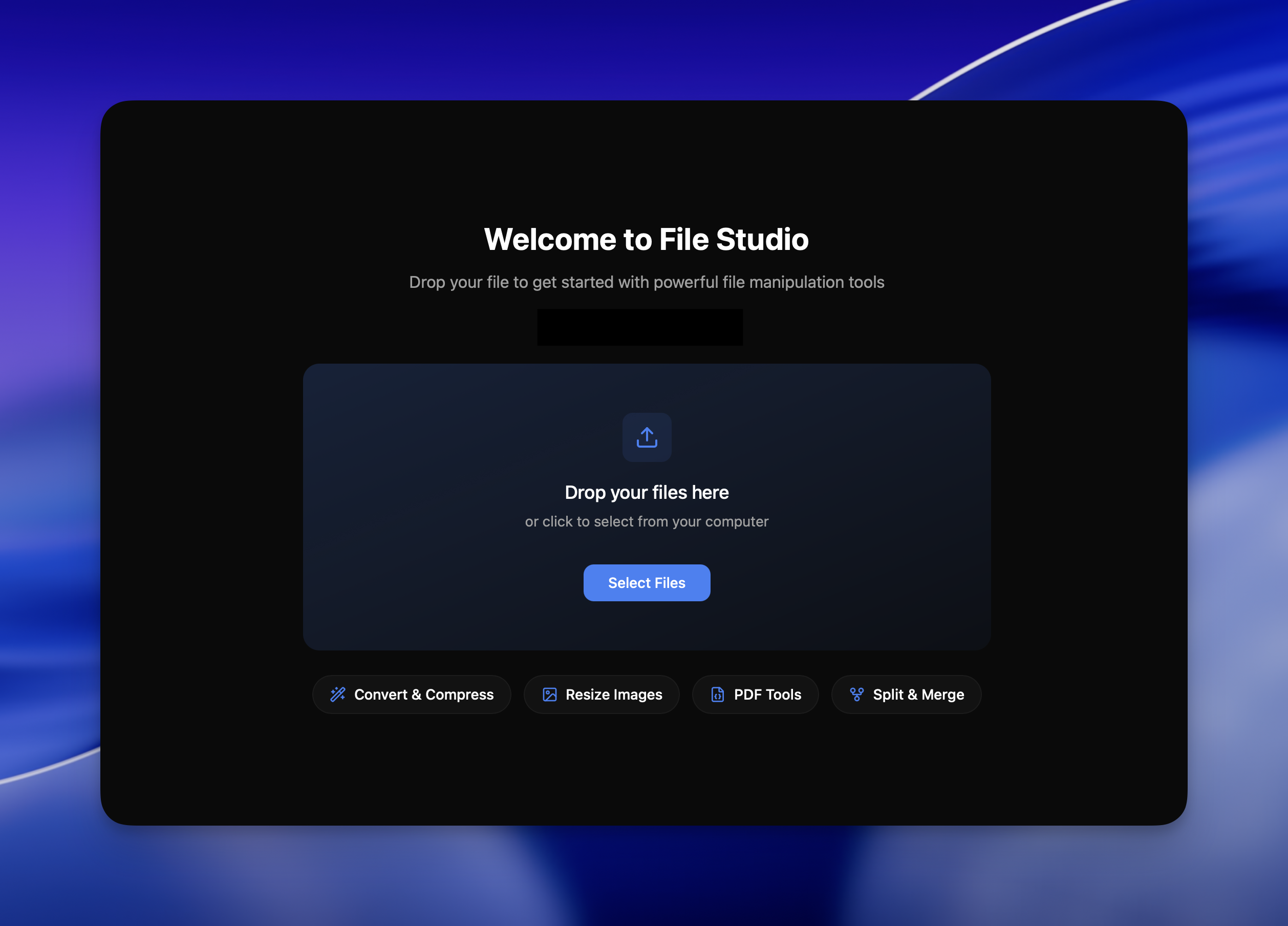
Welcome to File Studio
Drop your files to get started with powerful offline tools.
Install File Studio
Grab the app and launch it. No logins, no browser tabs, just a simple native window.
Select your files
Drag-and-drop PDFs, documents, or images. Choose one file or import entire folders.
Pick a tool
Convert, merge, resize, rearrange, unlock, redact, and compress — all in one place.
Export & done
Save your optimized, secure files with consistent names and presets in seconds.
Powerful tools
5 PDF tools
Merge multiple PDFs, split into pages, reorder and rotate spreads, remove passwords — all offline. Full PDF management without uploading a single page.
10 Image tools
Handle 20+ formats including HEIC, WebP, AVIF, and 14 RAW types. Resize, compress, crop, add watermarks, create collages, and batch process entire folders.
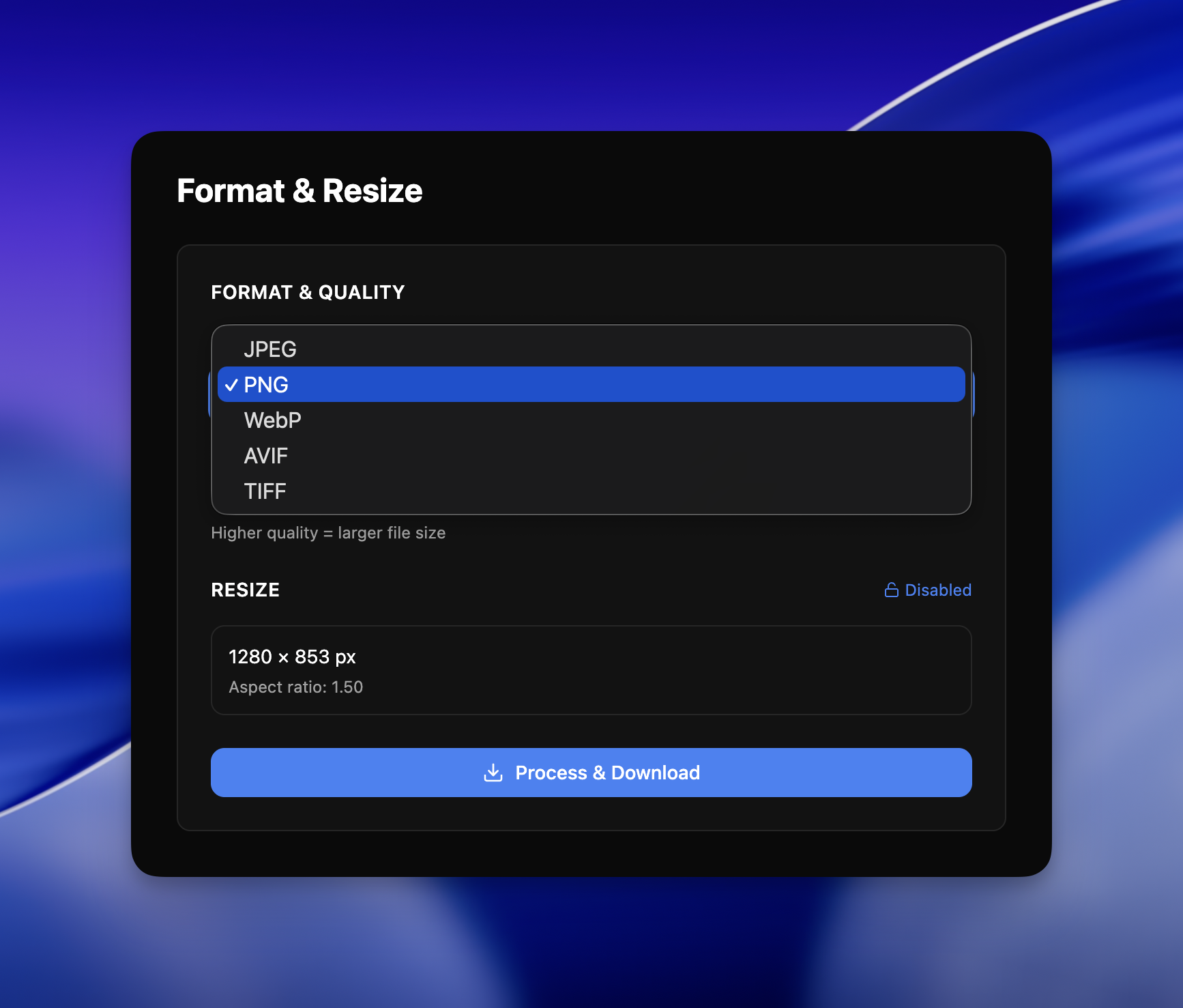
Batch processing
Convert, resize, or compress entire folders in a single run. File Studio processes multiple files simultaneously for maximum efficiency.
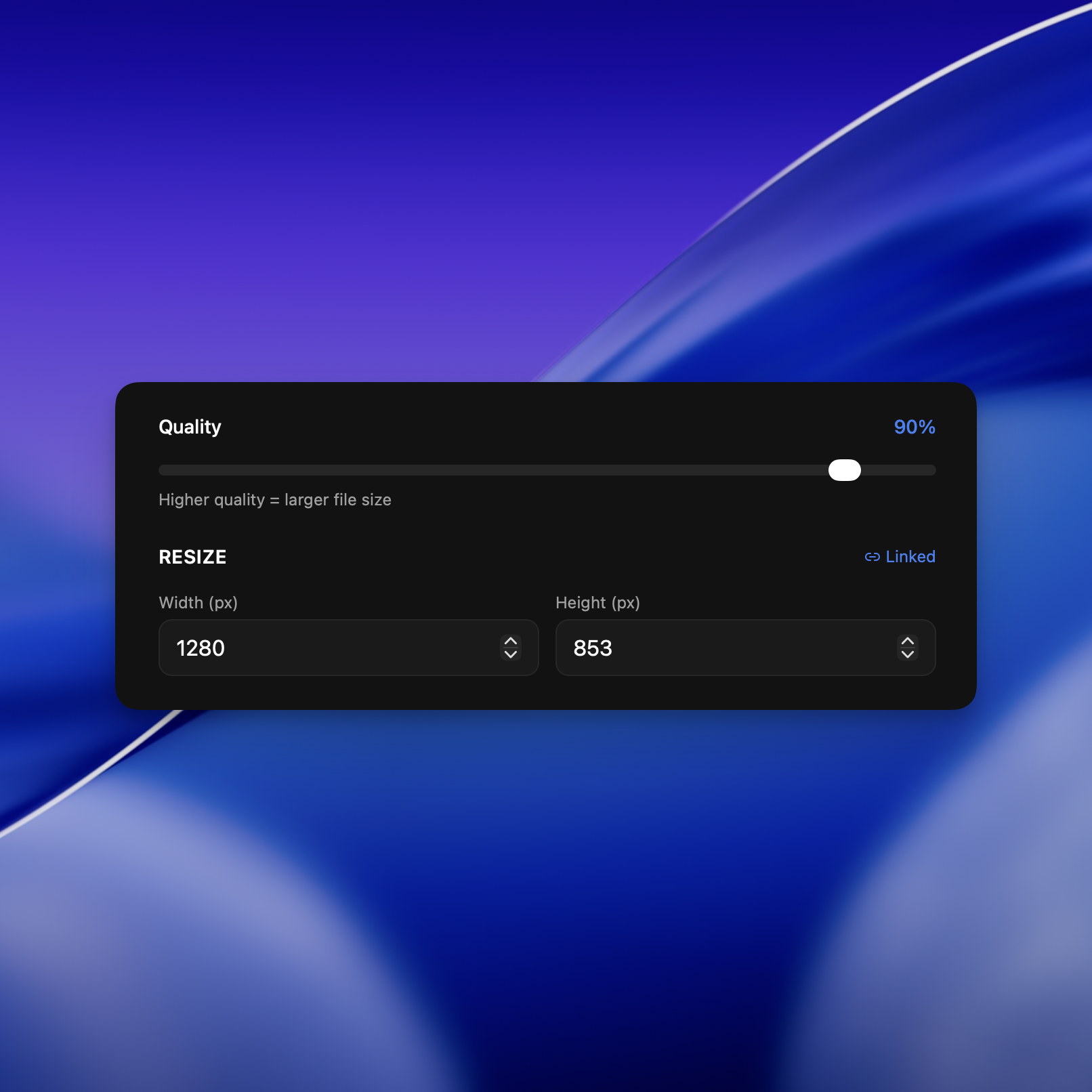
100% offline
All processing happens locally on your Mac or PC. No uploads, no accounts, no subscriptions — your sensitive documents stay private.
15 tools at your fingertips
File Studio includes 10 image tools and 5 PDF tools — all working 100% offline. Try a popular workflow below or browse all converters by category.
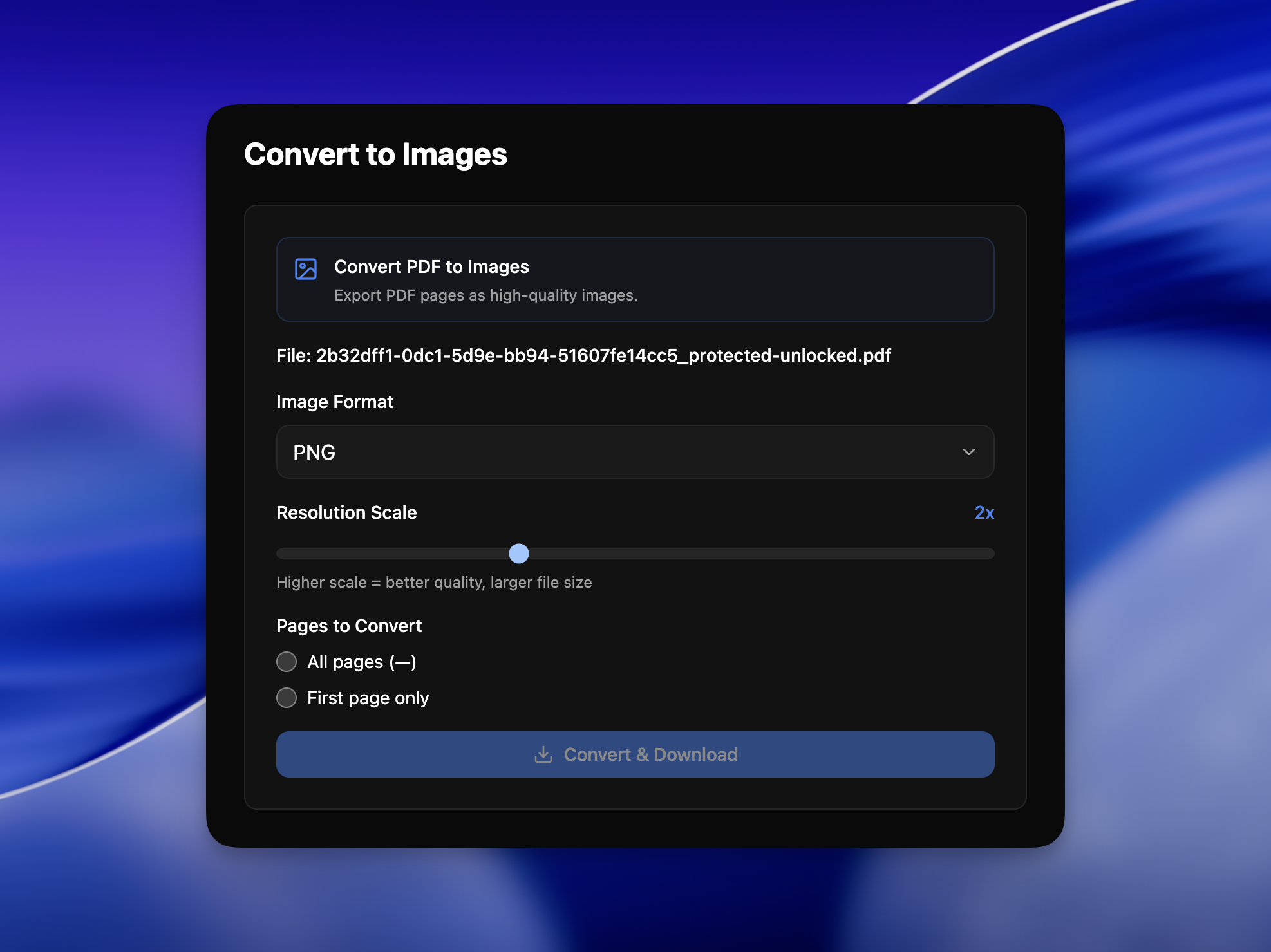
Export crisp JPG images from any PDF document, 100% offline.
Convert single pages or entire documents into ready‑to‑share JPGs without uploading anything to the cloud. Ideal for identity documents, receipts, and annotated PDFs you need as images.
Make your iPhone photos instantly compatible with any app.
Drop HEIC images from your phone and File Studio will convert them into high‑quality JPGs that upload cleanly to websites, forms, and older software.
Shrink image files without sacrificing the details you care about.
File Studio uses smart compression to dramatically reduce file sizes while keeping images sharp and vibrant — perfect for web uploads, emails, and storage optimization.
Stack, reorder, and merge PDFs into one polished document.
Drop contracts, appendices, and scans into File Studio, then rearrange pages before exporting a single, cohesive PDF.
Lifetime plan
One-time license, yours forever. Get all current tools, future updates, and on-device processing without monthly fees.
Lifetime Plan
One purchase. Keep File Studio forever.
$29
one-time
What's included
FAQ
Is my data ever uploaded?
No. File Studio processes everything locally on your device. Your files never leave your computer — 100% offline processing.
Do you offer a free trial?
Yes. Try the app with a limited number of exports so you can see how it fits your workflow before purchasing.
Which formats are supported?
Images: PNG, JPG, HEIC, WebP, AVIF, TIFF, GIF, BMP, SVG, ICO, PSD, plus 14 RAW formats (Canon, Nikon, Sony, etc.). PDFs: All versions supported.
What image tools are included?
10 tools: Convert Format, Resize, Compress, Rotate & Flip, Crop, Adjust Filters, Add Watermark, Create Collage, Batch Operations, and Combine to PDF.
What PDF tools are included?
5 tools: Convert to Images, Merge PDFs, Split PDF, PDF Editor (manage pages), and Remove Password from protected PDFs.
Does it work offline?
Yes. File Studio is designed for completely offline use so it works even without an internet connection.