

PNG to WebP converter
PNG to WebP - Convert PNGs to WebP for modern, efficient web images.
WebP delivers smaller file sizes than PNG with comparable quality. Convert your images for faster websites and better performance.
Free trial · No account required · Files stay on your device
All conversions happen locally on your computer. No uploads, no subscriptions, and no background syncing.
PNG → WebP
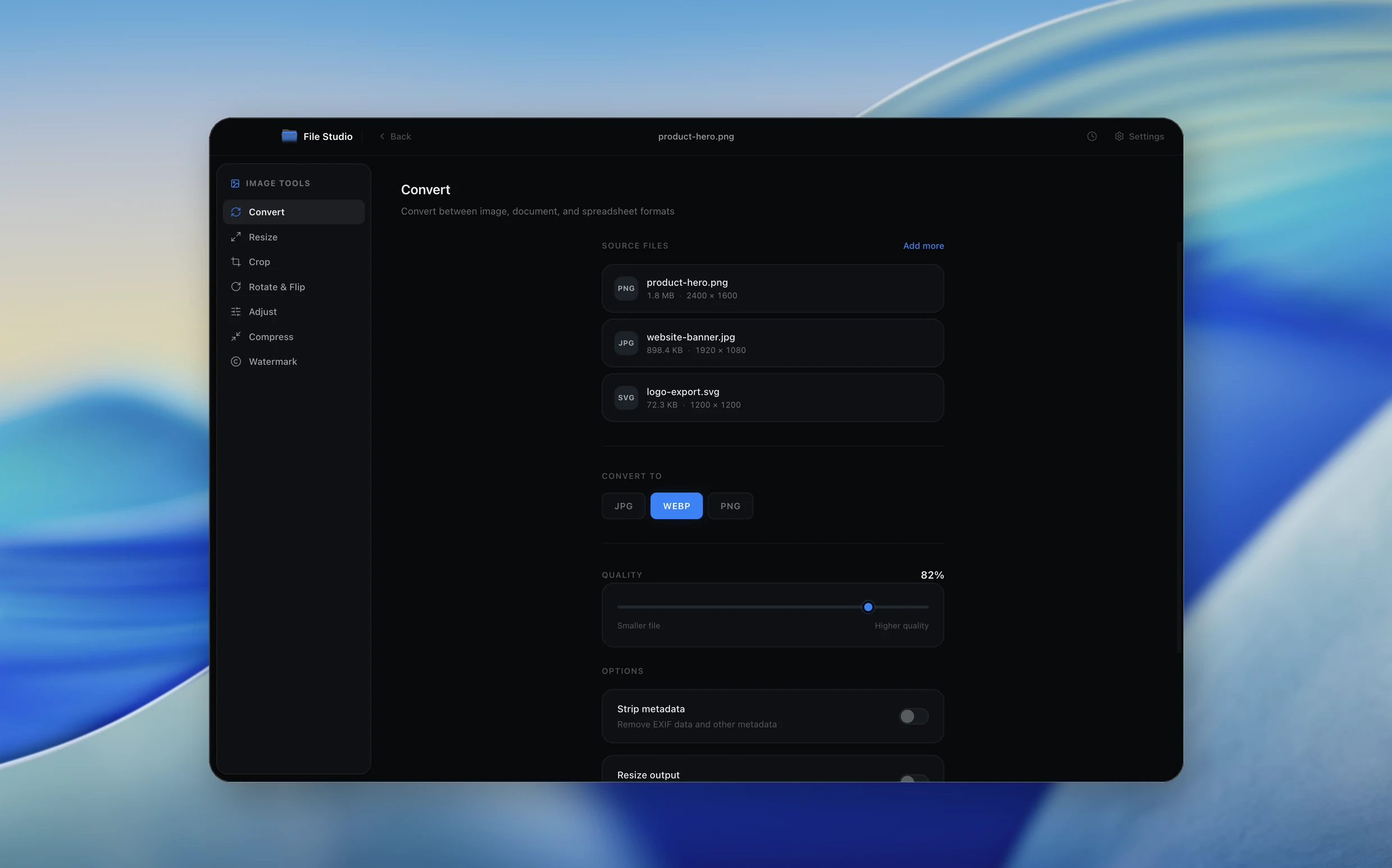
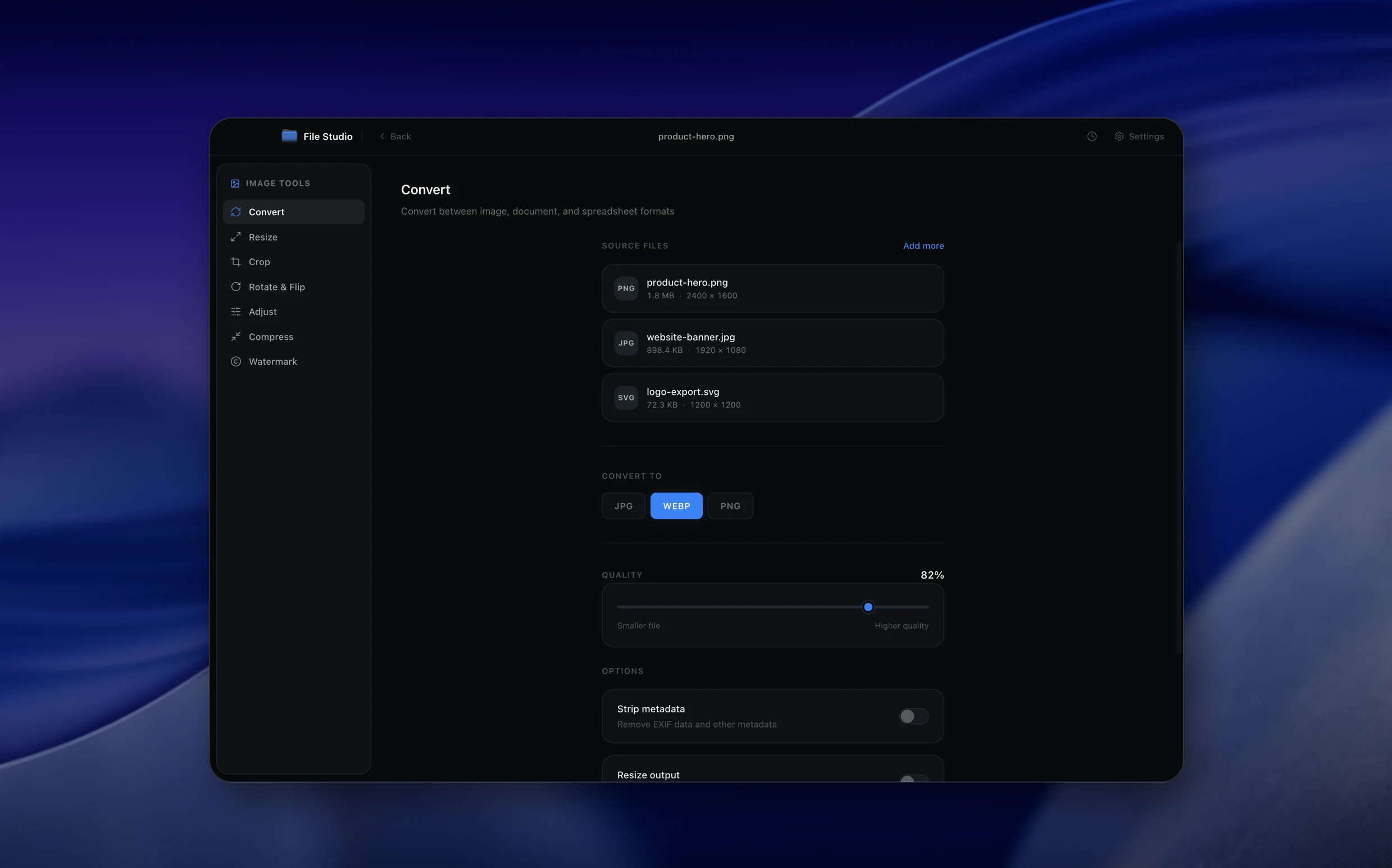
Real File Studio interface, shown in light and dark mode.
Understanding the WebP format
WebP is an open image format developed by Google and first released in 2010. It is built on the VP8 video codec for lossy mode and a custom predictive coder for lossless mode, both wrapped in a RIFF container. WebP supports 8-bit RGB and RGBA, animation, ICC profiles, EXIF, and XMP metadata. It is now supported by every major browser including Safari (since macOS 11 and iOS 14), Chrome, Firefox, and Edge, as well as native image viewers on Windows, macOS, Android, and iOS.
Converting PNG to WebP can be done in either lossless or lossy mode. Lossless WebP typically produces files 20 to 30 percent smaller than equivalent PNGs because it uses a more sophisticated predictor and entropy coder than DEFLATE. Lossy WebP, which uses VP8 intra-frame coding, can shrink photographic PNGs by 80 to 95 percent at visually similar quality. Both modes support full alpha transparency, which sets WebP apart from JPG.
The main reason to convert PNG to WebP is bandwidth reduction on websites. A PNG screenshot that was 400 KB often becomes 60 KB as lossy WebP and 280 KB as lossless WebP. Page speed improvements directly affect Core Web Vitals scores and search ranking. The trade-off is that some older email clients, CMS thumbnail generators, and image editors still treat WebP as second-class, so PNG fallbacks may be needed for those audiences.
How it works
Convert PNG to WebP in four simple steps.
The flow mirrors the main File Studio experience: install the app, drop in your files, pick the right tool, and export clean, ready-to-share output. All without sending anything to the cloud.
Install File Studio
Download the app, move it to Applications, and open it. No sign-ups or accounts required.
Add your PNG files
Drag-and-drop your png files into the window or click to browse from disk.
Choose PNG → WebP
Pick the dedicated tool, then adjust resolution, quality, and page range until the preview feels right.
Export & keep working
Select an output folder and run the conversion. Your originals stay untouched on your device.
Best practices for cleaner results
- ·Group related files into folders before converting so your output stays organized and easy to archive.
- ·Use higher resolution presets when you know the result will be printed, zoomed in, or reused in design tools.
- ·Keep an unedited copy of your original PNG files for audits, record-keeping, or compliance workflows.
- ·Combine this tool with other File Studio actions like compress, merge, or split to streamline entire document pipelines.
Why File Studio
Built for trustworthy, everyday PNG to WebP work.
You get precise control over the output, predictable file names, and a private workflow that keeps sensitive documents on your own machine.
Features tuned for this conversion
- ·Lossless WebP for perfect quality preservation.
- ·Lossy WebP for maximum file size reduction.
- ·Full transparency support in WebP output.
Why use File Studio for this conversion?
- ·Dramatically smaller files than PNG.
- ·Preserve transparency in WebP output.
- ·Choose lossless or lossy WebP compression.
Real-world ways people use it
- ·Optimize website images for faster page loads.
- ·Reduce bandwidth costs with smaller image files.
- ·Convert graphics while keeping transparency.
Settings guide
Understanding your conversion options
Lossless versus lossy mode
Lossless WebP guarantees pixel-identical output and is the default when converting from PNG. Lossy WebP uses VP8 intra coding for substantially smaller files at the cost of fidelity. Choose lossless for screenshots, UI assets, logos, and any image that may be re-edited. Choose lossy when the PNG contains photographic content destined only for display.
Quality factor (lossy mode)
Lossy WebP quality runs 0 to 100. A value of 80 is roughly equivalent to JPG quality 90 in perceived fidelity but produces files 25 to 35 percent smaller. Values above 90 approach lossless behavior on smooth content. Values below 60 introduce blurring near edges.
Compression effort
The encoder effort setting (often labeled method or m, ranging 0 to 6) controls how many search strategies the encoder tries. Higher effort produces smaller files at the cost of significantly longer encoding time. For batch jobs that run overnight, use effort 6. For interactive workflows, effort 4 is a good balance.
Alpha channel quality
In lossy mode, you can compress the alpha channel separately at lossless or lossy quality. Keeping alpha lossless preserves crisp edges on UI elements while still allowing aggressive RGB compression. This option is unique to WebP and very useful for icons over photographic backgrounds.
Metadata and ICC profile
WebP can carry EXIF, XMP, and ICC profile chunks. Preserving the ICC profile is important when the source PNG used a wide-gamut color space, since browsers without an embedded profile assume sRGB. Stripping EXIF and XMP reduces file size when privacy or minimum size matters more than provenance.
Industry standards and requirements
Google's PageSpeed Insights and Lighthouse audits actively flag PNG and JPG assets that could be smaller as WebP or AVIF. Major CDNs including Cloudflare Polish, Fastly Image Optimizer, and AWS CloudFront with Lambda@Edge automatically convert PNG and JPG origin images to WebP based on Accept headers. Adopting WebP at the source eliminates this round trip.
WordPress added native WebP support in version 5.8 and now uses WebP as the default upload format for many themes. Shopify accepts WebP uploads and serves them automatically. Amazon Seller Central does not yet accept WebP for product images, so e-commerce sellers should keep PNG or JPG masters and convert to WebP only for their own storefronts.
Browser support has been ubiquitous since 2020. The picture element with type="image/webp" and a PNG fallback was the recommended pattern from 2018 to 2022. As of 2024, fallbacks are no longer necessary for the general web population, but they remain useful for users on Internet Explorer 11 or very old Android browsers.
Troubleshooting
Common issues and how to fix them
WebP looks worse than the source PNG→
You are likely in lossy mode. Switch to lossless WebP for any image with text, line art, or sharp edges. If lossy is required for size reasons, raise quality to 90 and set alpha quality to lossless to preserve edge sharpness.
Older software cannot open the WebP file→
Some legacy CMSes, email clients, and desktop tools predate WebP support. Keep the source PNG as a fallback and serve WebP via the picture element with a PNG source. For email campaigns, stick with PNG or JPG.
File size is unexpectedly large→
Check whether you accidentally enabled lossless mode on a photographic image. Photographs compress 5 to 10 times better in lossy WebP. Also verify that compression effort is at 4 or higher and that EXIF data is being stripped if not needed.
Transparent edges show colored fringes→
This is a sign that alpha is being premultiplied incorrectly or that the lossy alpha quality is too low. Set alpha quality to 100 (lossless alpha) or fall back to lossless WebP for the entire image.
Pricing
Simple, fair pricing.
All tools included. No hidden fees. Processing stays on your device.
Yearly
For short-term projects.
- 1 year of updates
- Image, PDF, SVG, and spreadsheet tools
- Works on Mac & Windows
- All processing done on device
Lifetime
One purchase. Keep it forever.
- Unlimited conversions forever
- 1 year of major updates
- Image, PDF, SVG, and spreadsheet tools
- Watch Folders & Automation
- macOS Notch Drop Zone
- Works on Mac & Windows
Team & Bulk Pricing
Lifetime seats with volume discounts. More seats, bigger discount.
15
lifetime seats
You save
$60
15% off the individual price
Enterprise
50+ seats with custom pricing, centralized license management, and priority support.
FAQ
Frequently asked questions
Is WebP supported by all browsers?→
WebP is supported by all modern browsers including Chrome, Firefox, Safari, and Edge. Only very old browsers lack support.
Does WebP support transparency like PNG?→
Yes. WebP fully supports alpha transparency, making it a great replacement for PNG on the web.
How much smaller is WebP compared to PNG?→
WebP is typically 25-35% smaller than PNG for lossless compression, and even smaller with lossy compression.
Should I use lossless or lossy WebP?→
Lossless for graphics needing perfect quality. Lossy for photos and images where tiny quality trade-offs are acceptable.
Can I batch convert PNG to WebP?→
Yes. Convert entire folders of PNG images to WebP in a single batch operation.
Will my transparent PNGs stay transparent as WebP?→
Absolutely. File Studio preserves alpha transparency when converting PNG to WebP.
Looking for something else? Explore more offline conversions with File Studio: