

Comparison
Adobe Acrobat vs Smallpdf: heavyweight versus lightweight.
Adobe Acrobat is the original PDF editor with deep, professional-grade features. Smallpdf is a simpler, web-first tool built for quick PDF tasks. This comparison helps you decide whether you need Acrobat's full power or Smallpdf's simplicity, and introduces File Studio as a middle-ground option that works entirely offline.
What is Adobe Acrobat?
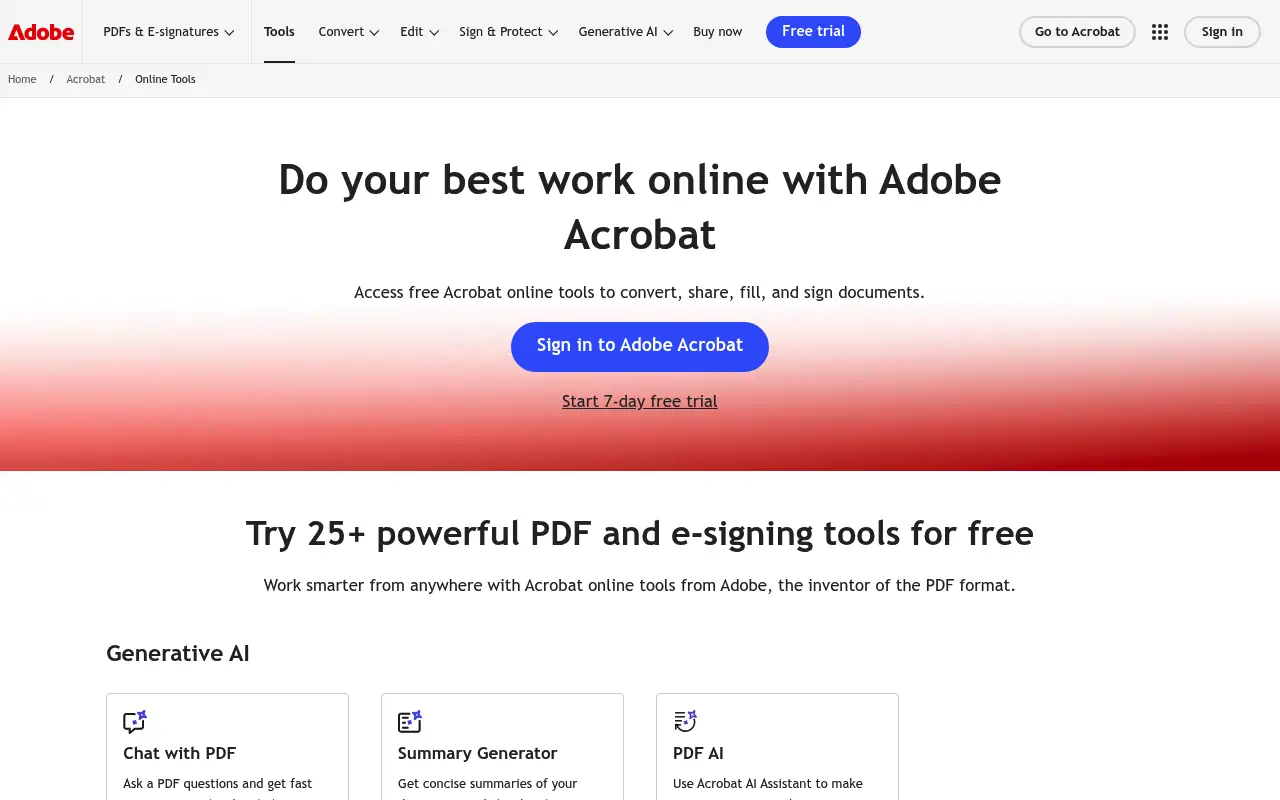
Adobe Acrobat is the industry-standard PDF editor, originally created by the company that invented the PDF format. Acrobat Pro DC offers comprehensive PDF editing, form creation, OCR, redaction, Bates numbering, and advanced security features. It is the go-to tool in legal, finance, and enterprise environments.
Acrobat Pro costs about $23 per month (billed annually), making it one of the most expensive PDF tools on the market. Adobe also offers Acrobat Standard at a lower price, though it drops features like OCR and advanced editing.
The software runs on Mac and Windows as a desktop application, with cloud features available through Adobe Document Cloud. It is powerful but often criticized for being bloated, slow to launch, and complex for users who just need basic PDF tasks.
What is Smallpdf?
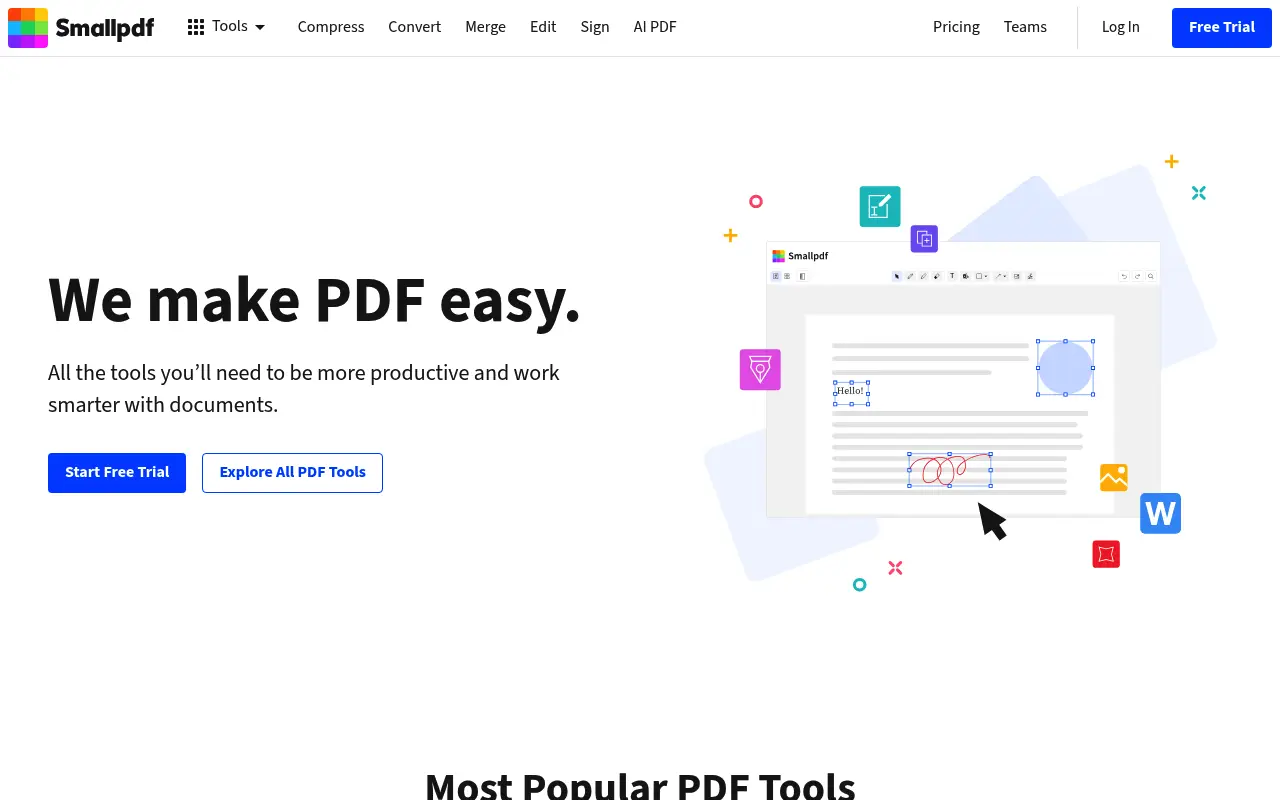
Smallpdf takes the opposite approach: it is a lightweight, browser-based tool designed to make common PDF tasks fast and easy. You can merge, split, compress, convert, and sign PDFs in just a few clicks without installing anything.
Smallpdf Pro costs about $12 per month billed annually, which is roughly half the price of Acrobat Pro. It unlocks unlimited processing, batch tools, and a desktop app. The free tier gives you two tasks per day.
Where Smallpdf falls short is advanced editing. You cannot redact content, create complex forms, or do OCR with the same depth as Acrobat. It is built for common tasks, not professional document workflows.
A closer look at Adobe Acrobat
Adobe Acrobat pricing and plans
Adobe Acrobat Pro costs approximately $23 per month billed annually ($276 per year). The Standard tier is available at around $13 per month billed annually ($156 per year), but it drops important features like advanced OCR, redaction, and comparison tools. Both plans include access to Adobe Document Cloud for online storage and sharing.
Adobe also bundles Acrobat Pro into its Creative Cloud All Apps plan ($55/month), which can make it a better deal if you already use Photoshop, Illustrator, or other Adobe apps. However, buying Acrobat standalone means committing to a significant annual expense for PDF functionality alone.
Enterprise licensing is available with volume discounts, but Adobe's sales process for enterprise deals can be opaque. Early termination fees apply to annual plans paid monthly, which means canceling mid-year still incurs charges for the remaining months.
Adobe Acrobat core strengths
Acrobat Pro is the most feature-complete PDF editor available. True text editing lets you change fonts, resize images, and restructure layouts within existing PDFs. The form creation tools support interactive fields, calculations, and JavaScript-based validation, making it the standard for complex fillable forms.
The redaction feature is legally compliant, permanently removing sensitive information rather than simply covering it with a black box. Bates numbering, document comparison, and certificate-based security are features found almost exclusively in Acrobat among consumer PDF tools.
OCR in Acrobat Pro is best-in-class, supporting dozens of languages and producing highly accurate searchable text from scanned documents. For legal and medical professionals who regularly digitize paper documents, this alone can justify the subscription cost.
Adobe Acrobat known limitations
The most common complaint about Acrobat is its bloated and sluggish desktop application. Startup times can exceed 15 seconds on older hardware, and the interface has layers of menus and toolbars that overwhelm users who just need basic tasks. Adobe has improved performance in recent updates, but it still feels heavy compared to lighter alternatives.
The pricing model frustrates many users. At $276 per year, Acrobat Pro is one of the most expensive PDF tools available, and there is no perpetual license option. Users who only need occasional PDF work end up paying the same as power users who rely on it daily.
Adobe's upselling within the application can be aggressive. Prompts to upgrade, try other Adobe products, or enable cloud features appear regularly. The onboarding experience pushes users toward Document Cloud integration, which may not be needed or wanted.
A closer look at Smallpdf
Smallpdf pricing and plans
Smallpdf Pro costs $12 per month billed annually ($144 per year), roughly half the price of Acrobat Pro. The free tier allows two tasks per day, which works for very light use but is too restrictive for regular work. Month-to-month pricing is $18, making the annual commitment worthwhile for anyone using it more than occasionally.
The Teams plan at $10 per user per month (billed annually) adds shared document workspaces and admin controls. For small teams that need basic PDF tools, this is significantly cheaper than outfitting everyone with Acrobat licenses.
Smallpdf does not offer a perpetual license or lifetime deal. The value proposition rests entirely on simplicity and lower subscription costs compared to Adobe, not on eliminating recurring payments altogether.
Smallpdf core strengths
Smallpdf's main advantage over Acrobat is accessibility. There is no software to install for browser-based use, no complex interface to learn, and no steep learning curve. A user who has never edited a PDF can merge or compress files within seconds of visiting the site.
For teams where not everyone needs advanced PDF editing, Smallpdf makes more economic sense. Equipping a 10-person office with Acrobat Pro costs $2,760 per year. Smallpdf Teams for the same office costs $1,200, saving $1,560 annually.
The e-signature feature in Smallpdf is practical for basic contract signing needs. While it lacks the audit trail depth of DocuSign or Adobe Sign, it covers simple signature requests without requiring an additional subscription.
Smallpdf known limitations
Smallpdf cannot match Acrobat's editing depth. There is no true text editing within existing PDFs, no form field creation, no redaction, and no Bates numbering. Users who need any of these professional features will find Smallpdf insufficient.
The cloud-dependent processing model means every file you work with passes through Smallpdf's servers. For industries with strict data handling requirements, like healthcare (HIPAA) or finance (SOX compliance), this can be a disqualifying factor.
File output quality from conversions (PDF to Word, PDF to Excel) is decent but not as accurate as Acrobat's, especially with complex layouts, tables spanning multiple pages, or documents with embedded fonts that need to be mapped correctly.
Feature comparison
Adobe Acrobat vs Smallpdf vs File Studio
| Feature | Adobe Acrobat | Smallpdf | File Studio |
|---|---|---|---|
| Pricing | Acrobat Pro: ~$23/month (annual); Standard: ~$13/month | Free (2 tasks/day); Pro: ~$12/month (annual) | $29 one-time or $9.97/year |
| PDF editing depth | Full text/image editing, forms, redaction, Bates numbering | Basic text editing, annotations, e-signing | Merge, split, compress, convert, remove passwords |
| OCR capability | Advanced OCR with multiple language support | Basic OCR on Pro plan | No built-in OCR |
| Works offline | Yes, full desktop application | Desktop app available, but cloud-dependent for many features | Fully offline, no cloud dependency |
| Privacy / files stay local | Local processing with optional cloud sync | Files uploaded to Smallpdf servers for processing | Files never leave your device |
| Platform support | Mac, Windows, web, iOS, Android | Web, Mac, Windows (desktop app on Pro) | Mac and Windows desktop app |
| Speed / ease of use | Feature-rich but slow to launch, steep learning curve | Fast, minimal interface, very easy to learn | Lightweight desktop app, quick to launch |
| Image tools | Minimal; focused on PDF workflows | Minimal; PDF-centric | Full image suite: resize, compress, convert, watermark, crop |
Verdict
Which tool should you pick?
Adobe Acrobat is the clear winner for professional PDF editing, forms, OCR, and enterprise workflows. Smallpdf wins for users who just need quick, occasional PDF tasks without installing software. The gap between them is price versus power. If you need something in between, specifically a fast desktop app for everyday PDF and image work without subscriptions or cloud uploads, File Studio fills that niche at a fraction of either tool's cost.
Pricing breakdown
What you actually pay over time
Adobe Acrobat Pro demands $276 per year while Smallpdf Pro costs $144 per year. The gap is meaningful: over three years, Acrobat totals $828 versus Smallpdf's $432, a difference of $396. However, comparing them purely on price ignores that they serve different levels of need. Acrobat Pro includes form creation, redaction, OCR, and document comparison that Smallpdf simply does not offer.
For basic PDF tasks like merging, splitting, compressing, and converting, Smallpdf delivers roughly 80% of what most users need at about 50% of the price. The question is whether the other 20% of features justifies doubling the cost. For legal professionals, the answer is almost always yes. For a marketing team that occasionally combines PDFs, probably not.
File Studio enters this comparison at $29 one-time or $9.97 per year. It covers the same basic operations that make up most users' daily PDF needs: merge, split, compress, convert, and remove passwords. Over three years, File Studio's one-time purchase costs just 3.5% of Acrobat Pro's total and 6.7% of Smallpdf Pro's total. The tradeoff is that File Studio does not offer OCR, form creation, or e-signatures.
For organizations evaluating total cost of ownership, the calculation depends on how many users need advanced features versus basic ones. A common pattern is to license Acrobat Pro for the few people who need redaction and forms, use File Studio for everyone else who just needs everyday PDF and image tools, and avoid paying for capabilities that go unused.
Decision guide
Which tool should you pick?
You work in legal, compliance, or a regulated industry
Pick Adobe Acrobat. Redaction, Bates numbering, certificate security, and advanced OCR are non-negotiable in these fields. No other tool in this comparison offers legally compliant redaction.
You need basic PDF tools for everyday office work
Pick File Studio. Merging, splitting, compressing, and converting PDFs does not require a $276/year subscription. File Studio handles these tasks offline for a one-time $29 payment.
Your team needs PDF tools but has a tight budget
Pick Smallpdf. At $10 per user per month for Teams, Smallpdf is the most affordable way to give an entire team browser-based access to PDF tools with shared workspaces and admin controls.
You regularly create fillable PDF forms
Pick Adobe Acrobat. Acrobat's form builder supports interactive fields, dropdowns, calculations, and JavaScript validation. Neither Smallpdf nor File Studio offers form creation capabilities.
You process confidential documents and cannot upload them to any server
Pick File Studio. Both Acrobat's online tools and Smallpdf require server-side processing. File Studio runs entirely on your local machine with no internet connection needed, so files never leave your device.
The third option
Why File Studio might be a better fit
Costs less than a single month of Acrobat Pro, with no recurring fees ever.
Handles the PDF tasks most people actually need (merge, split, compress, convert) without Acrobat's complexity.
Unlike Smallpdf, everything runs on your machine with zero cloud dependency.
Bundles image editing tools that neither Acrobat nor Smallpdf prioritize.
Pricing
Simple, fair pricing.
All tools included. No hidden fees. Processing stays on your device.
Yearly
For short-term projects.
- 1 year of updates
- Image, PDF, SVG, and spreadsheet tools
- Works on Mac & Windows
- All processing done on device
Lifetime
One purchase. Keep it forever.
- Unlimited conversions forever
- 1 year of major updates
- Image, PDF, SVG, and spreadsheet tools
- Watch Folders & Automation
- macOS Notch Drop Zone
- Works on Mac & Windows
Team & Bulk Pricing
Lifetime seats with volume discounts. More seats, bigger discount.
15
lifetime seats
You save
$60
15% off the individual price
Enterprise
50+ seats with custom pricing, centralized license management, and priority support.
FAQ
Frequently asked questions
Is Smallpdf a good replacement for Adobe Acrobat?→
For basic tasks like merging, splitting, and compressing PDFs, yes. For advanced editing, forms, redaction, or OCR, Acrobat is significantly more capable. Smallpdf is designed for simplicity, not as a full Acrobat replacement.
Why is Adobe Acrobat so much more expensive?→
Acrobat Pro includes professional features like advanced OCR, form creation, redaction, Bates numbering, and deep integration with other Adobe products. These features justify the price for professionals who need them, but most home users will never touch them.
Does Smallpdf offer anything Acrobat does not?→
Smallpdf's main advantage is simplicity and speed. It requires no installation for web use, and its interface is much easier to navigate. For quick, one-off PDF tasks, Smallpdf can be faster than launching Acrobat.
Can File Studio replace Acrobat for professional use?→
Not entirely. File Studio does not include OCR, form creation, redaction, or advanced editing. It is best suited for everyday PDF tasks (merge, split, compress, convert) and image editing. For professional document workflows, Acrobat remains the more complete tool.
Which tool is best for someone who just needs to merge PDFs?→
For occasional PDF merging, any of the three will work. Smallpdf is the quickest if you want no installation. File Studio is ideal if you prefer working offline or handle sensitive documents. Acrobat is overkill for just merging files.
@ayysoni · March 19, 2026
Related File Studio tools:
More comparisons: