

Comparison
CloudConvert vs Zamzar: the two biggest online file converters.
CloudConvert and Zamzar are the most well-known online file conversion services. Both support hundreds of formats, but they differ in pricing, API availability, and conversion quality. This comparison covers the key differences and introduces File Studio for offline PDF and image work.
What is CloudConvert?
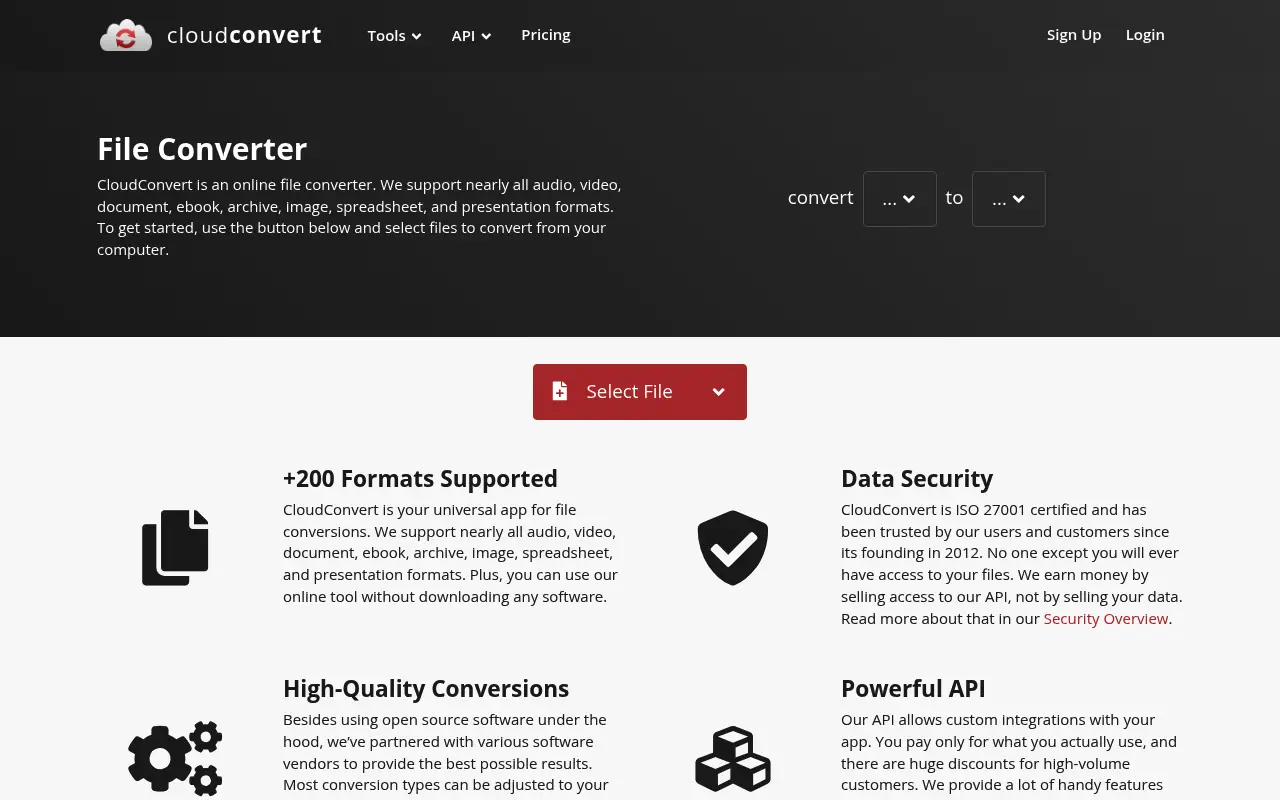
CloudConvert supports over 200 file formats and is known for high-quality conversions, especially for documents and images. It offers a REST API popular with developers and processes files on ISO 27001-certified servers in Germany.
Pricing uses a credit system: free users get 25 conversions per day, and credits can be purchased in packages starting at $8 for 500 conversions. Subscriptions are also available for high-volume users.
What is Zamzar?
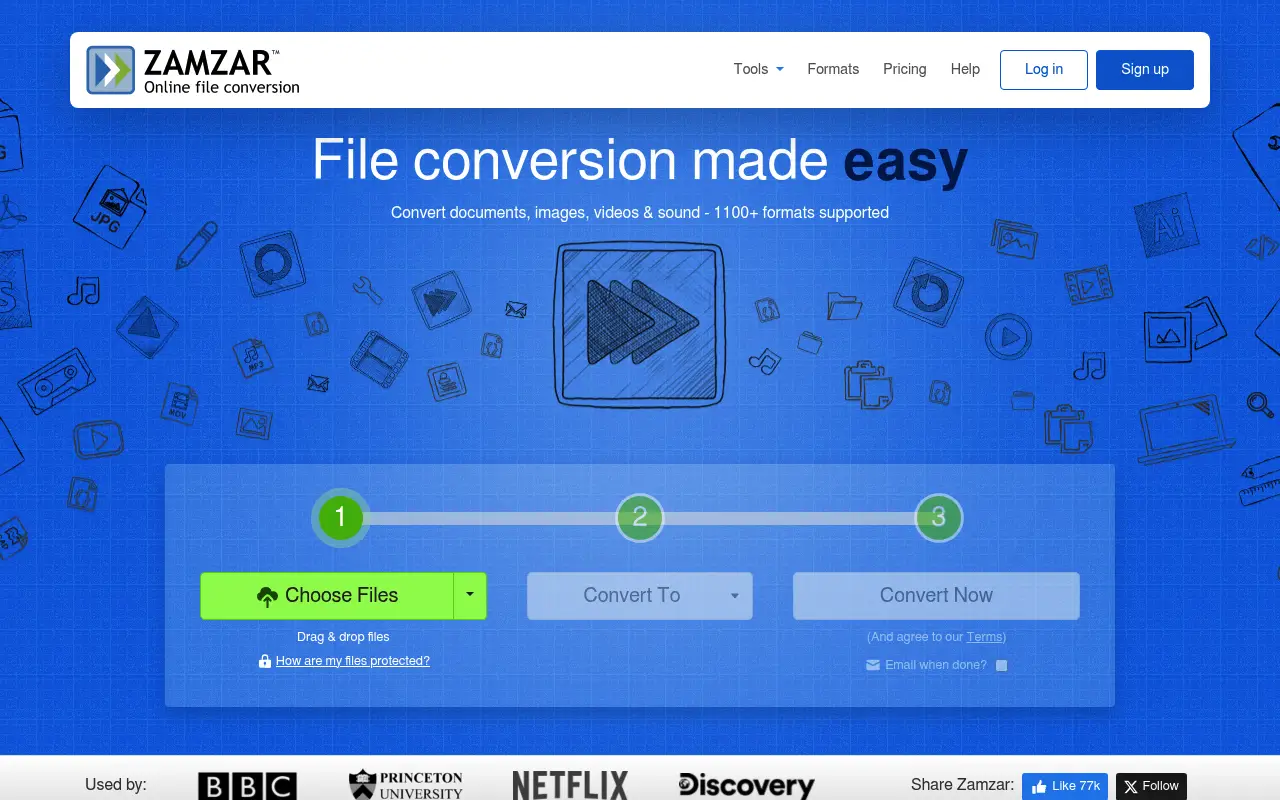
Zamzar has been converting files online since 2006 and supports over 1,100 file formats, making it one of the broadest converters available. The interface is simple: upload a file, pick a target format, and download the result.
The free tier allows files up to 50 MB with limited daily conversions. Paid plans start at $18/month and increase file size limits to 2 GB. Zamzar also offers email-based conversion, where you email a file and receive the converted version back.
Zamzar's longevity is a strength; it has been a reliable service for nearly two decades. However, its pricing is higher than most competitors.
A closer look at CloudConvert
CloudConvert pricing and plans
CloudConvert uses a credit-based system. Prepaid packages range from 500 minutes for $8 to 10,000 minutes for $120. Credits never expire, which is a significant advantage for irregular users. Subscription plans start at $8/month for 1,000 minutes, with unused monthly minutes expiring.
The per-conversion cost depends on file size and format complexity. A simple document conversion might use 1 minute, while a large video conversion could consume 20 or more. This variable pricing makes budgeting less predictable but allows light users to pay very little.
An API-first design means CloudConvert is built for programmatic access. API pricing matches the web interface pricing, so developers pay the same rates as manual users. The sandbox environment allows free testing during integration development.
CloudConvert core strengths
The API quality distinguishes CloudConvert from Zamzar. Webhooks for asynchronous job completion, task chaining for multi-step workflows, and thorough documentation make it the preferred choice for developers integrating file conversion into applications.
Conversion quality benefits from CloudConvert's use of best-of-breed open-source libraries. LibreOffice handles documents, FFmpeg processes video and audio, and ImageMagick manages images. Output settings are highly configurable, giving technical users fine control over results.
Privacy practices include optional EU-only processing, automatic file deletion after 24 hours, and no data mining of uploaded files. For GDPR-conscious organizations, the ability to restrict processing to European servers is a compliance feature that Zamzar does not explicitly offer.
CloudConvert known limitations
The credit system can confuse non-technical users. Understanding how many minutes a conversion will consume requires experience with the platform. The cost estimator helps, but the variable nature of pricing remains less intuitive than flat subscriptions.
CloudConvert supports around 200 formats, which is broad but less than Zamzar's 1,200+. For common formats, the difference is irrelevant. For obscure or legacy formats, Zamzar's broader coverage may be necessary.
There are no PDF manipulation tools. CloudConvert converts between formats but does not offer merge, split, compress, or other PDF-specific operations. Users need a separate tool for PDF management tasks.
A closer look at Zamzar
Zamzar pricing and plans
Zamzar subscriptions range from Basic at $13/month ($156/year) to Business at $50/month ($600/year). Each tier increases the maximum file size (200 MB, 400 MB, 2 GB) and daily conversion limits. Online storage for converted files is included at 5 GB to 100 GB.
The free tier supports files up to 50 MB with a limited number of daily conversions. No account is required for free use, making it accessible for quick, one-off conversions.
Zamzar does not offer a credit-based or pay-per-use model. The flat subscription means heavy users get good value, while light users may overpay. There is no option to buy just the conversions you need.
Zamzar core strengths
Format coverage is Zamzar's headline feature. Over 1,200 supported format conversions make it the broadest file conversion service available. From CAD files to legacy word processor formats, Zamzar handles conversions that most services cannot.
The email conversion feature is unique. Send a file to a specific Zamzar email address with the desired output format in the subject line, and receive the converted file by email. This works in environments where web access is restricted but email is available.
Two decades of operation (since 2006) have established Zamzar as a trusted, stable service. The brand recognition means users searching for file conversion often land on Zamzar first, and the consistent service quality has maintained that trust.
Zamzar known limitations
The subscription pricing is expensive for light users. At $156/year for Basic, someone who converts a handful of files per month is paying significantly more per conversion than CloudConvert's pay-as-you-go model would cost.
The API offering is less developed than CloudConvert's. While Zamzar does offer API access, the documentation is less comprehensive, the feature set is simpler, and the developer experience is not as polished. For programmatic integration, CloudConvert is the stronger choice.
The web interface has not been significantly modernized. While functional, it requires more clicks and page loads than CloudConvert's streamlined workflow. The experience feels dated compared to newer services.
Feature comparison
CloudConvert vs Zamzar vs File Studio
| Feature | CloudConvert | Zamzar | File Studio |
|---|---|---|---|
| Pricing | Free (25/day); packages from $8/500 conversions | Free (50 MB limit); plans from ~$18/month | $29 one-time or $9.97/year |
| File format support | 200+ formats | 1,100+ formats | PDF and image formats (JPG, PNG, WebP, TIFF, BMP, SVG) |
| API availability | Full REST API, well-documented | API available on higher-tier plans | No API |
| Conversion quality | Excellent, especially for documents | Good overall, solid for common formats | Good for PDF and image conversions |
| Works offline | No, web-only | No, web-only | Fully offline |
| Privacy / files stay local | Files processed on German servers (ISO 27001) | Files uploaded, stored 24 hours (free) | Files never leave your device |
| File size limits | Varies by plan; up to 5 GB on highest tier | Free: 50 MB; Paid: up to 2 GB | No file size limits |
| PDF manipulation | Conversion only | Conversion only | Merge, split, compress, convert, remove passwords |
Verdict
Which tool should you pick?
CloudConvert wins on conversion quality, API support, and cost-effectiveness with its credit system. Zamzar wins on format breadth (1,100+ vs 200+) and simplicity. Neither can merge, split, or compress PDFs. For PDF and image work specifically, including both conversion and manipulation, File Studio provides a complete offline solution without per-conversion costs.
Pricing breakdown
What you actually pay over time
Direct pricing comparison is difficult because CloudConvert uses pay-as-you-go while Zamzar uses flat subscriptions. A user who converts 50 small files per month might spend $4 on CloudConvert versus $156/year on Zamzar Basic. A user who converts hundreds of large video files might spend $500/year on CloudConvert versus $300/year on Zamzar Pro. The better deal depends entirely on usage patterns.
For light to moderate use, CloudConvert's credit system is almost always cheaper. The non-expiring prepaid credits mean you only pay for what you use, with no waste from unused monthly allowances. Zamzar's flat subscription is better value only for consistent, heavy use.
File Studio at $29 once or $9.97/year is the cheapest option, but with the most limited format support. It handles PDFs and common image formats locally but cannot convert video, audio, ebook, or specialized document formats. For users whose needs fall within PDF and image territory, File Studio eliminates conversion costs entirely.
For developers, CloudConvert's API pricing is more transparent and cost-effective than Zamzar's. The sandbox environment, webhook support, and usage-based billing make CloudConvert the standard choice for integrating file conversion into applications. Zamzar's API works but is designed more as an add-on than a primary product.
Decision guide
Which tool should you pick?
You are a developer integrating file conversion into an application
Pick CloudConvert. CloudConvert's API is purpose-built for developers with webhooks, task chaining, sandbox testing, and comprehensive documentation. It is the industry standard for programmatic file conversion.
You need to convert obscure or legacy file formats
Pick Zamzar. Zamzar supports over 1,200 formats, including legacy word processor formats, CAD files, and niche document types. CloudConvert's 200+ formats cover common needs but miss many specialized formats.
You convert files occasionally and want to pay only for what you use
Pick CloudConvert. CloudConvert's prepaid credits never expire and you pay per conversion. A $8 credit package can last months for light users. Zamzar's cheapest plan at $156/year is expensive for occasional use.
You need file conversion in a network where only email is available
Pick Zamzar. Zamzar's email-based conversion service converts files sent as email attachments. This works in restricted environments where web access to both CloudConvert and Zamzar is blocked.
You primarily need PDF and image tools with no conversion credits to manage
Pick File Studio. File Studio handles PDF operations and image conversions locally for $29 once. There are no credits to buy, no subscriptions to manage, and no per-conversion costs.
The third option
Why File Studio might be a better fit
Combines PDF conversion with PDF operations (merge, split, compress) that neither converter offers.
No per-conversion costs or credit system; unlimited use after a one-time $29 purchase.
Works completely offline, unlike both cloud-dependent converters.
Handles WebP, TIFF, BMP, and SVG conversions natively, which both converters support but require uploads for.
Pricing
Simple, fair pricing.
All tools included. No hidden fees. Processing stays on your device.
Yearly
For short-term projects.
- 1 year of updates
- Image, PDF, SVG, and spreadsheet tools
- Works on Mac & Windows
- All processing done on device
Lifetime
One purchase. Keep it forever.
- Unlimited conversions forever
- 1 year of major updates
- Image, PDF, SVG, and spreadsheet tools
- Watch Folders & Automation
- macOS Notch Drop Zone
- Works on Mac & Windows
Team & Bulk Pricing
Lifetime seats with volume discounts. More seats, bigger discount.
15
lifetime seats
You save
$60
15% off the individual price
Enterprise
50+ seats with custom pricing, centralized license management, and priority support.
FAQ
Frequently asked questions
Which has better conversion quality?→
CloudConvert is generally regarded as having higher quality conversions, especially for document formats like PDF to Word. Zamzar is reliable for common formats but may not match CloudConvert's accuracy on complex layouts.
Is CloudConvert or Zamzar cheaper?→
CloudConvert's credit-based system is more cost-effective for most users. For example, 500 conversions cost $8 on CloudConvert, while Zamzar's cheapest plan is $18/month. Zamzar's free tier does allow larger files (50 MB), however.
Does either tool have a desktop app?→
No. Both CloudConvert and Zamzar are web-only services. If you need offline file conversion for PDFs and images, File Studio is a desktop alternative.
Can CloudConvert or Zamzar merge PDFs?→
Neither tool can merge, split, or compress PDFs. They focus exclusively on format conversion. For PDF manipulation, you need a dedicated tool like File Studio, Smallpdf, or iLovePDF.
Which should I use for converting images?→
Both handle image conversions well. CloudConvert supports more image format variations and has better quality control. For offline image conversion (including WebP, TIFF, BMP, and SVG), File Studio is a simpler option.
@ayysoni · July 2, 2026
Related File Studio tools:
More comparisons: