

Foxit PDF alternative
A streamlined alternative to Foxit PDF Editor for common tasks.
Foxit PDF Editor is a full-featured PDF suite with editing, commenting, security, and collaboration tools. It started as a lightweight Acrobat alternative but has grown into a complex product. If you need the basics done well without the feature bloat, File Studio offers a focused experience at a fraction of the cost.
Works 100% offline on both Windows and Mac.
Foxit PDF
Requires internet and file uploads to work.
Why people use Foxit PDF
Foxit Software was founded in 2001 and initially gained popularity by offering a fast, lightweight PDF reader as an alternative to the then-sluggish Adobe Reader. Foxit Reader became the go-to recommendation for anyone frustrated with Adobe's slow startup times and heavy system resource usage. The company parlayed this success into a full PDF editor, Foxit PDF Editor (formerly PhantomPDF), which has grown into a comprehensive enterprise PDF platform with editing, collaboration, security, and deployment features.
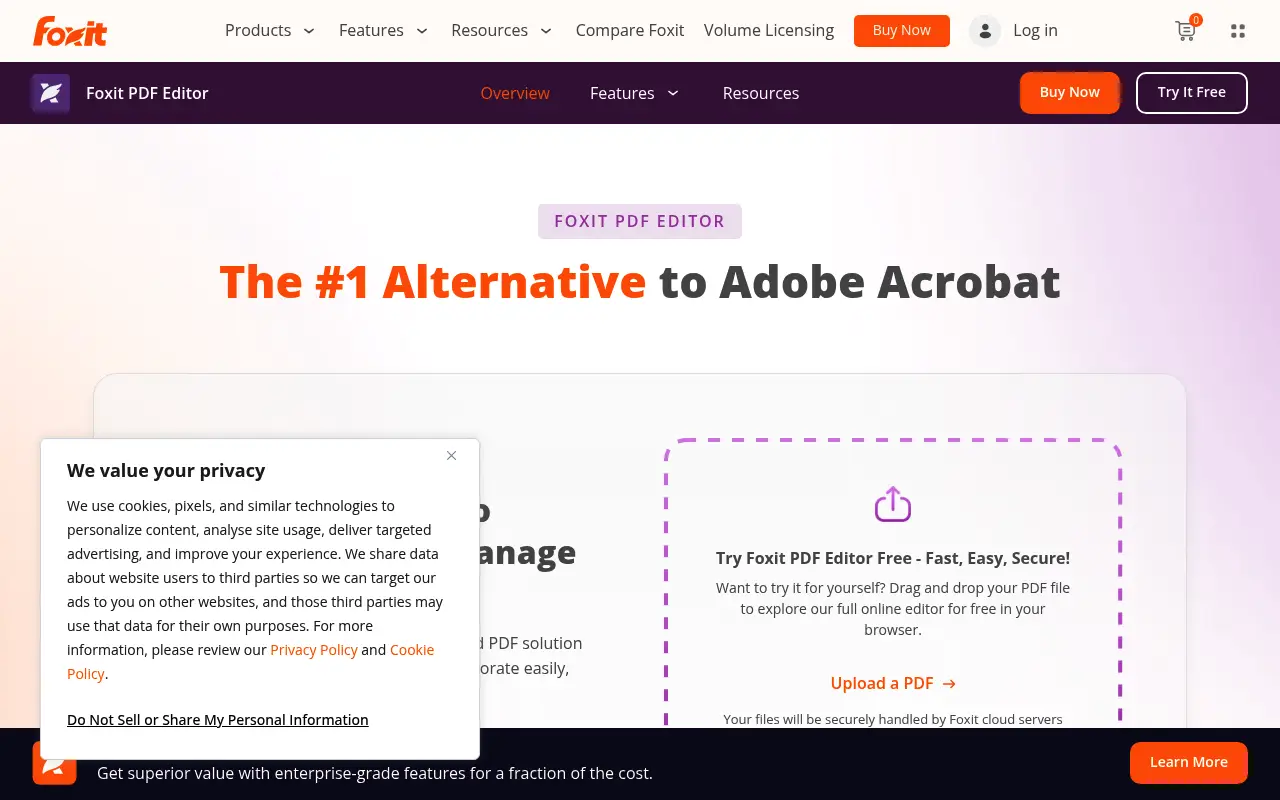
Today, Foxit PDF Editor is a feature-dense product aimed at businesses and power users. It includes inline text and image editing, form creation, OCR, digital signatures, redaction, document comparison, shared reviews, cloud connectors, and a plugin ecosystem. The interface uses a Microsoft Office-style ribbon, which makes it familiar to Windows users but also contributes to a sense of visual complexity. Foxit has moved far from its lightweight origins and now rivals Adobe Acrobat in both capability and interface complexity.
Foxit's pricing reflects its enterprise positioning. Subscription plans start at approximately $10 per month, and perpetual licenses cost around $160. There is a free Foxit PDF Reader for basic viewing and annotation, but editing features require the paid Editor product. The company also offers a cloud-based editor, mobile apps, and enterprise deployment tools. For businesses that need an Acrobat alternative with volume licensing, Foxit is a well-established choice.
For individual users and small teams, Foxit's current product can feel like overkill. The ribbon interface has many panels and options that require exploration, the installer is hundreds of megabytes, and the pricing assumes enterprise budgets. File Studio takes the opposite approach: a lightweight application with a focused interface that handles the most common PDF and image tasks for a one-time $29 payment. If you do not need Foxit's advanced editing, collaboration, or security features, File Studio provides a simpler, more affordable path.
There is an irony in Foxit's evolution. The product that once represented the lightweight alternative to Adobe Acrobat has itself become a heavy, feature-dense application that many users find complex. The market gap that Foxit originally filled, namely the need for a simple, fast PDF tool, is now better served by focused tools like File Studio. History has come full circle: just as Foxit emerged as the lightweight alternative to Acrobat, File Studio now offers a lightweight alternative to both Acrobat and Foxit for users whose needs are straightforward.
Side-by-side comparison
File Studio vs Foxit PDF
| Feature | Foxit PDF | File Studio |
|---|---|---|
| Works offline | Yes (desktop app) | Yes, fully offline |
| App complexity | Feature-rich with ribbon interface, many panels | Simple, task-focused interface |
| Pricing model | Subscription from $10/month; perpetual license ~$160 | $29 one-time or $15/year |
| PDF text editing | Yes, full inline editing | Annotations only, not inline text editing |
| Collaboration features | Yes: shared reviews, cloud integration | No collaboration features (single-user tool) |
| Image tools | None | Full suite: convert, resize, compress, watermark, collage |
| Installer size | Large (several hundred MB with plugins) | Lightweight native app |
Why switch
What you get with File Studio instead
Clean, focused interface without the toolbar and panel overload that Foxit has accumulated over the years.
At $29, File Studio costs a small fraction of Foxit's perpetual license at around $160.
Includes image tools that Foxit does not provide, reducing the need for additional software.
Lighter on system resources, with faster startup and less disk space usage.
No subscription tracking. Pay once and use the app without worrying about renewal dates.
Easier to learn. Most tasks are done in two or three clicks.
Pricing
Foxit PDF Editor starts at about $10 per month on a subscription or roughly $160 for a perpetual license. File Studio is $29 one-time. Foxit is a more powerful PDF editor, but if you do not need inline text editing, form creation, or collaboration tools, File Studio delivers the essentials at a much lower cost.
In-depth look
Feature breakdown: Foxit PDF vs File Studio
PDF tools comparison
Foxit PDF Editor is a comprehensive PDF editor with capabilities that mirror Adobe Acrobat. It supports inline text and image editing, form creation with interactive fields, OCR for scanned documents, digital signatures with certificate support, document comparison, redaction, Bates numbering, accessibility checker, and shared review workflows. The batch processing system supports multi-step actions across large document sets. ConnectedPDF, Foxit's proprietary enhancement, adds tracking and permissions to standard PDF files.
File Studio provides the essential operations: merging, splitting, compressing, converting, and password removal. These are delivered through a clean, task-focused interface that does not require navigating through ribbon tabs or configuration panels. Each operation is accessible with a few clicks and supports batch processing through drag-and-drop. The simplicity is intentional and reflects the reality that most people use a small fraction of a full PDF editor's feature set.
Foxit is the right tool for users who genuinely need advanced editing, form design, redaction, or collaboration features. File Studio is the right tool for users who find themselves overwhelmed by Foxit's complexity when all they need is to merge a few files, compress a document, or convert between formats.
The learning curve difference is substantial. Foxit's ribbon interface, borrowed from Microsoft Office, contains dozens of tabs, groups, and buttons. Finding a specific tool can require exploring multiple ribbon tabs and dropdown menus. File Studio's interface presents each tool as a clearly labeled card or section that you select, use, and move on from. For someone who processes files occasionally and does not want to learn a complex interface, File Studio's simplicity translates directly into faster task completion.
Image handling
Foxit PDF Editor does not include image tools. It can insert images into PDFs and edit images within PDF pages, but standalone image operations like format conversion, compression, resizing, and watermarking are outside its scope. Users who need image tools alongside Foxit must use separate software.
File Studio's integrated image toolkit fills this gap. Format conversion between JPG, PNG, WebP, HEIC, and other formats, batch compression, resizing, cropping, watermarking, and collage creation are all built into the same application that handles PDFs. For users who regularly work with both document and image files, this consolidation saves time and reduces software clutter.
The contrast is especially stark when considering the overall software footprint. Foxit PDF Editor is a large application, often several hundred megabytes with its plugins and components. Adding a separate image editing tool increases disk usage and system resource consumption further. File Studio is a lightweight native application that includes both PDF and image tools in a compact package that starts quickly and runs efficiently. For users who value a lean software environment, the difference in application weight is noticeable, particularly on older hardware or machines with limited storage.
Privacy and data handling
Foxit PDF Editor's desktop version processes files locally, providing solid privacy for core editing operations. However, Foxit's cloud features, shared reviews, and ConnectedPDF all involve server-side processing and data storage. The cloud connector integrations with SharePoint, Google Drive, Dropbox, and other services also involve file transfers to external platforms. Users need to understand which features process locally and which involve cloud communication.
Foxit's free PDF Reader collects some usage telemetry and may include bundled software offers during installation, which has been a historical complaint from users. The paid Editor product is cleaner in this regard, but the overall ecosystem is more complex from a privacy perspective than a purely local tool.
File Studio has no cloud features, no telemetry, no bundled software, and no account system. Every operation runs locally. For users who want a tool that does its job without any external communication, File Studio's approach is definitively simpler and more transparent.
Honest take
What you give up by switching
- *Foxit PDF Editor includes inline text editing, form creation, OCR, and redaction features that File Studio does not offer.
- *Foxit's collaboration features, including shared reviews and cloud storage connectors, are valuable for team-based document workflows.
- *Foxit's digital signature support includes certificate-based validation for legally binding signatures.
- *Foxit's free PDF Reader provides a capable document viewer with basic annotation, available at no cost.
- *For enterprise deployment, Foxit offers MSI packaging, Group Policy support, and IT admin tools that File Studio does not address.
- *Foxit's document comparison feature lets you highlight differences between two PDF versions side by side, which is valuable for legal and contract review workflows.
Decision guide
Which tool is right for you?
You need a full PDF editor with forms, OCR, redaction, and collaboration for a business team
Use Foxit PDF Editor. Its comprehensive feature set and enterprise deployment options make it suitable for organizations with complex PDF workflows.
You find Foxit's interface overwhelming and mainly need to merge, compress, and convert PDFs
Use File Studio. Its focused, simple interface handles common PDF operations without the complexity of a full editor.
You need both PDF and image tools in a single, lightweight application
Use File Studio. Foxit does not include image tools, while File Studio combines PDF and image capabilities in one app.
You need a free PDF reader for viewing and basic annotation
Use Foxit Reader. It is a capable free viewer, and you can add File Studio alongside it for the conversion and manipulation tasks that Foxit Reader does not support.
Pricing
Simple, fair pricing.
All tools included. No hidden fees. Processing stays on your device.
Yearly
For short-term projects.
- 1 year of updates
- Image, PDF, SVG, and spreadsheet tools
- Works on Mac & Windows
- All processing done on device
Lifetime
One purchase. Keep it forever.
- Unlimited conversions forever
- 1 year of major updates
- Image, PDF, SVG, and spreadsheet tools
- Watch Folders & Automation
- macOS Notch Drop Zone
- Works on Mac & Windows
Team & Bulk Pricing
Lifetime seats with volume discounts. More seats, bigger discount.
15
lifetime seats
You save
$60
15% off the individual price
Enterprise
50+ seats with custom pricing, centralized license management, and priority support.
FAQ
Frequently asked questions
Is Foxit PDF Editor too bloated?→
Foxit started as a lightweight PDF reader, but the Editor version has grown significantly with enterprise features, plugins, and a dense ribbon interface. Whether it feels bloated depends on your needs. If you use its advanced features, the complexity is justified. If you mostly merge, convert, and compress PDFs, File Studio's simpler approach may be preferable.
Does File Studio have Foxit's security features?→
Foxit offers PDF redaction, encryption, digital signatures, and DRM. File Studio can remove passwords but does not include advanced security features. For documents requiring security controls, Foxit or a similar enterprise tool is more appropriate.
Can File Studio handle Foxit's ConnectedPDF format?→
ConnectedPDF is a proprietary Foxit feature. File Studio works with standard PDF files. If you rely on ConnectedPDF for tracking and collaboration, you will need to continue using Foxit for those specific workflows.
Is Foxit PDF Reader (free) good enough?→
Foxit Reader is a capable free PDF viewer. However, it does not include merging, splitting, compression, conversion, or image tools. File Studio adds these capabilities for a modest one-time cost.
Does File Studio support PDF forms?→
File Studio does not include form creation or advanced form-filling tools. Foxit's form designer is a significant feature if you create interactive PDF forms regularly.
@ayysoni · February 18, 2026
Related File Studio tools you might find useful:
Compare File Studio with other tools: