

WebP to JPG converter
WebP to JPG - Convert WebP photos to universally compatible JPGs.
Downloaded a WebP image you can't open? Convert it to JPG for compatibility with any device, software, or service.
Free trial · No account required · Files stay on your device
All conversions happen locally on your computer. No uploads, no subscriptions, and no background syncing.
WebP → JPG
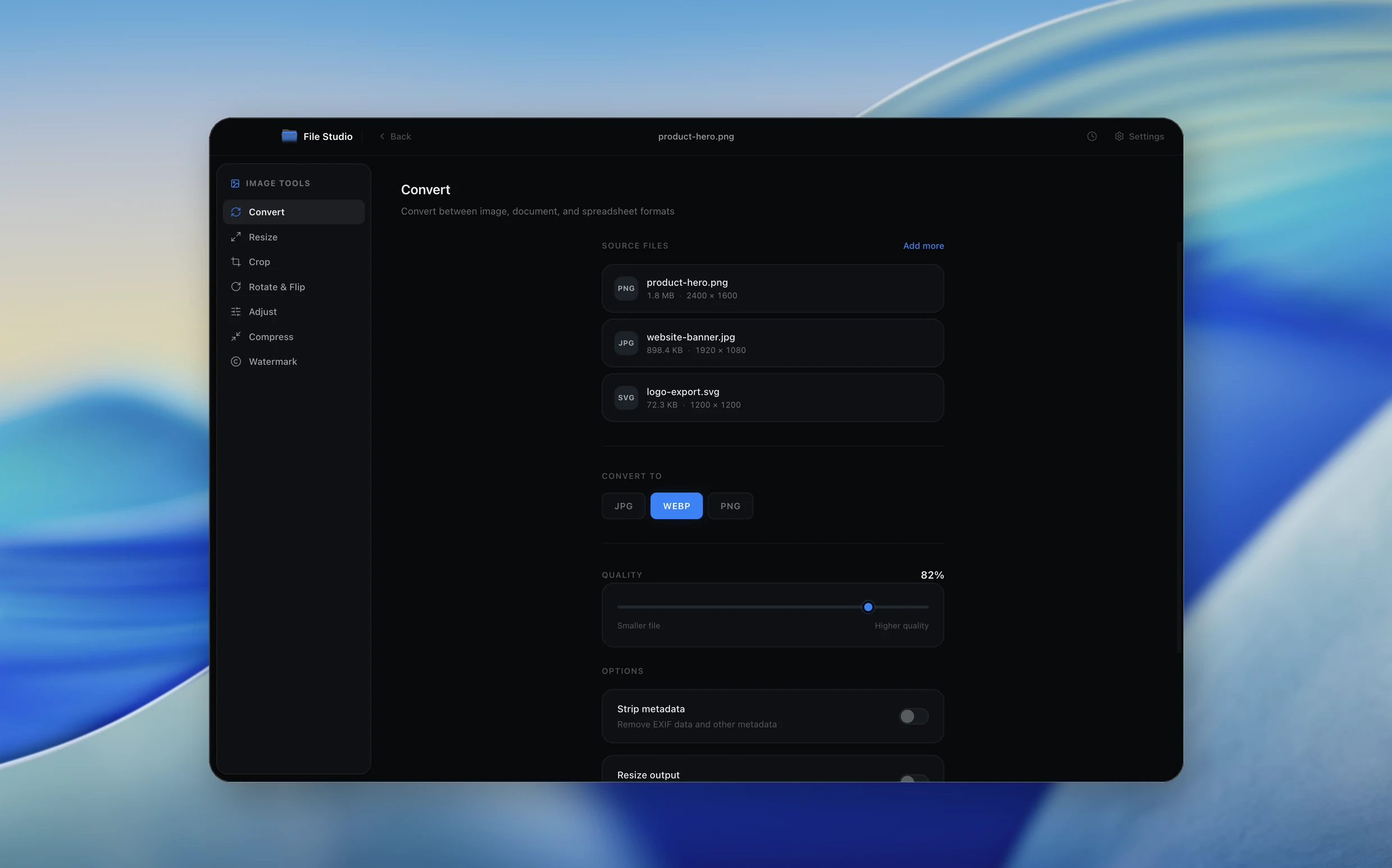
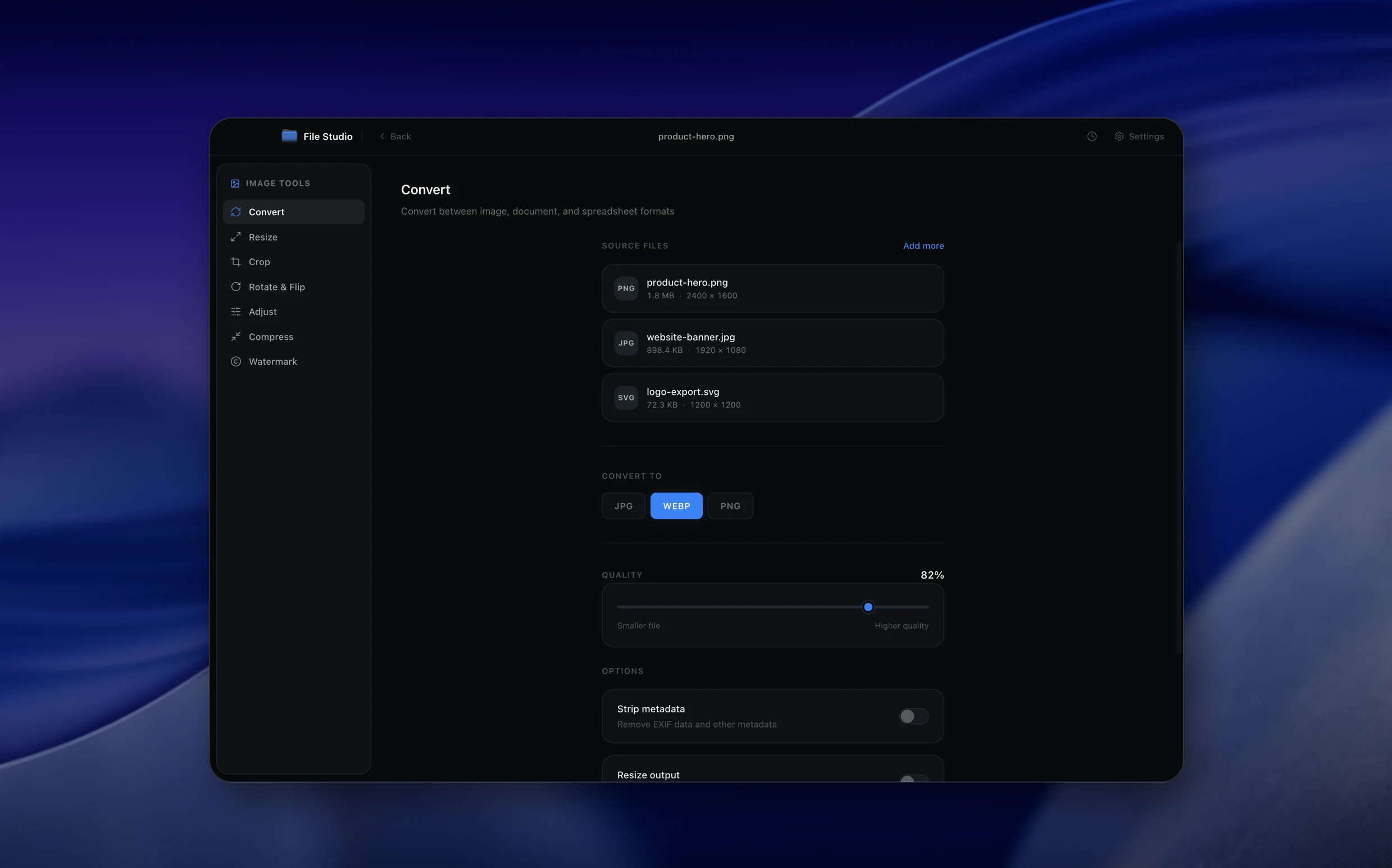
Real File Studio interface, shown in light and dark mode.
Understanding the JPG format
JPG (also written JPEG) is the lossy raster image format published in 1992 as ISO/IEC 10918 by the Joint Photographic Experts Group. It uses a discrete cosine transform on 8x8 pixel blocks, quantizes the resulting frequency coefficients according to a quality-controlled table, and entropy-codes the result with Huffman or arithmetic coding. JPG supports 24-bit RGB or 8-bit grayscale, EXIF metadata, ICC profiles, and progressive encoding. It does not support transparency or animation.
Converting WebP to JPG is a step backward in technical capability but a step forward in compatibility. Some older content management systems, e-commerce platforms, email pipelines, and printer drivers still cannot read WebP. JPG is the universal lingua franca of photographic images. The conversion always discards transparency (any alpha must be flattened against a background) and introduces a small additional generation of lossy compression on top of whatever loss the source WebP already had.
If the source was lossy WebP, the resulting JPG carries the WebP's compression artifacts plus the JPG encoder's own. If the source was lossless WebP, the conversion is the first lossy step in the chain. In either case, the output is suitable for display but not for re-editing, since each subsequent re-save introduces more loss. Keep the original WebP as the editable master and treat the JPG as a distribution copy.
How it works
Convert WebP to JPG in four simple steps.
The flow mirrors the main File Studio experience: install the app, drop in your files, pick the right tool, and export clean, ready-to-share output. All without sending anything to the cloud.
Install File Studio
Download the app, move it to Applications, and open it. No sign-ups or accounts required.
Add your WebP files
Drag-and-drop your webp files into the window or click to browse from disk.
Choose WebP → JPG
Pick the dedicated tool, then adjust resolution, quality, and page range until the preview feels right.
Export & keep working
Select an output folder and run the conversion. Your originals stay untouched on your device.
Best practices for cleaner results
- ·Group related files into folders before converting so your output stays organized and easy to archive.
- ·Use higher resolution presets when you know the result will be printed, zoomed in, or reused in design tools.
- ·Keep an unedited copy of your original WebP files for audits, record-keeping, or compliance workflows.
- ·Combine this tool with other File Studio actions like compress, merge, or split to streamline entire document pipelines.
Why File Studio
Built for trustworthy, everyday WebP to JPG work.
You get precise control over the output, predictable file names, and a private workflow that keeps sensitive documents on your own machine.
Features tuned for this conversion
- ·Quality slider for compression control.
- ·Background color choice for transparent WebPs.
- ·Batch processing for multiple files.
Why use File Studio for this conversion?
- ·Universal JPG compatibility everywhere.
- ·Adjustable quality for size vs. detail balance.
- ·Batch convert WebP downloads quickly.
Real-world ways people use it
- ·Convert downloaded WebP images for email sharing.
- ·Open WebP photos in older editing apps.
- ·Prepare web images for print production.
Settings guide
Understanding your conversion options
Quality factor
JPG quality runs 0 to 100. Use 85 as the default for general purpose conversion: artifacts are rare and file size is reasonable. Use 90 to 95 when the WebP source was lossless and you want to minimize additional generation loss. Avoid quality below 75 unless the destination has strict size limits.
Background color for transparency flattening
JPG has no alpha channel, so any transparent or semi-transparent pixels in the WebP source must be composited against a solid color before encoding. White is the safe default. Choose a color that matches the destination page background to avoid visible halos around anti-aliased edges.
Chroma subsampling
Subsampling (4:4:4, 4:2:2, 4:2:0) trades color resolution for file size. 4:2:0 is invisible on most photographs and is the default in browsers. Use 4:4:4 when the WebP contains text overlays, screenshots, or saturated colored line art that must remain crisp.
Progressive encoding
Progressive JPG stores data in multiple scans, allowing browsers to render a low-resolution preview before the full image arrives. It typically saves 2 to 8 percent on size and improves perceived load time. Baseline JPG is marginally faster to decode for very small images.
Metadata and ICC profile
WebP metadata in EXIF, XMP, and ICC chunks can be carried over into JPG. Preserve the ICC profile when the WebP used a wide-gamut color space; otherwise color-managed clients will assume sRGB and shift the colors. Strip EXIF and XMP for privacy when publishing.
Industry standards and requirements
Amazon Seller Central requires product images in JPG, TIFF, GIF, or PNG and explicitly does not accept WebP for catalog uploads. Sellers who store masters as WebP must convert to JPG before uploading. Amazon recommends sRGB color, 1000 pixels minimum on the longest edge, and a pure white background for main product images.
Email marketing platforms (Mailchimp, Campaign Monitor, Constant Contact) accept WebP uploads but the resulting emails fail to render in Outlook 2019 and earlier, which still ignore WebP. Converting to JPG before embedding in email templates avoids broken images for the meaningful share of corporate recipients still on Outlook desktop.
Print workflows almost universally require JPG, TIFF, or PDF rather than WebP. Commercial printers expect 300 DPI sRGB or CMYK JPG at quality 90 or higher with the ICC profile embedded. WebP-to-JPG conversion is the standard preparation step for print delivery from a modern web-first asset library.
Troubleshooting
Common issues and how to fix them
Transparent regions show as a colored rectangle→
JPG cannot store alpha. Any transparent areas are flattened against a fill color during conversion. Set the background color explicitly to match your destination, or keep the WebP source if transparency is needed.
JPG file is larger than the WebP source→
WebP lossy is roughly 25 to 35 percent more efficient than JPG at equivalent perceived quality, so smaller WebP becoming larger JPG is normal at quality 85+. Lower JPG quality to 75 to 80 to compensate, or accept the size increase as the cost of compatibility.
Visible blocking or ringing around text or edges→
DCT quantization is unfriendly to high contrast edges. Raise quality to 95, switch chroma subsampling from 4:2:0 to 4:4:4, and confirm that the source was not already heavily compressed. For text-heavy images, PNG is a better destination than JPG.
Colors look washed out compared to the WebP→
The ICC profile is not being embedded in the JPG output. Enable ICC preservation in the encoder so the wide-gamut color space (Display P3, Adobe RGB) is maintained.
Pricing
Simple, fair pricing.
All tools included. No hidden fees. Processing stays on your device.
Yearly
For short-term projects.
- 1 year of updates
- Image, PDF, SVG, and spreadsheet tools
- Works on Mac & Windows
- All processing done on device
Lifetime
One purchase. Keep it forever.
- Unlimited conversions forever
- 1 year of major updates
- Image, PDF, SVG, and spreadsheet tools
- Watch Folders & Automation
- macOS Notch Drop Zone
- Works on Mac & Windows
Team & Bulk Pricing
Lifetime seats with volume discounts. More seats, bigger discount.
15
lifetime seats
You save
$60
15% off the individual price
Enterprise
50+ seats with custom pricing, centralized license management, and priority support.
FAQ
Frequently asked questions
What happens to transparency in WebP when converting to JPG?→
JPG doesn't support transparency. Transparent areas become a solid background color (white by default).
Is there quality loss converting WebP to JPG?→
JPG uses lossy compression, so there's some quality reduction. Higher quality settings minimize this.
Why are my WebP photos converting to JPG?→
Many websites now serve WebP for efficiency. Converting to JPG ensures compatibility when you download these images.
Can I choose the JPG quality level?→
Yes. A quality slider lets you balance file size against image quality from 0-100.
Will JPG files be larger than the WebP originals?→
Often yes at equivalent quality, since WebP is more efficient. You can use lower JPG quality for smaller files.
Can I batch convert WebP to JPG?→
Yes. Process entire folders of WebP images in a single batch operation.
Looking for something else? Explore more offline conversions with File Studio: