

Comparison
Smallpdf vs iLovePDF: two popular PDF toolkits compared.
Smallpdf and iLovePDF are the two biggest browser-based PDF tools on the web. Both offer merging, splitting, compressing, and converting PDFs, but they differ in pricing, free tier limits, and interface design. This comparison breaks down the key differences so you can pick the right one, or consider going offline with File Studio.
What is Smallpdf?
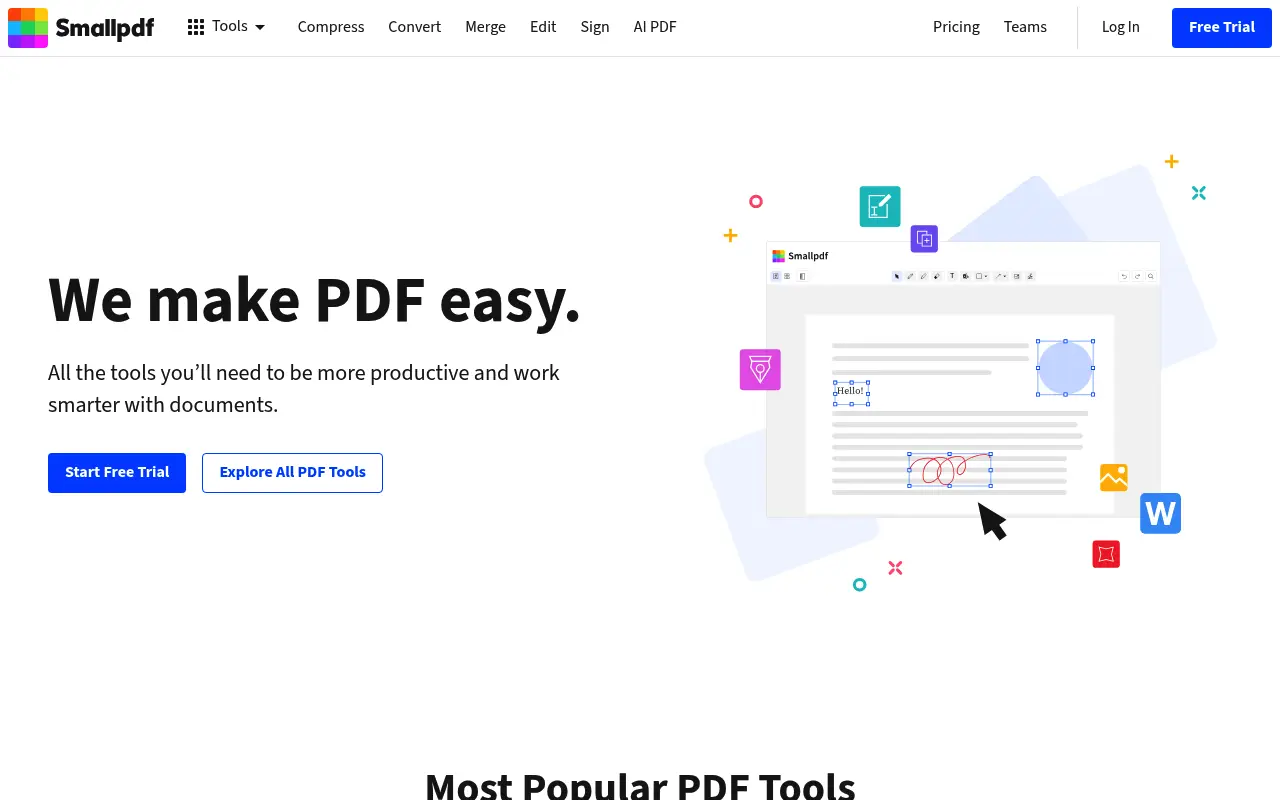
Smallpdf is a Swiss-based online PDF platform with over 20 tools for working with PDF files. It covers merging, splitting, compression, format conversion, e-signing, and basic editing. The interface is clean and modern, making it approachable for first-time users.
Smallpdf offers a free tier with two tasks per day, which is enough for occasional use but restrictive for regular work. The Pro plan costs around $12 per month (billed annually) and unlocks unlimited processing, batch tools, and a desktop app.
One thing to note: even with the desktop app, many Smallpdf operations still route through their cloud servers. Files are encrypted in transit and deleted after processing, but they do leave your device temporarily.
What is iLovePDF?
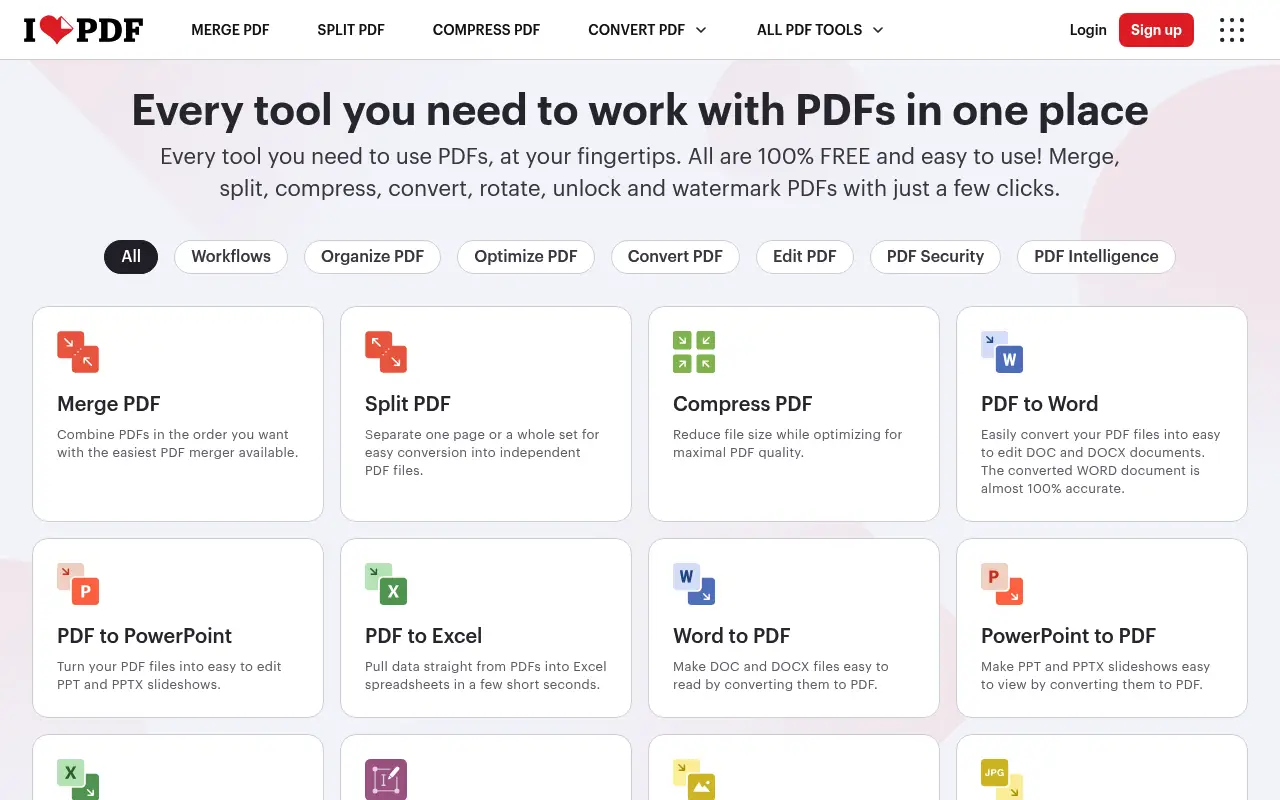
iLovePDF is a Barcelona-based web platform offering a broad suite of PDF tools. It handles merging, splitting, compressing, converting, rotating, adding page numbers, watermarking, and more. The free tier is more generous than Smallpdf, allowing more daily tasks before hitting limits.
iLovePDF Premium costs about $7 per month (billed annually) and removes file size caps, adds batch processing, and provides priority processing. There is also a desktop app available for Premium users.
Like Smallpdf, iLovePDF processes files on their servers. They state files are encrypted and deleted after a few hours, but for sensitive documents, the upload step can be a concern.
A closer look at Smallpdf
Smallpdf pricing and plans
Smallpdf offers a free tier that allows two tasks per day. This includes basic operations like merging, splitting, and compressing PDFs, but with file size limits of around 5 GB on Pro and smaller caps on the free plan. Once you hit the daily limit, you are locked out until the next day.
The Pro plan costs $12 per month when billed annually ($144 per year) or $18 on a month-to-month basis. Pro unlocks unlimited tasks, batch processing, a desktop app, and electronic signatures. There is also a Teams plan at $10 per user per month (annual billing) that adds shared workspaces and centralized billing.
One hidden cost worth noting: Smallpdf's desktop app, included with Pro, still routes many operations through their cloud servers. You are paying for convenience, not for true offline processing. If your internet goes down, several features become unavailable even in the desktop application.
Smallpdf core strengths
Smallpdf's greatest asset is its user interface. The design is clean, modern, and intuitive. Every tool is laid out clearly on the homepage, and the drag-and-drop workflow makes it easy for anyone to pick up without a tutorial. For teams onboarding non-technical members, this simplicity is a real advantage.
The e-signature feature is surprisingly robust for a PDF utility tool. You can request signatures from multiple parties, track signing progress, and store signed documents. For small businesses that occasionally need contracts signed, this can replace a separate e-signature service.
Smallpdf also integrates with Google Drive, Dropbox, and other cloud storage providers, making it convenient for users who keep their documents in the cloud. The Chrome extension adds quick access to PDF tools directly from the browser toolbar.
Smallpdf known limitations
The two-task daily limit on the free plan is one of the most restrictive in the industry. Users who need to process even a handful of files in a day will hit this wall quickly. By comparison, most competitors offer at least five to ten free operations.
Advanced PDF editing is limited. You can add text and images to a PDF, but you cannot truly edit existing text with the precision that desktop tools like Adobe Acrobat offer. The OCR feature, while available on Pro, produces inconsistent results with complex layouts or non-Latin scripts.
Privacy-conscious users should be aware that all files are uploaded to Smallpdf's servers for processing, even when using the desktop app. While Smallpdf states files are encrypted and deleted after one hour, this still means sensitive documents temporarily reside on third-party infrastructure.
A closer look at iLovePDF
iLovePDF pricing and plans
iLovePDF takes a more accessible pricing approach. The free tier is noticeably more generous than Smallpdf's, allowing multiple tasks per day before imposing limits. File size is capped at around 25 MB on the free plan, which covers most typical documents.
The Premium plan costs $7 per month billed annually ($84 per year) or $9 on a monthly basis. This removes file size limits, enables batch processing, and grants access to the desktop app. A Premium Pro plan at $6 per user per month (billed annually) adds team management features.
iLovePDF also offers a lifetime deal that occasionally surfaces through promotions, though it is not always publicly listed. When available, it typically runs between $100 and $150 for perpetual access, making it one of the more affordable long-term options among web-based PDF tools.
iLovePDF core strengths
The breadth of tools is iLovePDF's standout feature. Beyond the standard merge, split, and compress operations, it offers page numbering, watermarking, PDF/A conversion for archival purposes, PDF repair, and HTML-to-PDF conversion. The tool count exceeds 25 individual functions.
For budget-conscious users, the price-to-feature ratio is hard to beat. At nearly half the cost of Smallpdf's Pro plan, iLovePDF Premium delivers comparable functionality. The more generous free tier also means occasional users may never need to upgrade at all.
The API offering is another strength for developers and businesses. iLovePDF provides a well-documented REST API that allows programmatic access to all their PDF tools, with pricing based on usage volume. This makes it viable for integrating PDF processing into custom applications.
iLovePDF known limitations
The user interface, while functional, feels dated compared to Smallpdf. Navigation can be cluttered, and the ad-supported free tier means banner ads appear on most pages. This is a cosmetic issue but affects the overall experience, especially for professional use.
Processing speed on the free tier can be slow during peak hours since free users receive lower priority on the processing queue. Premium users get faster processing, but the difference highlights how the free experience is intentionally throttled.
Like Smallpdf, all processing happens on iLovePDF's servers. Files are stored temporarily and then deleted, but the upload requirement remains a concern for users handling sensitive financial, medical, or legal documents. The desktop app mitigates this somewhat, but not all tools work offline.
Feature comparison
Smallpdf vs iLovePDF vs File Studio
| Feature | Smallpdf | iLovePDF | File Studio |
|---|---|---|---|
| Pricing | Free tier (2 tasks/day); Pro at ~$12/month | Free tier (more generous); Premium at ~$7/month | $29 one-time or $9.97/year; no task limits |
| Free tier limits | 2 tasks per day; limited file size | More daily tasks; 25 MB file size cap | No free tier, but no limits after purchase |
| Works offline | Desktop app available, but cloud-dependent | Desktop app for Premium users; cloud-dependent | Fully offline, no internet required |
| Privacy / files stay local | Files uploaded to servers, deleted after processing | Files uploaded to servers, deleted after a few hours | Files never leave your device |
| Batch processing | Available on Pro plan | Available on Premium plan | Unlimited batch processing included |
| PDF editing depth | Edit text, add images, annotate, e-sign | Merge, split, compress, convert, annotate, sign | Merge, split, compress, convert, remove passwords |
| Image tools | Minimal; PDF-focused | Basic image-to-PDF conversion | Full image toolkit: resize, compress, convert, watermark, crop |
| Requires account | Yes, for most features | Optional for basic use; required for Premium | No account required |
Verdict
Which tool should you pick?
Both Smallpdf and iLovePDF are solid browser-based PDF toolkits. iLovePDF wins on price and free tier generosity, while Smallpdf offers a more polished interface and slightly deeper editing features. If you mainly need occasional PDF tasks and want to spend less, iLovePDF is hard to beat. For anyone who processes files regularly and cares about keeping documents private, File Studio provides a fully offline desktop alternative with no subscriptions and no file uploads.
Pricing breakdown
What you actually pay over time
Smallpdf Pro costs $144 per year ($12/month billed annually) while iLovePDF Premium costs $84 per year ($7/month billed annually). On a month-to-month basis, the gap narrows slightly: $18 versus $9. Over three years, Smallpdf totals $432 compared to iLovePDF's $252, a difference of $180. Both tools offer team pricing that reduces the per-user cost, but Smallpdf's team plan still runs higher at $10 per user versus iLovePDF's $6 per user.
The free tiers tell an important story. Smallpdf's two-task daily limit is designed to push users toward paid plans quickly. iLovePDF's free tier is more practical for light use, offering enough daily operations that a casual user might never need to pay. However, both free tiers impose file size caps and show ads or branding on output files.
File Studio takes a fundamentally different approach with a $29 one-time purchase or $9.97 per year subscription. Over one year, File Studio costs 80% less than iLovePDF Premium and 90% less than Smallpdf Pro. Over three years, the savings become even more significant: $29 once versus $252 or $432 in accumulated subscription fees. There are no per-task fees, no file size penalties, and no storage costs because everything runs locally.
Hidden costs also factor in. Both Smallpdf and iLovePDF charge more for API access, which matters for businesses building automated workflows. Smallpdf's desktop app requires the Pro subscription to function, adding ongoing cost. File Studio includes all features from day one with no upsells or tiered access.
Decision guide
Which tool should you pick?
You need quick, occasional PDF tasks and want to spend nothing
Pick iLovePDF. Its free tier is the most generous between the two, allowing more daily operations without requiring payment. For occasional merge or compress tasks, you may never need to upgrade.
You handle sensitive client documents or legal files
Pick File Studio. Both Smallpdf and iLovePDF upload your files to their servers for processing. File Studio runs entirely on your device, so confidential documents never leave your machine.
You want the most polished user experience
Pick Smallpdf. Smallpdf's interface is cleaner and more intuitive than iLovePDF's. If ease of use and design quality matter to your workflow, Smallpdf feels more professional.
You want the lowest total cost over time
Pick File Studio. At $29 once or $9.97/year, File Studio costs a fraction of either subscription service. Over three years, you save between $223 and $403 compared to iLovePDF and Smallpdf respectively.
You need e-signatures and cloud collaboration
Pick Smallpdf. Smallpdf's built-in e-signature feature supports multi-party signing and tracking. If you regularly send documents for signature, this replaces a separate tool like DocuSign for basic needs.
The third option
Why File Studio might be a better fit
Your files never leave your Mac or Windows PC, so sensitive documents stay completely private.
Pay once ($29) or $9.97/year instead of accumulating monthly subscription costs from either tool.
No daily task limits or file size restrictions, even for large PDFs.
Includes a full image editing toolkit alongside PDF tools, replacing the need for multiple web services.
Pricing
Simple, fair pricing.
All tools included. No hidden fees. Processing stays on your device.
Yearly
For short-term projects.
- 1 year of updates
- Image, PDF, SVG, and spreadsheet tools
- Works on Mac & Windows
- All processing done on device
Lifetime
One purchase. Keep it forever.
- Unlimited conversions forever
- 1 year of major updates
- Image, PDF, SVG, and spreadsheet tools
- Watch Folders & Automation
- macOS Notch Drop Zone
- Works on Mac & Windows
Team & Bulk Pricing
Lifetime seats with volume discounts. More seats, bigger discount.
15
lifetime seats
You save
$60
15% off the individual price
Enterprise
50+ seats with custom pricing, centralized license management, and priority support.
FAQ
Frequently asked questions
Is iLovePDF really cheaper than Smallpdf?→
Yes. iLovePDF Premium costs about $7/month billed annually ($84/year), while Smallpdf Pro is around $12/month billed annually ($144/year). iLovePDF is roughly 40% cheaper for comparable features.
Which one has a better free tier?→
iLovePDF is more generous with its free tier, allowing more daily operations before requiring an upgrade. Smallpdf limits free users to just two tasks per day.
Do both tools upload my files to the cloud?→
Yes. Both Smallpdf and iLovePDF process files on their servers. While both encrypt files in transit and delete them after processing, your documents do temporarily leave your device. File Studio processes everything locally.
Can I use either tool without creating an account?→
iLovePDF allows some basic tasks without an account. Smallpdf requires sign-in for most features beyond very basic operations. File Studio requires no account at all.
What can File Studio do that these web tools cannot?→
File Studio works without internet, never uploads your files, has no task limits, and includes a full image editing suite (resize, compress, convert, watermark, crop). It does not, however, offer e-signatures or browser-based collaboration features.
@ayysoni · March 16, 2026
Related File Studio tools:
More comparisons: