

Comparison
Foxit vs Nitro PDF: which editor fits your workflow?
Foxit and Nitro are both full PDF editors for Mac and Windows, with OCR, conversion, forms, and signing tools. Foxit also emphasizes browser and Android access; Nitro emphasizes its Office-style desktop workflow and e-signature platform. Choose between them for advanced editing, or use File Studio when you only need local PDF conversion, compression, merging, or splitting without uploading the document.
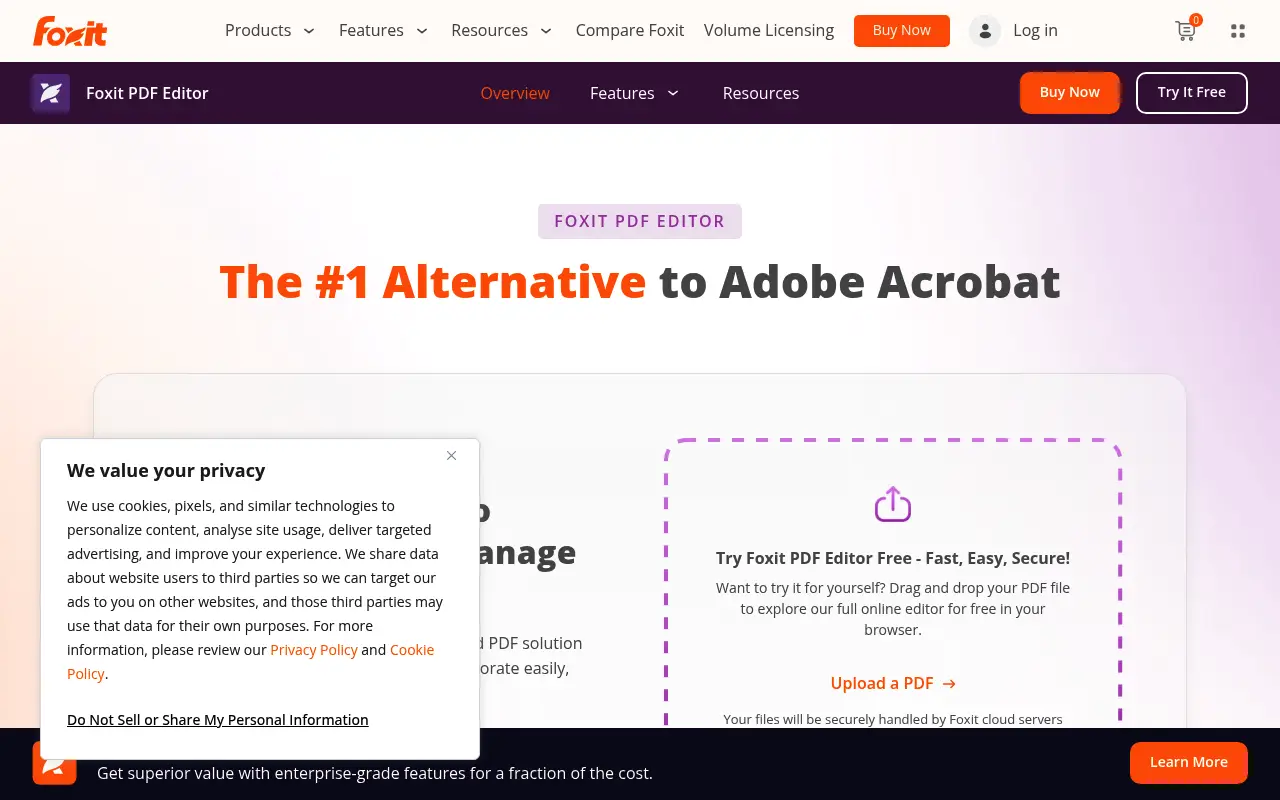
What is Foxit PDF Editor?
Foxit PDF Editor is a full-featured editor for Windows, macOS, and the web, with mobile apps for iOS and Android. It includes text and image editing, form creation, OCR, signatures, redaction, and collaboration tools.
Foxit's US store currently lists PDF Editor from $129.99 per year and also advertises one-time perpetual licenses. Exact features and device access vary by edition, so compare the current plan table before buying.
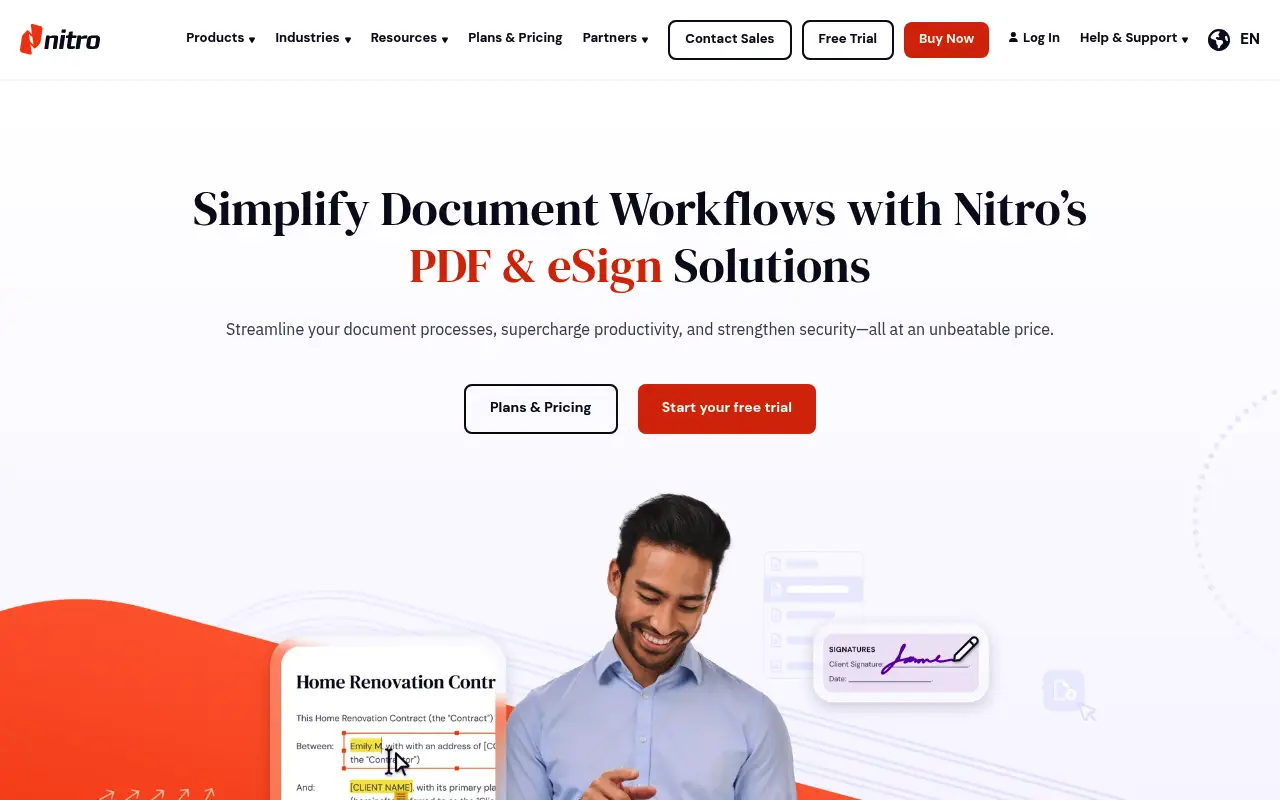
What is Nitro PDF Pro?
Nitro PDF Pro is a full PDF editor for Windows and Mac, with an iOS app and browser-based services. It covers editing, conversion, forms, OCR, signatures, and document security in an Office-style interface.
Nitro's current plans mix subscriptions, e-signature bundles, and multi-year desktop licenses. Prices and included platforms vary by plan; Nitro offers a 14-day trial, so verify the exact Mac or Windows feature set you need before purchasing.
A closer look at Foxit PDF
Foxit PDF plans and platform coverage
Foxit's US store currently lists PDF Editor from $129.99 per year and advertises both subscription and one-time perpetual choices. The included apps and advanced features differ by edition, so use Foxit's live plan table rather than an old headline price.
Current Foxit product pages list Windows, macOS, and web support, while mobile access includes iOS and Android. Linux users should distinguish the free Reader from the paid Editor and verify current system requirements.
Where Foxit fits
Foxit combines desktop editing, OCR, redaction, forms, signing, conversion, and collaboration features. Its web and Android availability can matter to teams that need access beyond Mac, Windows, and iOS.
The breadth also means casual users may be paying for tools they do not use. Test a representative scanned document, form, and complex layout during the trial instead of assuming every edition behaves the same.
A closer look at Nitro PDF
Nitro PDF plans and platform coverage
Nitro's current product pages list Nitro PDF Pro for Mac and Windows, plus iOS and browser-based services. This corrects the outdated claim that Nitro's desktop editor is Windows-only.
Nitro sells several plan types, including subscriptions, e-signature bundles, and multi-year desktop options. The total depends on platform, term, and team features, so compare the current checkout offer for the same requirements you price on Foxit.
Where Nitro fits
Nitro focuses on a familiar Office-style editing workflow, PDF-to-Office conversion, forms, OCR, signatures, and Nitro Sign. It is a practical candidate for teams already working primarily on Mac, Windows, and iOS.
Feature availability can differ by plan and operating system. Use Nitro's 14-day trial with the files and signing flow your team actually uses before treating a plan comparison as final.
Feature comparison
Foxit PDF vs Nitro PDF vs File Studio
| Feature | Foxit PDF | Nitro PDF | File Studio |
|---|---|---|---|
| Pricing | From $129.99/year; perpetual options | Subscription and multi-year plans; varies by edition | $29 one-time or $9.97/year |
| Platform support | Windows, macOS, web, iOS, Android | Windows, macOS, web services, iOS | Mac and Windows |
| PDF editing depth | Full editing, forms, redaction, OCR | Full editing, forms, e-signatures, OCR | Merge, split, compress, convert, remove passwords |
| OCR capability | Strong OCR, multiple languages | Solid OCR with batch support | No built-in OCR |
| Best fit | Cross-device editing and collaboration | Desktop editing and e-signature workflows | Focused local PDF and image operations |
| Cloud / collaboration | Foxit Cloud, SharePoint, Google Drive, Dropbox | Nitro Workspace for team collaboration | No cloud; fully offline |
| Enterprise features | Centralized deployment, volume licensing, SCCM/GPO | Volume licensing, Nitro Analytics | No enterprise features; individual licenses |
| Image tools | Minimal | Minimal | Full image suite: resize, compress, convert, watermark |
Verdict
Which tool should you pick?
Pick Foxit when browser access, Android support, or its collaboration stack matters. Pick Nitro when its Office-style workflow, Mac and Windows desktop apps, or Nitro Sign fit your team. Both are advanced editors, so test the exact OCR, form, and conversion workflows you rely on. If you do not need inline editing or OCR, File Studio keeps everyday PDF operations on your Mac or Windows PC without uploading the file.
Pricing breakdown
What you actually pay over time
Foxit's public US store currently starts PDF Editor at $129.99 per year and also advertises perpetual choices. Nitro's catalog mixes subscription and multi-year products, so a single old list price is not a fair comparison.
Normalize any quote by seat count, term, desktop platforms, web or mobile access, OCR, e-signatures, and admin controls. Promotional prices and bundles can otherwise make unlike plans look comparable.
File Studio is not a replacement for inline text editing, OCR, form authoring, or enterprise signing. It is the simpler local option when the actual job is to convert, merge, split, compress, or reorganize files without uploading their contents.
Decision guide
Which tool should you pick?
You need Windows, Mac, web, and Android access
Pick Foxit PDF. Foxit's current platform coverage includes Windows, macOS, web, iOS, and Android. Confirm that the edition you choose includes every device your team needs.
Your workflow centers on Mac or Windows desktop editing and e-signatures
Pick Nitro PDF. Nitro offers native Mac and Windows products alongside Nitro Sign. Trial the exact desktop and signature features before choosing a plan.
You need OCR, forms, redaction, or inline text editing
Pick Foxit or Nitro. Both are full editors. Compare them with representative documents because File Studio intentionally does not provide those advanced editing features.
You only need routine PDF conversion and page operations
Pick File Studio. File Studio performs conversion, merge, split, compression, and related file work locally on Mac or Windows, without uploading the document.
The third option
Why File Studio might be a better fit
Costs a fraction of either editor, ideal for users who do not need inline PDF editing.
Works on both Mac and Windows without platform restrictions.
No enterprise overhead; just a simple desktop app for individual use.
Includes image editing tools that professional PDF editors do not prioritize.
Pricing
Simple, fair pricing.
All tools included. No hidden fees. Processing stays on your device.
Yearly
For short-term projects.
- 1 year of updates
- Image, PDF, SVG, and spreadsheet tools
- Works on Mac & Windows
- All processing done on device
Lifetime
One purchase. Keep it forever.
- Unlimited conversions forever
- 1 year of major updates
- Image, PDF, SVG, and spreadsheet tools
- Watch Folders & Automation
- macOS Notch Drop Zone
- Works on Mac & Windows
Team & Bulk Pricing
Lifetime seats with volume discounts. More seats, bigger discount.
15
lifetime seats
You save
$60
15% off the individual price
Enterprise
50+ seats with custom pricing, centralized license management, and priority support.
FAQ
Frequently asked questions
Does Foxit PDF Editor work on Linux?→
Foxit's current PDF Editor plans list Windows, macOS, and web support. Foxit has offered Linux PDF Reader builds, but Linux Reader availability should not be confused with the paid Editor's platform list. Check Foxit's current system requirements before choosing it for Linux.
Is Nitro PDF Pro available on Mac?→
Yes. Nitro offers a native PDF Pro product for Mac as well as Windows and iOS products. Some plan details and features differ by platform, so use Nitro's Mac comparison and trial before committing.
Which has better e-signature support?→
Nitro has deeper e-signature integration through Nitro Sign, which is built into the product. Foxit supports digital signatures but its e-signature workflow is not as tightly integrated.
Can File Studio create fillable PDF forms?→
No. File Studio does not support form creation or filling. For form-based PDF work, Foxit or Nitro (or Adobe Acrobat) is necessary.
Which is more cost-effective for a small team?→
Compare quotes using the same requirements: desktop platforms, OCR, e-signatures, admin controls, and number of seats. If teammates only need merging, splitting, compression, and conversion, File Studio can cover those local tasks without buying a full editor for every workflow.
@ayysoni · June 12, 2026
Related File Studio tools:
More comparisons: