

Comparison
Adobe Acrobat vs iLovePDF: professional suite versus free web tools.
Adobe Acrobat is the most powerful PDF editor available. iLovePDF is one of the most accessible. They serve different audiences and price points, so this comparison helps you figure out which makes sense for your needs, with File Studio as a privacy-focused desktop option worth considering.
What is Adobe Acrobat?
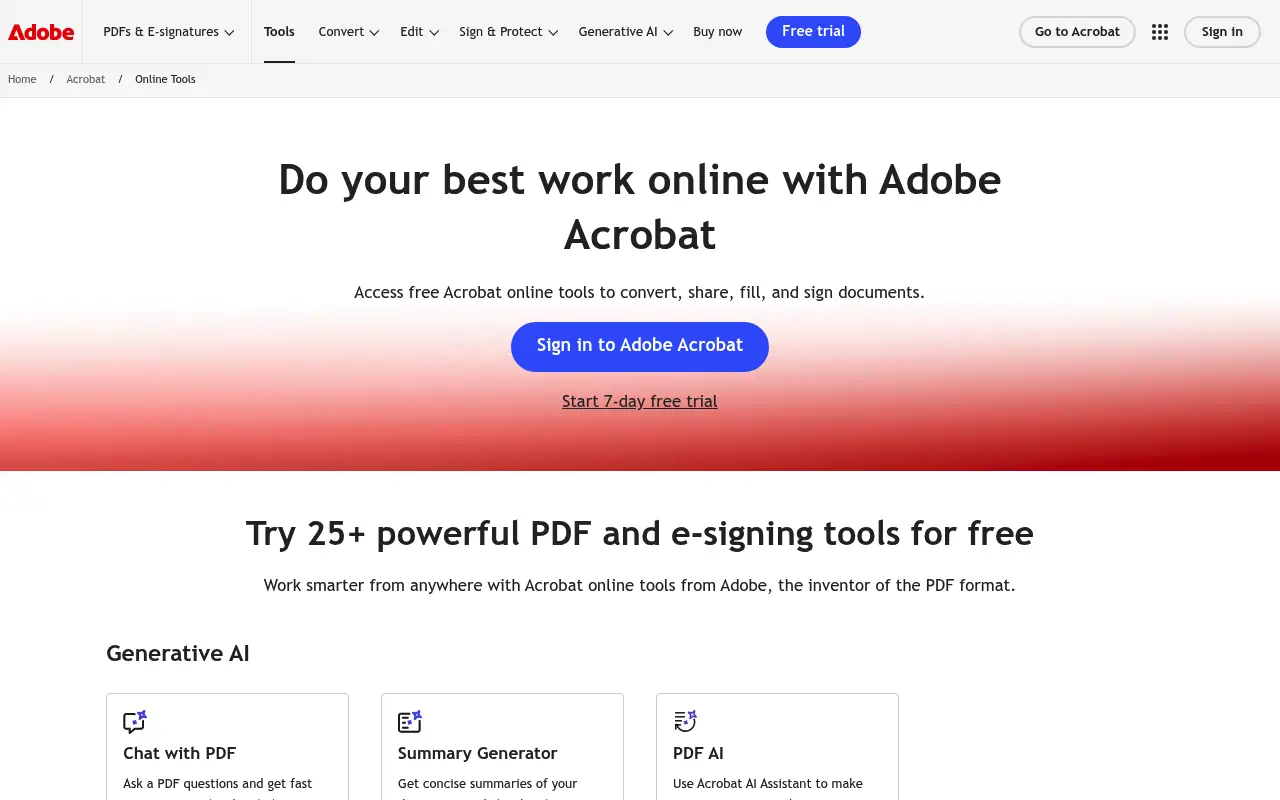
Adobe Acrobat Pro DC is the gold standard for professional PDF work. It lets you edit text and images directly in PDFs, create fillable forms, run OCR on scanned documents, add digital signatures, redact sensitive content, and organize pages with precision.
At roughly $23 per month for the Pro plan, Acrobat is a significant investment. It makes sense for legal professionals, enterprise teams, and anyone who works with complex PDF workflows daily. For casual users, the price is hard to justify.
What is iLovePDF?
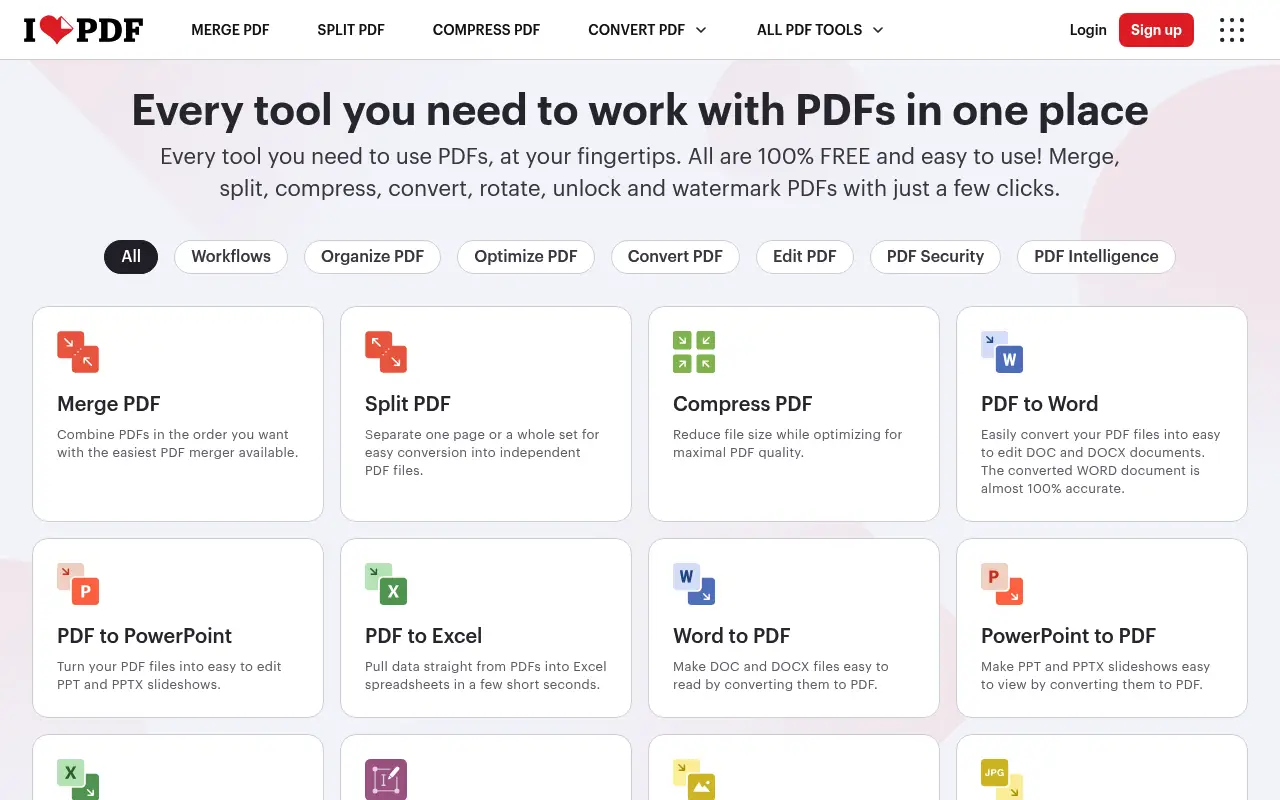
iLovePDF is a free, web-based PDF toolkit that covers the basics well. You can merge, split, compress, convert, rotate, add watermarks, and unlock PDFs directly in your browser. The interface is straightforward, and most tasks take just a few clicks.
The free tier is fairly generous compared to other web tools, though you will hit file size limits (around 25 MB) and daily usage caps. Premium costs about $7/month billed annually and removes those restrictions.
iLovePDF does not attempt to be a full PDF editor. You cannot edit text within a PDF or create forms. It focuses on file-level operations and does them quickly.
A closer look at Adobe Acrobat
Adobe Acrobat pricing and plans
Acrobat Pro is priced at roughly $23 per month on an annual plan, totaling $276 per year. Acrobat Standard comes in at about $13 per month annually ($156 per year) but sacrifices OCR, redaction, and advanced editing. There is no free tier for the desktop application, though Adobe offers limited free online tools through acrobat.adobe.com.
Volume licensing for businesses can bring costs down, but Adobe's enterprise sales process often requires negotiation. Academic pricing is available for students and educators at a significant discount, sometimes as low as $15 per month for the full Creative Cloud bundle that includes Acrobat.
Adobe frequently runs promotions for new subscribers, offering the first year at a reduced rate. However, these promotional prices revert to full cost upon renewal, which can catch users off guard.
Adobe Acrobat core strengths
Acrobat remains unmatched in professional PDF editing. You can edit text inline, reflow paragraphs, swap images, and modify page layouts with precision. The tool recognizes fonts from the original document and attempts to match them, preserving the look of edited files.
Document security in Acrobat goes beyond password protection. Certificate-based encryption, permission controls, and digital signatures with certificate validation make it suitable for government and enterprise document workflows. The redaction tool permanently removes content, including hidden metadata.
Acrobat's integration with the broader Adobe ecosystem is a significant advantage for creative professionals. Round-tripping between Acrobat, InDesign, Photoshop, and Illustrator is seamless, allowing designers to edit PDF assets without format conversion hassles.
Adobe Acrobat known limitations
For users who only need basic PDF operations, Acrobat is dramatically overpriced. Paying $276 per year to merge or compress PDFs is hard to justify when free and low-cost tools handle those tasks adequately. The feature depth is wasted on casual users.
The desktop application consumes significant system resources. On machines with 8 GB of RAM, running Acrobat alongside other applications can cause noticeable slowdowns. The installer size is large, and automatic updates can be intrusive.
Acrobat's mobile apps (available on iOS and Android) are functional but push users toward cloud storage and Adobe accounts. Offline mobile capabilities are limited compared to the desktop version, and some features require an active internet connection even on the mobile app.
A closer look at iLovePDF
iLovePDF pricing and plans
iLovePDF Premium is priced at $7 per month billed annually ($84 per year), making it one of the most affordable paid PDF platforms. The free tier allows several operations per day with a 25 MB file size cap, which is generous enough for occasional personal use.
The Business plan at $6 per user per month (billed annually) offers team management, priority support, and higher API limits. For companies with five or more users, this comes to $360 per year, which is still less than a single Acrobat Pro license.
iLovePDF's API pricing starts with a free tier of 250 monthly requests, scaling to paid tiers for higher volumes. This makes it accessible for developers who want to automate PDF operations without building their own processing pipeline.
iLovePDF core strengths
iLovePDF's strength lies in offering a wide range of PDF operations at a fraction of Acrobat's cost. For the 90% of PDF tasks that involve merging, splitting, compressing, converting, or annotating, iLovePDF delivers results that are functionally equivalent to what Acrobat produces.
The platform's accessibility is a key advantage. No installation, no account requirement for basic use, and a straightforward interface mean anyone can process a PDF within seconds of visiting the site. This is especially valuable for one-off tasks or when working on a computer where you cannot install software.
PDF/A conversion for archival purposes is a standout feature not commonly found in budget PDF tools. Organizations that need to produce archive-compliant documents can do so through iLovePDF without investing in Acrobat.
iLovePDF known limitations
iLovePDF cannot edit the content of existing PDFs. You can annotate, add stamps, and insert text boxes, but you cannot modify existing text, images, or layouts. This is the fundamental gap between iLovePDF and Acrobat.
The web-based model means processing speed depends on your internet connection and server load. Large files (50 MB or more) can take considerable time to upload, process, and download. During high-traffic periods, free-tier users may experience queuing delays.
Output quality from format conversions (especially PDF to Word) does not match Acrobat's fidelity. Complex documents with multi-column layouts, embedded charts, or custom fonts often lose formatting during conversion. For documents where layout accuracy matters, this is a significant limitation.
Feature comparison
Adobe Acrobat vs iLovePDF vs File Studio
| Feature | Adobe Acrobat | iLovePDF | File Studio |
|---|---|---|---|
| Pricing | Pro: ~$23/month (annual billing) | Free tier; Premium: ~$7/month (annual) | $29 one-time or $9.97/year |
| PDF editing depth | Full inline text/image editing, forms, redaction | File-level operations only (merge, split, compress) | File-level operations plus password removal |
| OCR capability | Advanced multi-language OCR | Basic OCR on Premium plan | No built-in OCR |
| Works offline | Yes, desktop application | No; requires internet (desktop app still cloud-dependent) | Fully offline |
| File size limits | No practical limits | Free: ~25 MB cap; Premium removes it | No file size limits |
| Privacy / files stay local | Local processing available | Files uploaded to iLovePDF servers | Files never leave your device |
| Batch processing | Yes, with Action Wizard for automation | Premium only | Unlimited batch processing included |
| Requires account | Yes, Adobe ID required | Optional for basic tasks | No account required |
Verdict
Which tool should you pick?
Adobe Acrobat is in a different league when it comes to PDF editing power, but that power comes at a steep price and significant complexity. iLovePDF is perfect for quick, free PDF tasks when you do not need to edit content inside a PDF. Most everyday users will find iLovePDF sufficient and Acrobat excessive. For those who want offline processing, no subscriptions, and strong privacy guarantees, File Studio delivers the most commonly needed PDF tools alongside an image editing suite.
Pricing breakdown
What you actually pay over time
The price gap between Adobe Acrobat and iLovePDF is substantial. Acrobat Pro at $276 per year costs more than three times iLovePDF Premium at $84 per year. Over three years, the difference grows to $576 ($828 versus $252). For teams of five, the comparison is even more dramatic: Acrobat Pro costs $1,380 per year versus iLovePDF Business at $360 per year.
iLovePDF's free tier makes it possible to use the platform indefinitely without paying, as long as your needs stay within the daily limits and 25 MB file size cap. Acrobat's free online tools are much more limited and primarily serve as a funnel to paid plans. For budget-constrained users, iLovePDF's free offering can handle light workloads adequately.
File Studio at $29 one-time or $9.97 per year sits well below both options. A single File Studio purchase costs less than one month of Acrobat Pro. Over three years, File Studio's one-time fee represents a 96.5% savings versus Acrobat and an 88.5% savings versus iLovePDF. The key tradeoff is that File Studio does not include OCR, form editing, or inline text editing.
When evaluating hidden costs, Acrobat's early termination fees on annual plans are worth noting: canceling mid-year does not refund the remaining months. iLovePDF does not charge termination fees but also does not prorate refunds. File Studio's one-time pricing model eliminates this concern entirely, as there is no recurring obligation to cancel.
Decision guide
Which tool should you pick?
You need to edit text inside existing PDFs regularly
Pick Adobe Acrobat. Only Acrobat offers true inline text editing that preserves fonts and layouts. iLovePDF and File Studio can annotate and add content, but not modify existing text.
You primarily merge, split, and compress PDFs
Pick File Studio. These common operations do not require Acrobat's $276/year feature set or iLovePDF's cloud processing. File Studio handles them locally for a one-time $29.
You work in a large team that needs basic PDF access
Pick iLovePDF. At $6 per user per month for Business, iLovePDF is the most affordable way to provide team-wide PDF tools. A 20-person team costs $1,440/year versus $5,520 for Acrobat Pro.
You need to produce PDF/A compliant archival documents
Pick iLovePDF. iLovePDF offers dedicated PDF/A conversion at a fraction of Acrobat's cost. If archival compliance is your main advanced requirement, you do not need the full Acrobat suite.
You handle confidential documents that must not leave your network
Pick File Studio. iLovePDF processes everything on remote servers, and even Acrobat's online features involve cloud uploads. File Studio processes files entirely on your local machine without any network activity.
The third option
Why File Studio might be a better fit
A single $29 payment replaces both tools for everyday PDF tasks like merging, splitting, and compressing.
Files are processed entirely on your device, unlike iLovePDF's cloud processing or Acrobat's optional cloud sync.
No bloat or complexity; File Studio focuses on the tasks most people actually perform.
Includes image tools (resize, compress, convert, watermark) that neither competitor prioritizes.
Pricing
Simple, fair pricing.
All tools included. No hidden fees. Processing stays on your device.
Yearly
For short-term projects.
- 1 year of updates
- Image, PDF, SVG, and spreadsheet tools
- Works on Mac & Windows
- All processing done on device
Lifetime
One purchase. Keep it forever.
- Unlimited conversions forever
- 1 year of major updates
- Image, PDF, SVG, and spreadsheet tools
- Watch Folders & Automation
- macOS Notch Drop Zone
- Works on Mac & Windows
Team & Bulk Pricing
Lifetime seats with volume discounts. More seats, bigger discount.
15
lifetime seats
You save
$60
15% off the individual price
Enterprise
50+ seats with custom pricing, centralized license management, and priority support.
FAQ
Frequently asked questions
Can iLovePDF replace Adobe Acrobat?→
For basic PDF operations like merging, splitting, and compressing, yes. But iLovePDF cannot edit text within a PDF, create forms, perform advanced OCR, or redact content. If you need any of those features, Acrobat is necessary.
Is Adobe Acrobat worth the price over iLovePDF?→
It depends on your workflow. If you edit PDF content, create fillable forms, or need enterprise-grade features, Acrobat is worth it. If you mainly merge, split, and compress PDFs, iLovePDF or File Studio will save you money.
Do both tools support batch processing?→
Yes. Acrobat has an Action Wizard that can automate batch operations. iLovePDF offers batch processing on its Premium plan. File Studio includes batch processing at no extra cost.
Which tool is more private?→
Acrobat can process files entirely locally on your desktop. iLovePDF uploads files to its servers. If privacy matters, Acrobat's desktop app or File Studio (which is always local) are better choices.
What does File Studio offer that iLovePDF does not?→
File Studio works completely offline, has no file size limits, requires no account, and includes a full image editing toolkit. iLovePDF offers some features File Studio does not, such as HTML-to-PDF conversion and e-signatures.
@ayysoni · March 24, 2026
Related File Studio tools:
More comparisons: