

Comparison
Smallpdf vs Zamzar: focused PDF tools versus broad file conversion.
Smallpdf is built for PDF work. Zamzar is built for converting almost any file type. If you mainly work with PDFs, one is clearly better, but the right choice depends on your full workflow. This comparison covers the key differences, with File Studio as an offline option for common tasks.
What is Smallpdf?
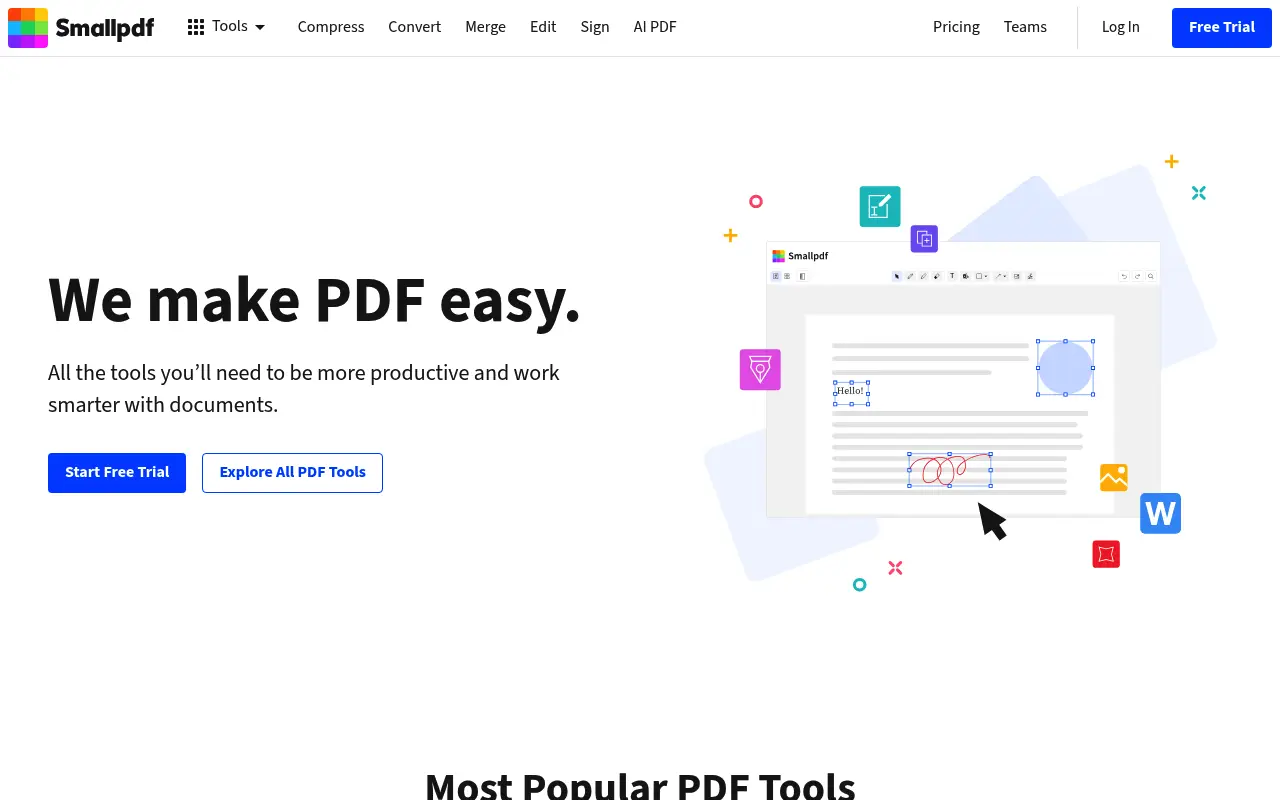
Smallpdf offers a well-designed set of PDF tools: merge, split, compress, convert, edit, and e-sign. It handles the full lifecycle of PDF document work with one of the cleanest interfaces in the space.
Free users get 2 tasks per day. Pro ($12/month annual) removes limits. Smallpdf is firmly focused on PDFs and does not attempt to handle other file types beyond basic conversions.
What is Zamzar?
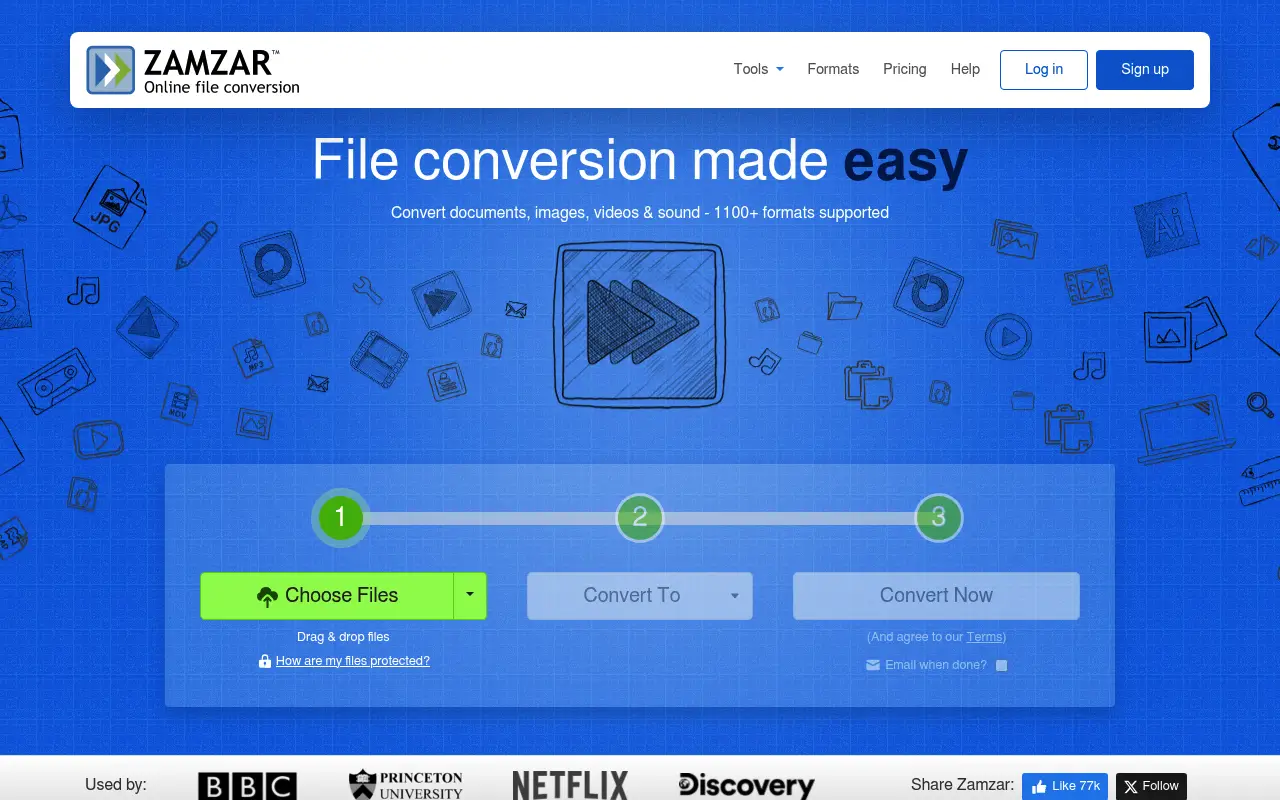
Zamzar has been converting files online since 2006 and supports over 1,100 file formats. Documents, images, video, audio, ebooks, CAD files, and compressed archives are all fair game. The upload-convert-download workflow is simple and consistent.
Zamzar's free tier allows files up to 50 MB. Paid plans start at $18/month with higher limits and file storage. Zamzar cannot merge, split, or compress PDFs; it only converts between formats.
A closer look at Smallpdf
Smallpdf pricing and plans
Smallpdf Pro at $144/year provides unlimited access to over 20 PDF tools. The subscription includes the desktop app, e-signatures, and cloud storage integrations. For users focused specifically on PDF work, this is a comprehensive offering.
The free tier (two tasks per day) and month-to-month option ($18/month) are available for users who want flexibility. Teams pricing at $10/user/month adds collaborative features for organizations.
Smallpdf's pricing positions it as a mid-range PDF tool: cheaper than Adobe Acrobat, more expensive than most web-based alternatives, and justified primarily by its polished interface and brand trust.
Smallpdf core strengths
Smallpdf's PDF-specific depth makes it the stronger choice for users whose work centers on PDFs. Merge, split, compress, convert, sign, protect, and annotate are all well-executed and interconnected within the platform.
The processing quality for PDF operations is consistently high. Compression maintains visual quality while achieving significant size reductions. Conversions between PDF and Office formats preserve formatting better than many competitors.
Swiss hosting and ISO 27001 certification provide a compliance story that matters for European businesses. Data processing stays within Swiss jurisdiction, which can satisfy GDPR requirements more clearly than services hosted in other regions.
Smallpdf known limitations
Smallpdf handles only PDF-related formats. If you need to convert between image formats, audio files, video formats, or ebook standards, Smallpdf cannot help. Users with diverse conversion needs will need supplementary tools.
The two-task daily limit on the free tier pushes users to subscribe quickly. Even light users who process three or four files in a session will hit the wall, making the free tier more of a trial than a usable product.
No offline processing capability exists. Every file passes through Smallpdf's servers, even when using the desktop app. For air-gapped environments or highly sensitive documents, this is a fundamental limitation.
A closer look at Zamzar
Zamzar pricing and plans
Zamzar's subscription tiers are priced higher than most PDF tools because they target broader file conversion needs. Basic at $13/month ($156/year) supports files up to 200 MB. Pro at $25/month ($300/year) handles files up to 400 MB. Business at $50/month ($600/year) supports up to 2 GB.
The free tier allows conversions of files under 50 MB with a limited number of daily conversions. This covers basic document and image conversions but is insufficient for video or large file processing.
No perpetual license exists. Zamzar is subscription-only, which means costs accumulate indefinitely. The higher tiers especially represent significant ongoing expenses.
Zamzar core strengths
Format breadth is Zamzar's primary value proposition, supporting over 1,200 format conversions. From obscure image formats to legacy document types, Zamzar can handle conversions that most other services cannot. This makes it invaluable for users dealing with unusual or legacy file formats.
Zamzar's longevity (operating since 2006) has built a reputation for reliability. The service has processed billions of files and maintains consistent uptime. For business users who need dependable conversion, this track record provides confidence.
The email-based conversion feature allows file conversion without web access. Users send a file as an email attachment and receive the converted version by email. This is useful in restricted network environments or for non-technical users who prefer email workflows.
Zamzar known limitations
Zamzar does not offer PDF manipulation tools. It converts files between formats but cannot merge, split, compress, rotate, or otherwise manage PDFs. Users who need these operations must use a separate tool.
The pricing is steep for users who primarily need document or image conversions. At $156/year for Basic, Zamzar costs more than most PDF-specific tools while offering fewer PDF features. The value only manifests when you need the broad format coverage.
The web interface has not modernized significantly. The conversion process involves multiple steps and page loads that feel dated compared to drag-and-drop interfaces. Mobile usability is limited by the non-responsive design of some pages.
Feature comparison
Smallpdf vs Zamzar vs File Studio
| Feature | Smallpdf | Zamzar | File Studio |
|---|---|---|---|
| Pricing | Free (2/day); Pro ~$12/month | Free (50 MB limit); Paid from ~$18/month | $29 one-time or $9.97/year |
| PDF tools | Merge, split, compress, edit, convert, sign | Format conversion only | Merge, split, compress, convert, remove passwords |
| File format breadth | PDF and related document/image formats | 1,100+ file formats | PDF and image formats |
| Works offline | Desktop app, cloud-dependent | No, web-only | Fully offline |
| Privacy / files stay local | Files uploaded to servers | Files uploaded, stored 24 hours (free) or longer | Files never leave your device |
| File size limits | Varies by plan | Free: 50 MB; Paid: up to 2 GB | No file size limits |
| Batch processing | Pro plan | Paid plans | Unlimited batch processing included |
| Requires account | Yes, for most features | Optional for free tier | No account required |
Verdict
Which tool should you pick?
For PDF work, Smallpdf is far more capable than Zamzar. For converting between a wide range of file formats (video, audio, documents), Zamzar is the better tool. They serve fundamentally different needs with only minor overlap in PDF conversion. If your work centers on PDFs and images, File Studio covers the most common operations offline at a fraction of either tool's subscription cost.
Pricing breakdown
What you actually pay over time
Smallpdf Pro at $144/year is actually cheaper than Zamzar Basic at $156/year, despite Smallpdf being a more focused tool. Over three years, Smallpdf costs $432 versus Zamzar's $468 for Basic. Against Zamzar Pro ($300/year), the gap widens to $432 versus $900 over three years.
The tools serve different needs, so the pricing comparison should reflect that. If you primarily work with PDFs, Smallpdf delivers much more value per dollar. If you need conversions across dozens of format categories, Zamzar's pricing covers a broader capability set.
File Studio at $29 once or $9.97/year provides the best value for users who need PDF operations and image format conversions specifically. Over three years, it saves $403 versus Smallpdf and $439 versus Zamzar Basic. The limitation is a narrower format range covering PDFs and common image formats.
A cost-effective combination for users who need both PDF tools and broad conversions is File Studio ($29 once) for daily PDF and image work, plus Zamzar's free tier for occasional exotic format conversions. This avoids two subscriptions while covering most use cases.
Decision guide
Which tool should you pick?
Your work is primarily PDF-focused (merge, split, compress, convert)
Pick Smallpdf. Smallpdf provides a complete PDF toolkit at a lower price than Zamzar, with tools specifically designed for PDF manipulation that Zamzar does not offer.
You regularly convert between obscure or legacy file formats
Pick Zamzar. Zamzar's 1,200+ format support covers legacy document types, obscure image formats, and niche conversions that neither Smallpdf nor File Studio can handle.
You want the lowest long-term cost for PDF and image tools
Pick File Studio. At $29 once, File Studio costs less over three years than three months of either Smallpdf Pro or Zamzar Basic. It covers everyday PDF and image operations offline.
You need file conversion in a restricted network with email-only access
Pick Zamzar. Zamzar's email conversion service works without web access. Send a file by email and receive the conversion back. No other tool in this comparison offers this capability.
You need both PDF manipulation and format conversion from one platform
Pick Smallpdf. While Smallpdf's format range is narrower than Zamzar's, it combines PDF-to-Office conversions with merge, split, and compress in one place. Zamzar only converts; it cannot manipulate PDFs.
The third option
Why File Studio might be a better fit
Combines PDF operations and image editing in one offline app, covering the needs both tools partially address.
At $29 one-time, it costs less than a single month of Zamzar's paid plan.
No file uploads, no account required, and no restrictions on file size or task count.
Handles modern image formats like WebP, TIFF, BMP, and SVG that Smallpdf does not support.
Pricing
Simple, fair pricing.
All tools included. No hidden fees. Processing stays on your device.
Yearly
For short-term projects.
- 1 year of updates
- Image, PDF, SVG, and spreadsheet tools
- Works on Mac & Windows
- All processing done on device
Lifetime
One purchase. Keep it forever.
- Unlimited conversions forever
- 1 year of major updates
- Image, PDF, SVG, and spreadsheet tools
- Watch Folders & Automation
- macOS Notch Drop Zone
- Works on Mac & Windows
Team & Bulk Pricing
Lifetime seats with volume discounts. More seats, bigger discount.
15
lifetime seats
You save
$60
15% off the individual price
Enterprise
50+ seats with custom pricing, centralized license management, and priority support.
FAQ
Frequently asked questions
Can Zamzar replace Smallpdf?→
Not for PDF manipulation. Zamzar converts files between formats but cannot merge, split, compress, or edit PDFs. You would still need Smallpdf, File Studio, or a similar tool for those tasks.
Which tool is cheaper?→
Smallpdf Pro at $12/month is cheaper than Zamzar's paid plans starting at $18/month. File Studio at $29 one-time or $9.97/year is significantly cheaper than both.
Does Zamzar convert PDFs to Word well?→
Zamzar handles PDF-to-Word conversion reasonably well, though dedicated tools like CloudConvert or Smallpdf may produce slightly better results for complex layouts.
Is Zamzar safe for sensitive documents?→
Zamzar encrypts uploads and states files are deleted after processing. Free tier files are stored for 24 hours, and paid plans can store files longer. For truly sensitive documents, an offline tool like File Studio is the safest option.
Can I use File Studio for video or audio conversion?→
No. File Studio focuses on PDF and image operations. For video, audio, or other non-PDF/image conversions, Zamzar or CloudConvert is the right tool.
@ayysoni · June 8, 2026
Related File Studio tools:
More comparisons: