

Comparison
iLovePDF vs Zamzar: PDF specialist versus universal converter.
iLovePDF is a dedicated PDF toolkit. Zamzar is a general-purpose file converter that handles hundreds of formats. They overlap on PDF conversion but serve different primary needs. This comparison helps you choose the right tool, and introduces File Studio for offline PDF and image work.
What is iLovePDF?
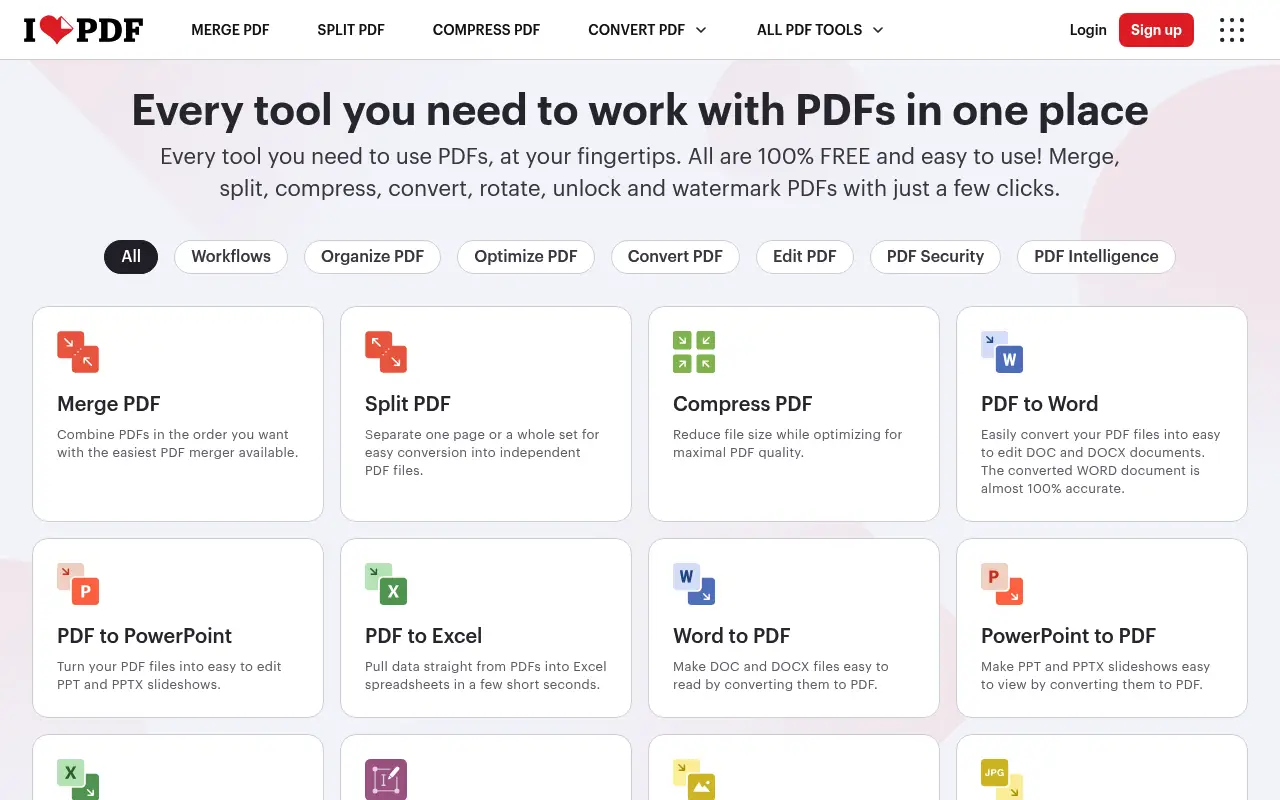
iLovePDF focuses exclusively on PDF operations: merge, split, compress, convert, rotate, unlock, watermark, and more. This specialization means it handles PDF tasks well, with a purpose-built interface for each operation.
The free tier works for occasional use, and Premium ($7/month annual) removes restrictions. iLovePDF does not attempt to convert non-PDF file formats like video or audio.
What is Zamzar?
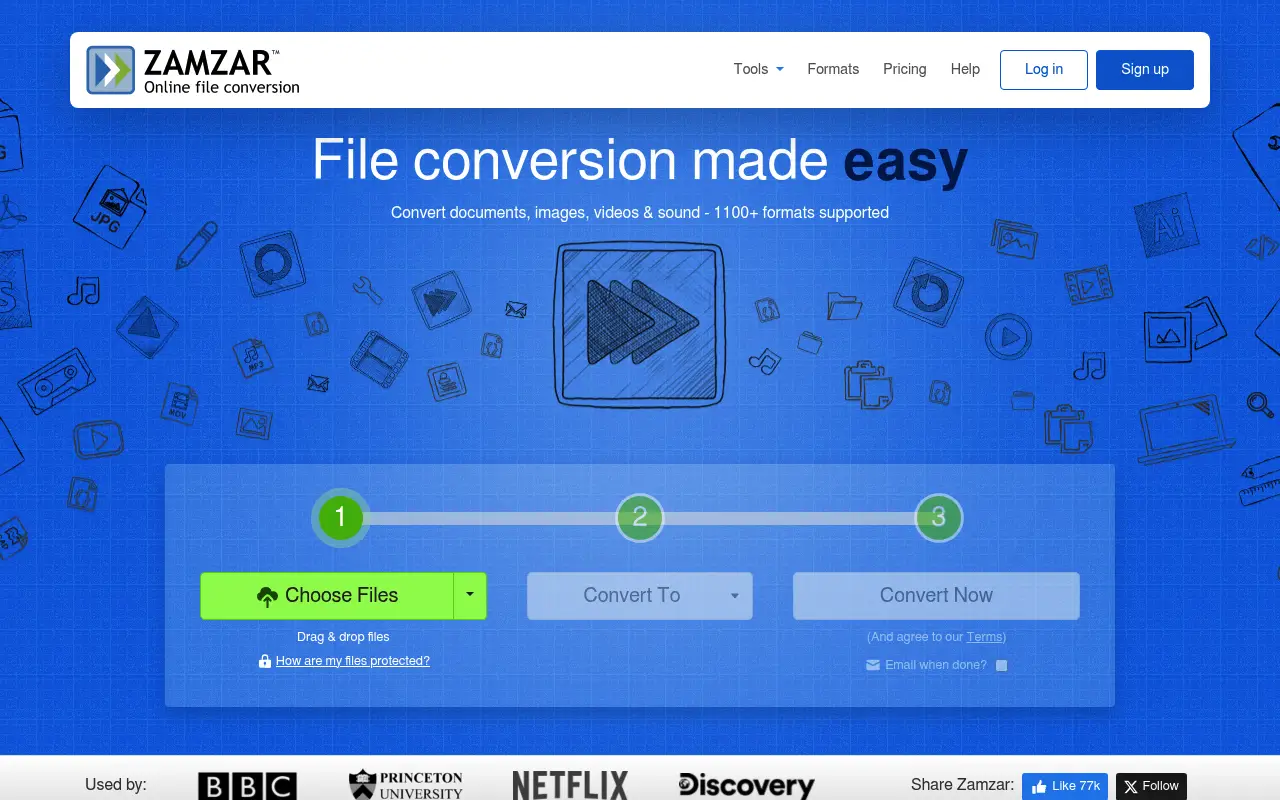
Zamzar is one of the oldest online file conversion services, supporting over 1,100 file formats across documents, images, video, audio, and ebooks. It is a general-purpose converter rather than a PDF-specific tool.
Zamzar's free tier allows files up to 50 MB with a limited number of conversions per day. Paid plans start at about $18/month and increase file size limits up to 2 GB. The interface is simple: upload, choose a format, and convert.
For PDF-specific operations like merging or splitting, Zamzar is limited. Its strength is format conversion breadth, not PDF manipulation depth.
A closer look at iLovePDF
iLovePDF pricing and plans
iLovePDF Premium at $84/year provides unlimited PDF processing with no file size caps. The free tier allows limited daily use with a 25 MB cap per file. For pure PDF work, this pricing is competitive within the web-based tool market.
The Business tier and API access extend iLovePDF's reach into team and developer use cases. This makes it more versatile than pure conversion tools, serving as a complete PDF platform rather than a single-purpose converter.
Promotional pricing and educational discounts are occasionally available, though the standard pricing is already on the affordable end of the market for what the platform delivers.
iLovePDF core strengths
iLovePDF is purpose-built for PDF operations, giving it depth that general-purpose converters lack. Every tool is optimized specifically for PDF workflows: merge with page reordering, split by page ranges or bookmarks, compress with quality presets. The specialization shows in the quality of results.
The platform handles PDF-specific tasks that converters like Zamzar cannot: page rotation, page numbering, watermarking, PDF/A conversion, PDF repair, and password protection. These go beyond simple format conversion into document management territory.
Performance for PDF operations is consistently strong. The servers are optimized for PDF processing specifically, which means merge, split, and compress operations complete faster than they would on a general-purpose conversion platform.
iLovePDF known limitations
iLovePDF does not support non-PDF file conversions beyond basic image-to-PDF and Office-to-PDF. If you need to convert between image formats, audio formats, or document formats that do not involve PDF, you need a separate tool.
The platform requires JavaScript to function, and ad blockers can occasionally interfere with the upload and download process on the free tier. Some users report needing to whitelist iLovePDF in their ad blocker to avoid broken functionality.
Batch processing, while available on Premium, has a practical limit on the number of simultaneous files. Processing dozens of files at once can slow down or time out, requiring users to break large batches into smaller groups.
A closer look at Zamzar
Zamzar pricing and plans
Zamzar operates on a tiered subscription model. The Basic plan costs approximately $13 per month ($156/year), the Pro plan is about $25 per month ($300/year), and the Business plan runs around $50 per month ($600/year). There is also a free tier limited to files under 50 MB with a few conversions per day.
Each tier increases the maximum file size, daily conversion limits, and storage capacity. The Basic plan supports files up to 200 MB, Pro up to 400 MB, and Business up to 2 GB. Online storage for converted files ranges from 5 GB to 100 GB across tiers.
Zamzar does not offer a perpetual license or lifetime deal. The subscription model means ongoing costs that accumulate significantly over time, especially for the higher tiers.
Zamzar core strengths
Zamzar's defining strength is format breadth. It supports over 1,200 file format conversions across categories including documents, images, audio, video, ebooks, and compressed archives. This makes it one of the most versatile file conversion services available.
The email conversion feature allows users to send a file as an email attachment to a specific Zamzar address, and the converted file is emailed back. This is useful for users in restricted environments where web access is limited but email is available.
Zamzar has been operating since 2006, giving it one of the longest track records in the online conversion space. The platform is stable, well-maintained, and trusted by a large user base for consistent conversion quality.
Zamzar known limitations
Zamzar is a conversion tool, not a PDF management platform. It converts files from one format to another but does not offer merge, split, compress, rotate, watermark, or other PDF-specific operations. Users who need these must supplement Zamzar with another tool.
Pricing is high relative to competitors. At $156/year for the Basic plan, Zamzar costs nearly twice iLovePDF's Premium plan while offering fewer PDF-specific features. The higher tiers escalate quickly to $300 and $600 per year.
The interface design has not evolved much over the years. While functional, it feels older compared to modern web applications. The conversion process involves multiple page loads and redirect steps that could be streamlined.
Feature comparison
iLovePDF vs Zamzar vs File Studio
| Feature | iLovePDF | Zamzar | File Studio |
|---|---|---|---|
| Pricing | Free; Premium ~$7/month (annual) | Free; Plans from ~$18/month | $29 one-time or $9.97/year |
| File format breadth | PDF and common Office formats | 1,100+ formats (documents, images, video, audio) | PDF and image formats (JPG, PNG, WebP, TIFF, BMP, SVG) |
| PDF-specific tools | Merge, split, compress, convert, rotate, watermark, unlock | Basic PDF conversion only | Merge, split, compress, convert, remove passwords |
| File size limits | Free: ~25 MB; Premium: larger | Free: 50 MB; Paid: up to 2 GB | No file size limits |
| Works offline | No | No, web-only | Fully offline |
| Privacy / files stay local | Files uploaded to servers | Files uploaded, stored for 24 hours (free) or longer (paid) | Files never leave your device |
| Batch processing | Premium only | Available on paid plans | Unlimited batch processing included |
| Image tools | Basic image-to-PDF | Image format conversion only | Resize, compress, convert, watermark, crop, and more |
Verdict
Which tool should you pick?
These tools serve different needs. If you mainly work with PDFs, iLovePDF is the obvious choice with its dedicated tool set. If you need to convert between many file formats (video, audio, documents), Zamzar's breadth is unmatched. For offline PDF and image work without subscriptions, File Studio covers the most common operations at a much lower cost than either tool's paid plan.
Pricing breakdown
What you actually pay over time
The pricing gap between these tools is significant. iLovePDF Premium at $84/year costs roughly half of Zamzar Basic at $156/year. Over three years, iLovePDF totals $252 versus Zamzar's $468 for Basic, saving $216. Against Zamzar Pro ($300/year), the three-year savings jump to $648.
Zamzar's pricing reflects its broader conversion capabilities rather than PDF-specific depth. If you need to convert between 1,200+ formats, the premium is justified. If your needs center on PDF operations, you are overpaying with Zamzar for capabilities you do not use.
File Studio at $29 once or $9.97/year offers the most budget-friendly option for users who need PDF operations and image tools. Over three years, File Studio saves $439 versus Zamzar Basic and $223 versus iLovePDF Premium. The tradeoff is a smaller format range, focused on PDF and common image formats.
A practical cost optimization is to use iLovePDF (free tier or Premium) for PDF operations and Zamzar's free tier for the rare non-PDF conversion. This avoids paying Zamzar's subscription while still accessing its format breadth for occasional needs. File Studio can replace both for local PDF and image work.
Decision guide
Which tool should you pick?
Your work centers on PDF operations (merge, split, compress, convert)
Pick iLovePDF. iLovePDF offers a deep, specialized PDF toolkit at half the price of Zamzar. For PDF-centric workflows, it provides better tools and better value.
You need to convert between many different file formats regularly
Pick Zamzar. Zamzar supports 1,200+ format conversions spanning documents, images, audio, video, and ebooks. No other tool in this comparison matches that breadth.
You want offline processing and the lowest long-term cost
Pick File Studio. At $29 once, File Studio handles PDF and image operations locally. Over three years, it costs less than three months of either iLovePDF Premium or Zamzar Basic.
You need to process files in a restricted environment with limited web access
Pick Zamzar. Zamzar's email-based conversion service lets you convert files by sending email attachments, bypassing web interface restrictions entirely.
You handle sensitive documents that must not be uploaded anywhere
Pick File Studio. Both iLovePDF and Zamzar process files on their servers. File Studio runs entirely on your device, keeping all documents private and local.
The third option
Why File Studio might be a better fit
Handles all common PDF operations plus image editing in one offline app.
No file uploads to any server, unlike both iLovePDF and Zamzar.
At $29 one-time, it costs less than two months of Zamzar's cheapest plan.
Supports modern image formats like WebP, TIFF, BMP, and SVG that neither competitor handles well.
Pricing
Simple, fair pricing.
All tools included. No hidden fees. Processing stays on your device.
Yearly
For short-term projects.
- 1 year of updates
- Image, PDF, SVG, and spreadsheet tools
- Works on Mac & Windows
- All processing done on device
Lifetime
One purchase. Keep it forever.
- Unlimited conversions forever
- 1 year of major updates
- Image, PDF, SVG, and spreadsheet tools
- Watch Folders & Automation
- macOS Notch Drop Zone
- Works on Mac & Windows
Team & Bulk Pricing
Lifetime seats with volume discounts. More seats, bigger discount.
15
lifetime seats
You save
$60
15% off the individual price
Enterprise
50+ seats with custom pricing, centralized license management, and priority support.
FAQ
Frequently asked questions
Can Zamzar merge or split PDFs?→
Zamzar focuses on file format conversion, not PDF manipulation. It can convert PDFs to other formats, but it cannot merge, split, compress, or edit PDFs. For those tasks, iLovePDF or File Studio is the better choice.
Which tool is better for converting PDFs to Word?→
Both can convert PDF to Word. iLovePDF typically produces better results for PDF-to-Word specifically, since it is optimized for PDF workflows. Zamzar is more of a general-purpose converter.
Does Zamzar store my files?→
Yes. Zamzar stores uploaded files for 24 hours on the free plan. Paid plans store files longer for re-downloading. If file privacy is a priority, this is worth considering. File Studio processes everything locally.
Can File Studio convert video or audio files?→
No. File Studio focuses on PDF operations and image editing. For video, audio, or other non-PDF/image conversions, Zamzar or a similar converter is needed.
Which tool has the best free tier?→
Zamzar offers a higher file size limit (50 MB vs 25 MB) on its free tier, but fewer conversions per day. iLovePDF allows more daily tasks but with smaller files. For unrestricted use, File Studio's one-time purchase eliminates limits entirely.
@ayysoni · May 6, 2026
Related File Studio tools:
More comparisons: