

Comparison
CombinePDF vs iLovePDF: single-purpose merger versus full toolkit.
CombinePDF does one thing: it merges PDF files. iLovePDF merges PDFs and does much more. If you only need to combine PDFs, the simpler tool might be all you need. But if you want additional features or offline merging, this comparison covers your options, including File Studio.
What is CombinePDF?
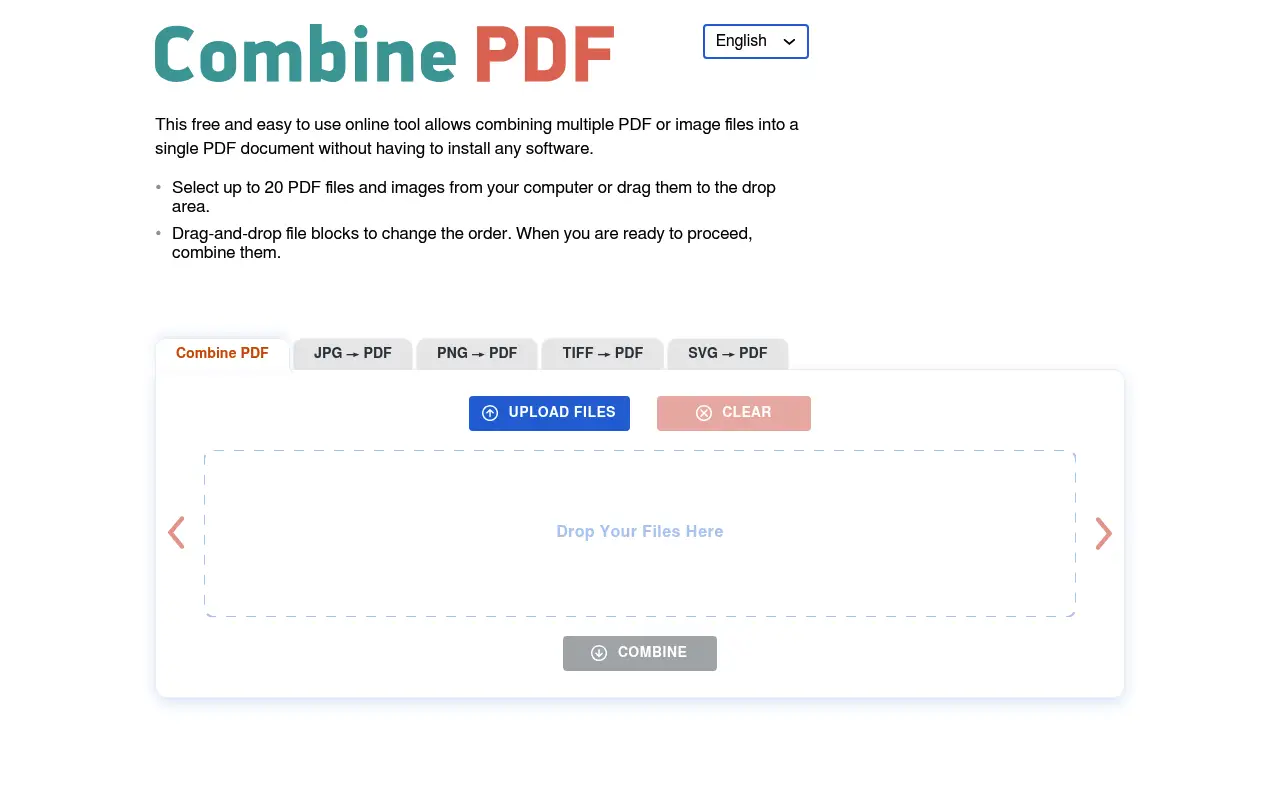
CombinePDF is a minimalist web tool designed for a single purpose: merging PDF files. You drag and drop your PDFs, arrange the order, and download the combined result. There are no other tools, no accounts, and no complicated options.
The simplicity is both its strength and limitation. CombinePDF is fast and free for basic merging, but it has file size limits and processes everything on its servers. There is no paid tier with additional features.
What is iLovePDF?
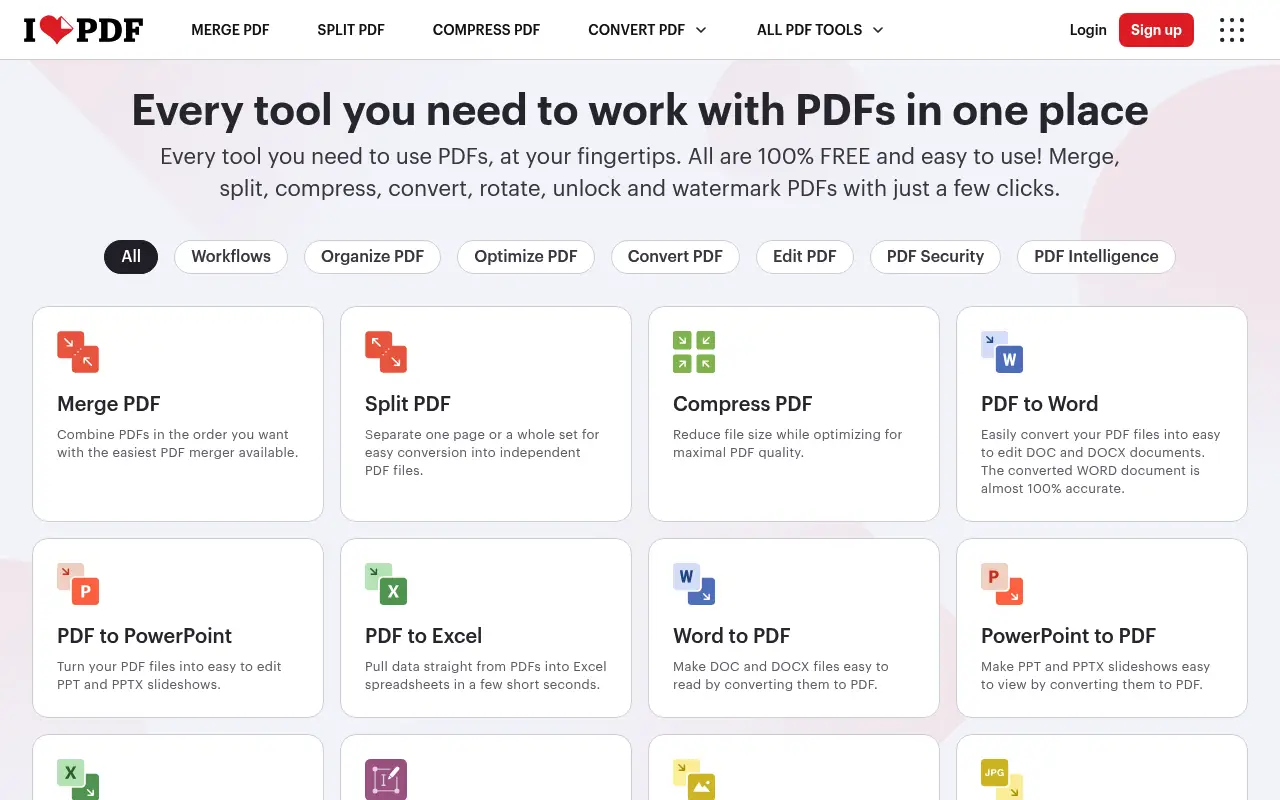
iLovePDF's merge tool is just one part of a larger PDF platform. The merging experience is similarly drag-and-drop, but you also get access to splitting, compressing, converting, watermarking, and many other PDF tools.
For merging specifically, iLovePDF allows reordering pages from multiple files and provides more control over the output. The free tier has file size limits (around 25 MB), and Premium ($7/month annual) removes them.
A closer look at CombinePDF
CombinePDF pricing and plans
CombinePDF is a completely free, web-based tool with no paid tier, no accounts, and no subscription. It does one thing: merge PDF files. There are no hidden costs, no premium upsells, and no usage limits on the number of merges you can perform.
The simplicity of CombinePDF's business model means there is no revenue from subscriptions. The site is supported by advertisements, which appear on the page but do not interfere with the merge process itself.
There is no desktop app, API, or mobile app. CombinePDF is a single-page web tool accessible from any browser. This extreme simplicity is both its strength and its limitation.
CombinePDF core strengths
CombinePDF does PDF merging exceptionally well. The interface is a single page with a file upload area, a drag-to-reorder function for organizing pages, and a merge button. There is no learning curve, no configuration options to confuse users, and no distracting features.
No account requirement means true anonymous use. Users can merge PDFs without entering an email, creating a profile, or accepting marketing emails. For privacy-conscious users who need a quick merge, this anonymity is valuable.
The page reordering interface is intuitive. After uploading multiple PDFs, you can drag individual pages or entire files into the desired order before merging. This visual approach makes it easy to organize complex merge operations.
CombinePDF known limitations
CombinePDF can only merge PDFs. It cannot split, compress, convert, rotate, add page numbers, remove passwords, or perform any other PDF operation. Users who need anything beyond merging must use a different tool entirely.
Files are uploaded to CombinePDF's servers for processing. The site states that files are deleted after one hour, but the upload step remains a privacy consideration for sensitive documents.
There are no quality or compression options. The merged output preserves the original quality of input files, which means large PDFs produce large merged outputs. Users who want smaller files need to compress separately afterward.
A closer look at iLovePDF
iLovePDF pricing and plans
iLovePDF Premium at $84/year provides access to over 25 PDF tools with no limits. The free tier covers casual use with daily operation limits and a 25 MB file cap. The Business plan at $6/user/month targets team use.
The platform includes merge functionality identical in purpose to CombinePDF, plus splitting, compressing, converting, annotating, signing, and many more operations. The merge tool specifically allows reordering pages and files before combining them.
API access starts with 250 free monthly requests, enabling programmatic PDF merging and other operations for developers building automated workflows.
iLovePDF core strengths
The comprehensive tool suite means you never need to switch platforms. After merging PDFs, you can immediately compress the result, add page numbers, insert a watermark, or convert it to a different format, all within iLovePDF.
Reliability at scale gives iLovePDF an edge for important work. Processing millions of files daily across distributed servers means the platform handles large files, complex merges, and high-traffic periods without the performance variability that smaller tools may exhibit.
Cloud storage integration (Google Drive, Dropbox, OneDrive) allows importing and exporting files directly, avoiding the download-upload cycle. For users who keep documents in cloud storage, this streamlines the workflow significantly.
iLovePDF known limitations
Paying $84/year for PDF tools when you primarily need merging is expensive relative to CombinePDF's free offering. If merge is your only or primary PDF need, iLovePDF's subscription is hard to justify.
The free tier shows advertisements and adds iLovePDF branding to some outputs. For professional use, this branding can be inappropriate when sharing merged documents with clients.
Account creation is encouraged for most operations. While some basic use is possible without signing up, the platform pushes toward account creation more aggressively than CombinePDF's no-account approach.
Feature comparison
CombinePDF vs iLovePDF vs File Studio
| Feature | CombinePDF | iLovePDF | File Studio |
|---|---|---|---|
| Pricing | Free | Free; Premium ~$7/month (annual) | $29 one-time or $9.97/year |
| PDF merging quality | Basic merge with drag-and-drop ordering | Merge with page reordering and more options | Drag-and-drop merge with page reordering |
| Additional PDF tools | None, merge only | Full suite: split, compress, convert, watermark, etc. | Split, compress, convert, remove passwords |
| Works offline | No, web-only | No, cloud-dependent | Fully offline |
| Privacy / files stay local | Files uploaded to servers | Files uploaded to servers | Files never leave your device |
| File size limits | Limited (exact cap varies) | Free: ~25 MB; Premium: higher | No file size limits |
| Requires account | No | Optional for basic use | No account required |
| Batch processing | Multiple files per merge session | Premium only for batch operations | Unlimited batch processing |
Verdict
Which tool should you pick?
CombinePDF is perfect for a quick, free PDF merge when you just need to combine a few files. iLovePDF is the better long-term choice if you need PDF tools beyond merging. Neither works offline or guarantees file privacy. For users who regularly merge PDFs, especially sensitive documents, File Studio's offline merging with no file size limits is the safest and most practical option.
Pricing breakdown
What you actually pay over time
CombinePDF is free with no paid tier. iLovePDF Premium costs $84/year. If merging is your only PDF need, the choice is obvious: CombinePDF saves $84 every year while providing the specific function you need. Over three years, that is $252 saved by using the free tool.
The calculation changes if you need additional PDF operations. CombinePDF can only merge. Adding a second free tool for splitting, a third for compressing, and a fourth for converting creates a fragmented workflow. iLovePDF's $84/year consolidates everything into one platform, which is more efficient for multi-operation workflows.
File Studio at $29 once or $9.97/year provides merge plus split, compress, convert, remove passwords, and a full image toolkit. Over three years, it costs $29 total versus iLovePDF's $252. For users who need more than just merging but do not want a subscription, File Studio fills the gap between CombinePDF's single function and iLovePDF's full platform.
For teams or heavy users, iLovePDF's API enables automated merging at scale with programmatic control. CombinePDF does not offer an API, and File Studio does not offer one either. If you need to merge thousands of PDFs automatically, iLovePDF's API is the appropriate tool.
Decision guide
Which tool should you pick?
You only need to merge PDFs and nothing else
Pick CombinePDF. CombinePDF is free, requires no account, and does merging well. Paying for iLovePDF or any other tool is unnecessary if merging is your sole need.
You need multiple PDF operations (merge, split, compress, convert)
Pick File Studio. File Studio handles all common PDF operations offline for $29 once. It covers significantly more than CombinePDF without the ongoing cost of iLovePDF's $84/year subscription.
You need automated PDF merging through an API
Pick iLovePDF. iLovePDF's API supports programmatic merging with batch processing. CombinePDF and File Studio do not offer API access for automation.
You handle confidential documents that must stay on your device
Pick File Studio. Both CombinePDF and iLovePDF upload files to their servers. File Studio merges PDFs locally on your computer without any network activity.
You want cloud storage integration for your PDF workflow
Pick iLovePDF. iLovePDF integrates with Google Drive, Dropbox, and OneDrive for direct import and export. CombinePDF and File Studio require manual file handling from your local file system.
The third option
Why File Studio might be a better fit
Merge PDFs offline without uploading them to any server, ideal for contracts and legal documents.
No file size restrictions; merge large PDFs that hit web tool limits.
Goes beyond merging with splitting, compressing, converting, and image editing tools.
One-time $29 payment is better value than iLovePDF Premium if you merge PDFs regularly.
Pricing
Simple, fair pricing.
All tools included. No hidden fees. Processing stays on your device.
Yearly
For short-term projects.
- 1 year of updates
- Image, PDF, SVG, and spreadsheet tools
- Works on Mac & Windows
- All processing done on device
Lifetime
One purchase. Keep it forever.
- Unlimited conversions forever
- 1 year of major updates
- Image, PDF, SVG, and spreadsheet tools
- Watch Folders & Automation
- macOS Notch Drop Zone
- Works on Mac & Windows
Team & Bulk Pricing
Lifetime seats with volume discounts. More seats, bigger discount.
15
lifetime seats
You save
$60
15% off the individual price
Enterprise
50+ seats with custom pricing, centralized license management, and priority support.
FAQ
Frequently asked questions
Is CombinePDF completely free?→
Yes. CombinePDF is a free tool with no paid tiers. However, it has file size limits and processes files on its servers. For unlimited, private merging, File Studio is an affordable alternative.
Can iLovePDF merge more than just PDFs?→
iLovePDF can merge PDF files together. It can also convert images and Office documents to PDF first, then merge them. CombinePDF only works with existing PDF files.
Is it safe to merge confidential PDFs online?→
Both CombinePDF and iLovePDF upload your files to their servers for processing. While they use encryption, the files do leave your device temporarily. For confidential documents, merging locally with File Studio eliminates that risk entirely.
How many PDFs can File Studio merge at once?→
File Studio does not impose a limit on the number of PDFs you can merge in a single operation. You can drag and drop as many files as you need, reorder them, and combine them into one document.
Can I reorder pages from different PDFs when merging?→
iLovePDF and File Studio both allow you to reorder pages from multiple source PDFs before merging. CombinePDF lets you reorder the files but does not provide page-level reordering within files.
@ayysoni · August 4, 2026
Related File Studio tools:
More comparisons: