

Comparison
Adobe Acrobat vs Nitro PDF: two enterprise-grade editors compared.
Nitro PDF has positioned itself as a cost-effective alternative to Adobe Acrobat for businesses. Both offer comprehensive PDF editing, but they differ in pricing structure, interface design, and collaboration features. Here is how they stack up, and why File Studio might be all you need.
What is Adobe Acrobat?
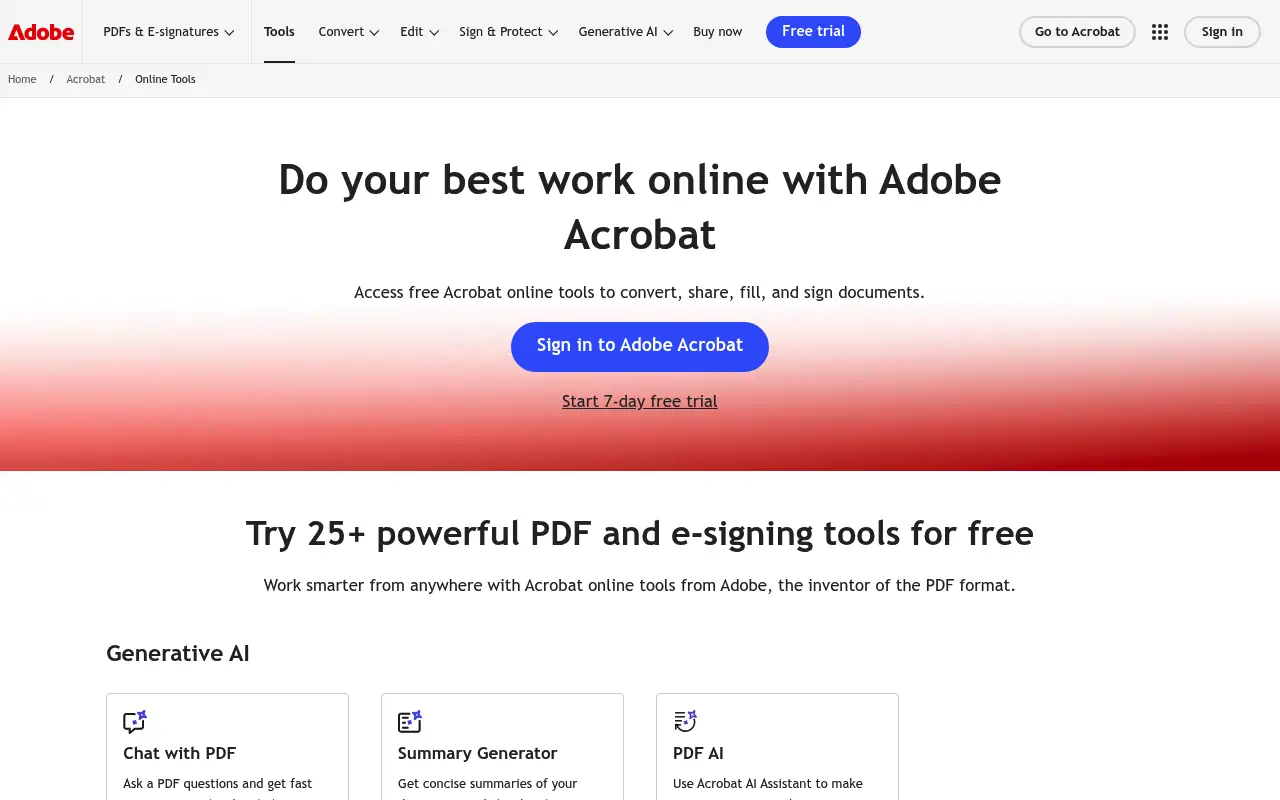
Adobe Acrobat Pro DC remains the most widely deployed PDF editor in enterprise environments. Its feature set covers everything from basic PDF viewing to advanced form creation, OCR, redaction, and digital signatures. Integration with Adobe's broader ecosystem and widespread IT familiarity make it the default choice for many organizations.
The subscription model ($23/month for Pro) is a sticking point for budget-conscious teams. Adobe does not offer a perpetual license, so costs accumulate over time.
What is Nitro PDF?
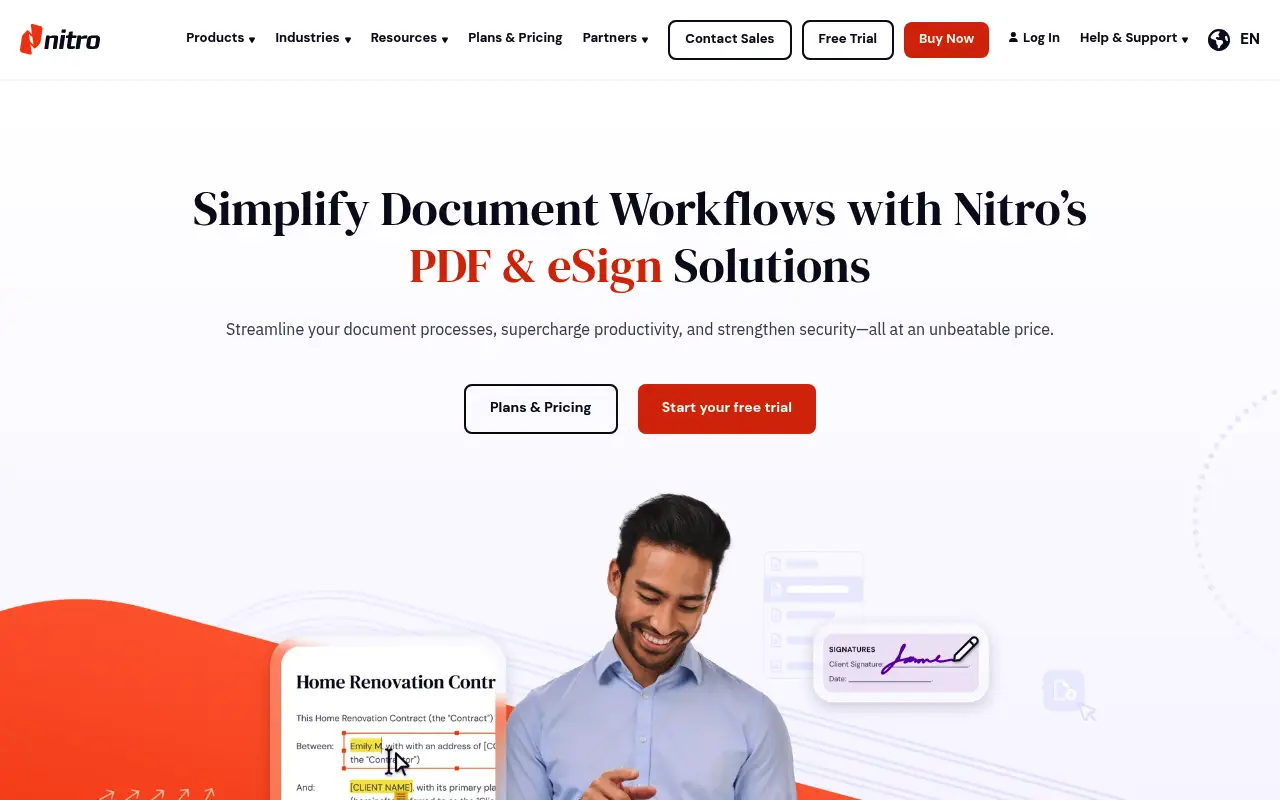
Nitro PDF Pro is a desktop PDF editor designed as a direct competitor to Adobe Acrobat in business settings. It offers text and image editing, form creation, OCR, e-signatures (through Nitro Sign), and cloud-based collaboration through Nitro Workspace.
Nitro is available as a one-time purchase (around $180) or via subscription. The perpetual license is a strong selling point for businesses that want to avoid recurring costs. The interface is Microsoft Office-inspired, which helps with user adoption in Windows-heavy environments.
One limitation: Nitro PDF Pro is Windows-only for the desktop application. Mac users need to rely on Nitro's web tools, which are more limited.
A closer look at Adobe Acrobat
Adobe Acrobat pricing and plans
Acrobat Pro's $23/month annual subscription ($276/year) positions it as the premium option in the PDF editor market. There is no way to buy Acrobat outright; Adobe retired perpetual licenses years ago. For users who want predictable budgeting, this means committing to an indefinite recurring cost.
The Acrobat Standard tier at $13/month ($156/year) removes enough features to make it a poor fit for professional use, yet it still costs more than many competitors' top-tier plans. This pricing gap has driven significant market share toward alternatives.
Adobe occasionally offers Acrobat Pro through the Adobe Acrobat for Teams plan at around $15 per user per month (billed annually), which includes admin tools and shared licenses. However, even team pricing exceeds what competitors charge for comparable functionality.
Adobe Acrobat core strengths
Acrobat's PDF editing engine handles complex document structures better than any competitor. Documents with layered graphics, embedded multimedia, 3D content, and advanced color management are rendered and edited correctly, which matters for engineering, architecture, and design workflows.
The security feature set in Acrobat is comprehensive. AES-256 encryption, certificate-based access control, and Microsoft Information Protection (MIP) integration give IT departments fine-grained control over document access and sharing.
Acrobat's mobile apps on iOS and Android offer genuine editing capabilities, not just viewing. You can fill forms, add signatures, annotate, and perform basic edits directly on a phone or tablet, with changes syncing through Document Cloud.
Adobe Acrobat known limitations
Acrobat's interface complexity is a persistent criticism. The tool panel, action wizard, and nested menus create a steep learning curve. Users who only need basic functionality spend time navigating past features they will never use.
The cloud dependency has increased with recent versions. Features like shared reviews, forms distribution, and Adobe Sign integration require an internet connection. This reduces the tool's utility for users in air-gapped or low-connectivity environments.
Adobe's update cycle can introduce interface changes that disrupt established workflows. Long-time users report that features occasionally move between menus or get rebranded, requiring retraining for teams that have built processes around specific tool locations.
A closer look at Nitro PDF
Nitro PDF pricing and plans
Nitro PDF Pro offers both subscription and perpetual licensing. The subscription costs approximately $14 per month or $140 per year. The perpetual license is typically priced around $180 for a single user, making it one of the few professional PDF editors available as a one-time purchase.
Nitro also offers a Business plan with cloud-based analytics and team management at approximately $20 per user per month. This plan includes Nitro Productivity Platform features like workflow analytics, e-signatures, and document insights.
Educational and volume pricing is available, with discounts starting at five or more seats. Nitro frequently runs promotions that reduce the perpetual license price to around $130 to $150, particularly during holiday sales.
Nitro PDF core strengths
Nitro's interface is deliberately designed to feel like Microsoft Office. The ribbon toolbar, familiar keyboard shortcuts, and contextual menus make it the easiest transition for users coming from Word, Excel, and PowerPoint. Onboarding time is noticeably shorter compared to Acrobat.
PDF-to-Office conversion quality in Nitro is exceptionally strong, consistently ranking among the best in independent tests. Complex tables, headers, footers, and formatting are preserved more faithfully than most competitors manage. For users who frequently convert between PDF and Office formats, this is a significant advantage.
Nitro's productivity analytics feature (available on the Business plan) tracks how teams use PDF tools, identifying bottlenecks and inefficiencies. This data-driven approach to document workflows is unique among PDF editors and valuable for operations managers.
Nitro PDF known limitations
Nitro PDF Pro is Windows-only for the desktop application. Mac users are limited to the web-based Nitro PDF Productivity Platform, which lacks the full feature set of the desktop app. This is a dealbreaker for mixed-platform teams.
The OCR engine in Nitro is functional but not as polished as Acrobat's. Processing speed is slower, accuracy with non-English text is lower, and the output formatting from OCR requires more manual correction than Acrobat's results.
Customer support response times have been a point of criticism. Free and perpetual license users report longer wait times for support tickets, with priority support reserved for subscription and business plan customers.
Feature comparison
Adobe Acrobat vs Nitro PDF vs File Studio
| Feature | Adobe Acrobat | Nitro PDF | File Studio |
|---|---|---|---|
| Pricing | ~$23/month subscription only | ~$180 one-time or subscription available | $29 one-time or $9.97/year |
| Platform support | Mac, Windows, iOS, Android, web | Windows only (desktop); web tools for other platforms | Mac and Windows |
| PDF editing depth | Industry-leading editing, forms, redaction | Strong editing, forms, e-signatures | Merge, split, compress, convert, remove passwords |
| OCR capability | Advanced multi-language OCR | Solid OCR with batch support | No built-in OCR |
| Cloud integration | Adobe Document Cloud | Nitro Workspace for collaboration | No cloud; fully offline |
| Speed / performance | Can be slow and resource-heavy | Generally faster than Acrobat on Windows | Lightweight, fast launch |
| Batch processing | Action Wizard for complex automation | Batch processing for common operations | Unlimited batch processing included |
| Works offline | Yes, with optional cloud features | Yes, desktop app works offline | Fully offline, no cloud features |
Verdict
Which tool should you pick?
Adobe Acrobat has the broadest feature set and cross-platform support, making it the safer choice for mixed Mac/Windows environments. Nitro PDF wins on pricing with its perpetual license and performs well on Windows, but the lack of a native Mac app is a significant limitation. Both are professional tools with professional price tags. If your PDF needs are more practical than professional, File Studio offers the core operations at a fraction of the cost.
Pricing breakdown
What you actually pay over time
Acrobat Pro at $276 per year costs nearly twice Nitro's $140 annual subscription. Over three years, Acrobat totals $828 versus Nitro's $420 on subscription, saving $408 with Nitro. If you opt for Nitro's perpetual license at $180, the three-year cost drops further, saving $648 compared to Acrobat.
The free tier comparison is straightforward: neither Acrobat nor Nitro offers a meaningful free tier for desktop use. Both offer limited online tools, but neither provides enough free functionality for regular use. This is where lighter web-based tools have an advantage.
File Studio's $29 one-time price or $9.97/year subscription provides the basic PDF operations that make up the majority of daily tasks. For users who do not need Nitro's Office conversion quality or Acrobat's editing depth, File Studio covers merge, split, compress, and convert at a fraction of the cost. Over three years, File Studio saves between $391 (versus Nitro subscription) and $799 (versus Acrobat).
For Windows-based teams evaluating these tools, Nitro's Office-like interface can reduce training costs, an often-overlooked expense. Acrobat's learning curve means hours of productivity lost during onboarding. File Studio's simple interface eliminates training concerns entirely, though it also lacks the advanced features that would require training in the first place.
Decision guide
Which tool should you pick?
You frequently convert PDFs to Word or Excel and need high fidelity
Pick Nitro PDF. Nitro's PDF-to-Office conversion quality is among the best available, preserving complex tables and formatting more accurately than most competitors including Acrobat.
You use a Mac as your primary computer
Pick Adobe Acrobat. Nitro's desktop application is Windows-only. Mac users need either Acrobat's native Mac app or a different solution entirely. File Studio also supports macOS for basic PDF tasks.
You want a one-time purchase for professional PDF editing
Pick Nitro PDF. Nitro's perpetual license at around $180 provides full editing, OCR, and form capabilities without recurring costs. Acrobat does not offer a perpetual option.
You only need everyday PDF operations without advanced editing
Pick File Studio. Merging, splitting, compressing, and converting PDFs does not justify $140 to $276 per year. File Studio handles these tasks for $29 once, with no subscription.
You need to track how your team uses PDF tools for process optimization
Pick Nitro PDF. Nitro's Business plan includes productivity analytics that show which tools are used most, where bottlenecks occur, and how document workflows can be improved. This feature is unique to Nitro.
The third option
Why File Studio might be a better fit
At $29 one-time, File Studio costs roughly 85% less than Nitro and over 90% less than a year of Acrobat.
Works on both Mac and Windows, unlike Nitro's desktop app which is Windows-only.
No cloud accounts, workspaces, or collaboration features you do not need just to merge a PDF.
Includes a complete image editing toolkit alongside PDF tools.
Pricing
Simple, fair pricing.
All tools included. No hidden fees. Processing stays on your device.
Yearly
For short-term projects.
- 1 year of updates
- Image, PDF, SVG, and spreadsheet tools
- Works on Mac & Windows
- All processing done on device
Lifetime
One purchase. Keep it forever.
- Unlimited conversions forever
- 1 year of major updates
- Image, PDF, SVG, and spreadsheet tools
- Watch Folders & Automation
- macOS Notch Drop Zone
- Works on Mac & Windows
Team & Bulk Pricing
Lifetime seats with volume discounts. More seats, bigger discount.
15
lifetime seats
You save
$60
15% off the individual price
Enterprise
50+ seats with custom pricing, centralized license management, and priority support.
FAQ
Frequently asked questions
Is Nitro PDF a good alternative to Adobe Acrobat?→
Yes, especially for Windows-based businesses. Nitro offers comparable editing features at a lower price with a perpetual license option. The main drawback is the lack of a native Mac desktop app.
Can Nitro PDF open Acrobat-created files?→
Yes. Both tools work with the standard PDF format. Files created in Acrobat open and edit correctly in Nitro, and vice versa.
Does Nitro PDF have a free version?→
Nitro offers a free PDF reader (Nitro PDF Reader) with basic viewing, annotation, and conversion features. The full editor requires a paid license.
Why would I choose File Studio over Nitro?→
If you only need everyday PDF operations and do not require inline text editing, OCR, or form creation, File Studio does the job at a much lower cost. It also works on Mac, which Nitro's desktop editor does not.
Which tool is best for a small business?→
It depends on the workflow. If employees edit PDF content regularly, Nitro's perpetual license is more cost-effective than Acrobat's subscription. If the team mainly merges, compresses, and converts documents, File Studio at $29 per seat is the most economical option.
@ayysoni · April 2, 2026
Related File Studio tools:
More comparisons: