

Comparison
Sejda vs PDF2Go: focused PDF tools with different strengths.
Sejda and PDF2Go are both web-based PDF platforms that offer free tools for common PDF tasks. They differ in desktop app availability, free tier limits, and interface design. This comparison helps you choose between them, with File Studio as an always-offline alternative.
What is Sejda?
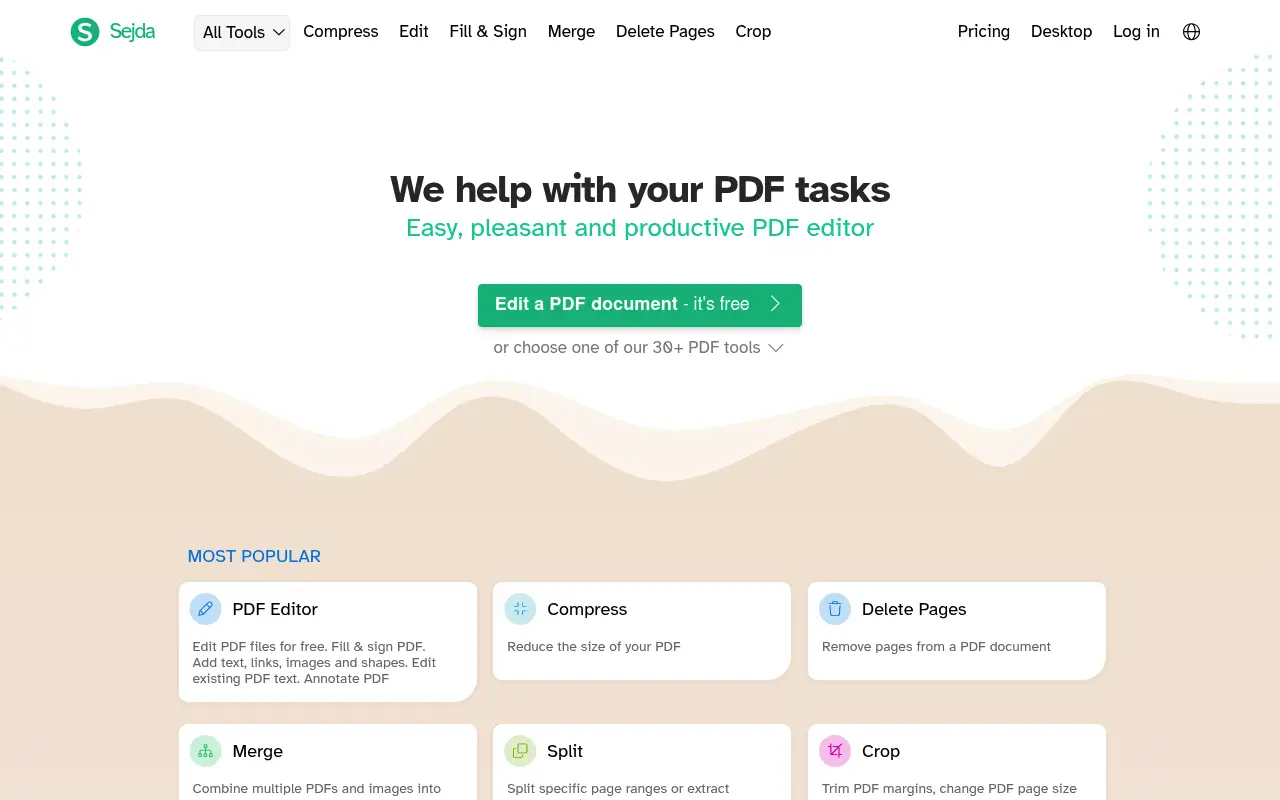
Sejda is a task-oriented PDF platform known for its clean interface and genuine offline desktop app. Each PDF operation has a dedicated tool page. The free tier allows 3 tasks per hour with 50 MB and 200-page document limits.
The paid plan ($8/month or $63/year) removes limits. Sejda's desktop app processes files locally, which is unusual among web-first PDF tools and provides real privacy benefits.
What is PDF2Go?
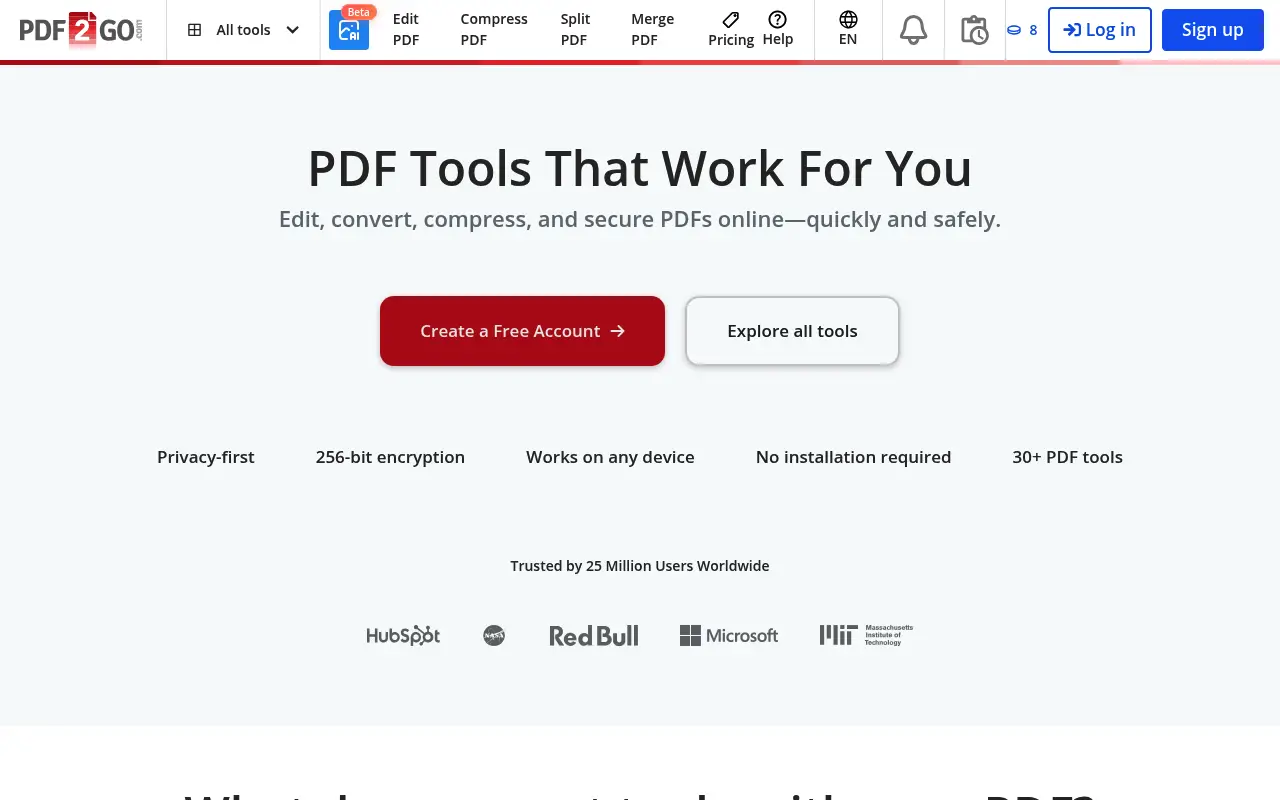
PDF2Go offers a broad set of PDF tools including editing, conversion, compression, merging, and sorting. It also supports non-PDF document conversions. The free tier includes ads and file size limits.
PDF2Go Premium ($6/month annual) removes ads and increases file size limits to 1 GB. The platform is web-only with no desktop app. Files are stored on their servers for 24 hours after processing.
A closer look at Sejda
Sejda pricing and plans
Sejda's pricing model is one of the most flexible in the PDF tool market. The free tier offers three tasks per day with 50 MB and 200-page limits. The $5 Web Week Pass covers short-term intensive use. The annual subscription at $63/year and perpetual license at $69 one-time provide long-term options.
The perpetual license at $69 includes both web and desktop access, covering all features without ongoing payments. This is exceptionally good value for a tool that includes inline text editing, form filling, and local processing.
No enterprise features, team plans, or API access keeps the pricing simple but limits Sejda's appeal for organizational deployments that need centralized management.
Sejda core strengths
The desktop application provides genuine offline processing. Unlike many web-based tools that require cloud connectivity even in their desktop versions, Sejda's desktop app handles all operations locally. This is critical for privacy-sensitive work and environments without reliable internet.
Inline text editing is available for modifying existing PDF content. You can click on text and change it directly, adjust fonts, and modify formatting. This editing capability is unusual in tools at Sejda's price point and significantly extends its utility beyond basic PDF operations.
Each tool in Sejda's web interface is designed for a single, clear purpose. The focused approach means each tool loads quickly, provides clear instructions, and produces results without unnecessary complexity. Users can accomplish most tasks in under 30 seconds.
Sejda known limitations
No mobile apps limit Sejda to desktop and web browser use. Users who need to process PDFs from phones or tablets must use the mobile browser, which is not optimized for Sejda's interface.
The 200-page limit on the free tier can be restrictive for users working with longer documents. Reports, manuals, and legal documents frequently exceed this threshold, requiring a paid tier for processing.
Customer support is limited to email with no live chat or phone options. Response times can extend to several business days, which is inconvenient for users experiencing urgent issues.
A closer look at PDF2Go
PDF2Go pricing and plans
PDF2Go Premium costs approximately $78/year ($6.50/month billed annually) or $8.50/month on a month-to-month basis. The free tier allows basic operations with file size limits and advertisements on the interface.
Premium removes ads, increases file size limits, enables batch processing, and provides priority processing speed. There is no perpetual license, meaning costs recur indefinitely.
No team plans, enterprise licensing, or API access is available. PDF2Go serves individual users with a straightforward free-or-premium model.
PDF2Go core strengths
Broader format support sets PDF2Go apart from Sejda. Beyond PDFs, it handles image conversions, document format changes (DOCX, PPTX, XLSX), and ebook formats (EPUB). This makes it a more versatile conversion platform for users with diverse format needs.
The visual PDF editor allows adding text, shapes, images, and drawings directly to a PDF in the browser. While not true inline editing, it provides more visual manipulation options than many web-based competitors.
Anonymous use without account creation is available for all free-tier operations. Users can process files without entering any personal information, providing a degree of anonymity that account-required services do not offer.
PDF2Go known limitations
No offline processing capability means every file must be uploaded to PDF2Go's servers. There is no desktop application and no local processing option. Users with privacy concerns or unreliable internet face a fundamental limitation.
Processing reliability has been inconsistent. Complex files, large documents, and unusual format conversions can fail without clear error messages. Retry logic is up to the user, which adds friction to the experience.
The interface feels dated compared to modern web applications. Ad placements on the free tier clutter the layout, and the navigation structure requires more clicks than streamlined competitors like Sejda or iLovePDF.
Feature comparison
Sejda vs PDF2Go vs File Studio
| Feature | Sejda | PDF2Go | File Studio |
|---|---|---|---|
| Pricing | Free (3/hour); Paid ~$8/month or $63/year | Free; Premium ~$6/month (annual) | $29 one-time or $9.97/year |
| Works offline | Desktop app processes files locally | No, web-only | Fully offline |
| Privacy / files stay local | Web: uploaded; Desktop: local | Files uploaded, stored 24 hours | Files never leave your device |
| Free tier limits | 3 tasks/hour; 50 MB, 200-page limits | Ads; file size restrictions | No free tier; no limits after purchase |
| File size limits (paid) | Generous limits on paid plan | Up to 1 GB on Premium | No file size limits |
| PDF editing depth | Basic text editing, annotations | Basic editing, annotations | File-level operations, password removal |
| Interface quality | Clean, minimalist | Functional but dated, ads on free tier | Clean desktop interface |
| Image tools | None | Basic image conversion | Full image suite: resize, compress, convert, watermark, crop |
Verdict
Which tool should you pick?
Sejda is the stronger choice if you value privacy (via its desktop app) and a cleaner interface. PDF2Go wins on file size support (1 GB on Premium) and slightly lower pricing. Both are capable for common PDF tasks. For guaranteed offline processing, no task limits, and a bundled image editing toolkit, File Studio is a practical one-time purchase alternative.
Pricing breakdown
What you actually pay over time
Sejda offers better pricing flexibility. The perpetual license at $69 beats PDF2Go's $78/year subscription in the first year alone, and the gap grows every subsequent year. Over three years, Sejda's perpetual license costs $69 versus PDF2Go's $234, saving $165. Even Sejda's annual subscription at $63/year is cheaper than PDF2Go at $78/year.
The free tier comparison favors Sejda for PDF-specific work. Three daily tasks with 50 MB files and 200 pages beats PDF2Go's more restrictive limits and ad-cluttered interface. For users who process PDFs occasionally and never want to pay, Sejda's free offering is more practical.
File Studio at $29 once or $9.97/year is the most affordable option in this comparison. It handles PDF operations and adds image editing tools that neither Sejda nor PDF2Go offer. Over three years, File Studio saves $40 versus Sejda's perpetual license and $205 versus PDF2Go's subscription.
The value of Sejda's inline text editing is worth quantifying. Without it, users who need to edit PDF text would need a more expensive tool (Foxit at $160+, Acrobat at $276/year). Sejda provides this capability at $69 one-time, saving hundreds compared to the alternatives. PDF2Go does not offer inline editing at any price.
Decision guide
Which tool should you pick?
You need to edit existing text within PDFs on a budget
Pick Sejda. Sejda's inline text editing at $69 perpetual is the most affordable way to modify existing PDF content. PDF2Go does not offer text editing of existing content at any price tier.
You need to convert between document and ebook formats (DOCX, EPUB)
Pick PDF2Go. PDF2Go supports broader format conversions beyond PDFs, including DOCX, PPTX, XLSX, and EPUB. Sejda focuses specifically on PDF operations without general format conversion.
You need offline PDF processing with no server uploads
Pick File Studio. File Studio and Sejda's desktop app both process locally. File Studio is cheaper ($29 versus $69) and includes image tools. PDF2Go has no offline capability at all.
You want to process PDFs without creating any account
Pick PDF2Go. PDF2Go allows completely anonymous file processing on the free tier. Sejda's free tier also works without an account, but PDF2Go is more explicit about not tracking users.
You have a one-week burst of PDF work and want the cheapest option
Pick Sejda. Sejda's $5 Web Week Pass provides seven days of unlimited access. PDF2Go does not offer a comparable short-term access option; the cheapest entry is $8.50/month.
The third option
Why File Studio might be a better fit
Always offline with no cloud component, going further than Sejda's hybrid web/desktop approach.
No task-per-hour limits, no ads, and no 24-hour file storage on servers.
At $29 one-time, it is a better long-term value than either tool's subscription.
Comprehensive image editing included, filling a gap neither Sejda nor PDF2Go covers.
Pricing
Simple, fair pricing.
All tools included. No hidden fees. Processing stays on your device.
Yearly
For short-term projects.
- 1 year of updates
- Image, PDF, SVG, and spreadsheet tools
- Works on Mac & Windows
- All processing done on device
Lifetime
One purchase. Keep it forever.
- Unlimited conversions forever
- 1 year of major updates
- Image, PDF, SVG, and spreadsheet tools
- Watch Folders & Automation
- macOS Notch Drop Zone
- Works on Mac & Windows
Team & Bulk Pricing
Lifetime seats with volume discounts. More seats, bigger discount.
15
lifetime seats
You save
$60
15% off the individual price
Enterprise
50+ seats with custom pricing, centralized license management, and priority support.
FAQ
Frequently asked questions
Is Sejda's desktop app free?→
Sejda's desktop app has the same free tier limits as the web version (3 tasks per hour, 50 MB, 200 pages). The paid plan removes these restrictions. The key benefit of the desktop app is local file processing, not additional free features.
Does PDF2Go have a desktop app?→
No. PDF2Go is entirely web-based. All files must be uploaded to their servers for processing. If offline processing matters to you, Sejda's desktop app or File Studio are better options.
Which tool supports larger files?→
PDF2Go Premium supports files up to 1 GB, which is higher than Sejda's limits. File Studio has no file size limits at all since it processes files locally.
Can I use either tool to compress images?→
PDF2Go has some basic image conversion tools. Sejda is PDF-focused and does not handle images. File Studio includes full image compression, resizing, and format conversion alongside its PDF tools.
Which free tier is more generous?→
PDF2Go allows more tasks per session but shows ads and has lower file size limits. Sejda limits you to 3 tasks per hour but has a cleaner experience and supports slightly larger files. The better option depends on whether you prefer fewer interruptions or more tasks.
@ayysoni · July 9, 2026
Related File Studio tools:
More comparisons: