

Comparison
Sejda vs PDF Candy: both offer desktop apps, but which is better?
Sejda and PDF Candy are web-based PDF tools that also provide desktop applications, setting them apart from purely browser-based competitors. This comparison examines how their desktop apps, pricing, and feature sets stack up, with File Studio as another desktop option to consider.
What is Sejda?
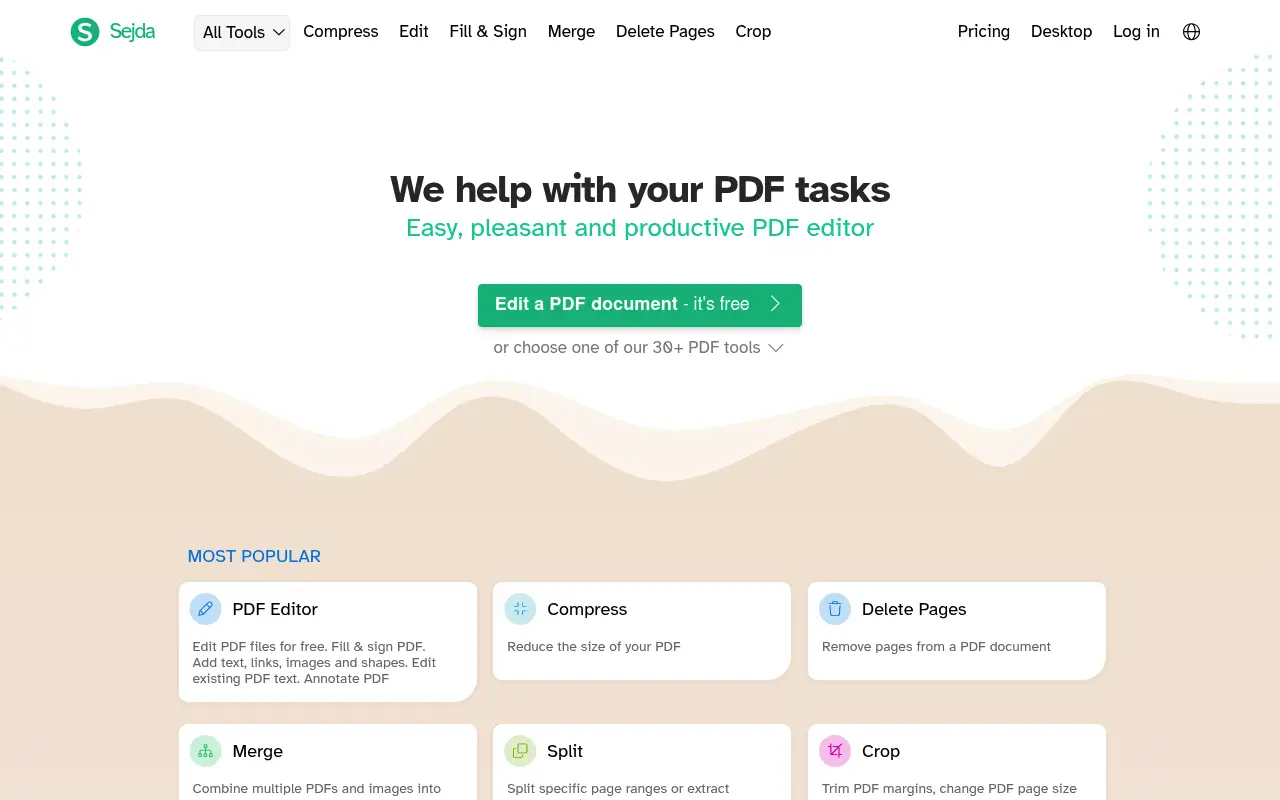
Sejda provides a clean, task-based PDF platform with tools for merging, splitting, compressing, converting, and basic editing. Its desktop app processes files entirely on your machine, making it one of the more privacy-friendly web-first PDF tools.
The free tier is limited to 3 tasks per hour with 50 MB and 200-page caps. The paid plan ($8/month or $63/year) lifts these restrictions.
What is PDF Candy?
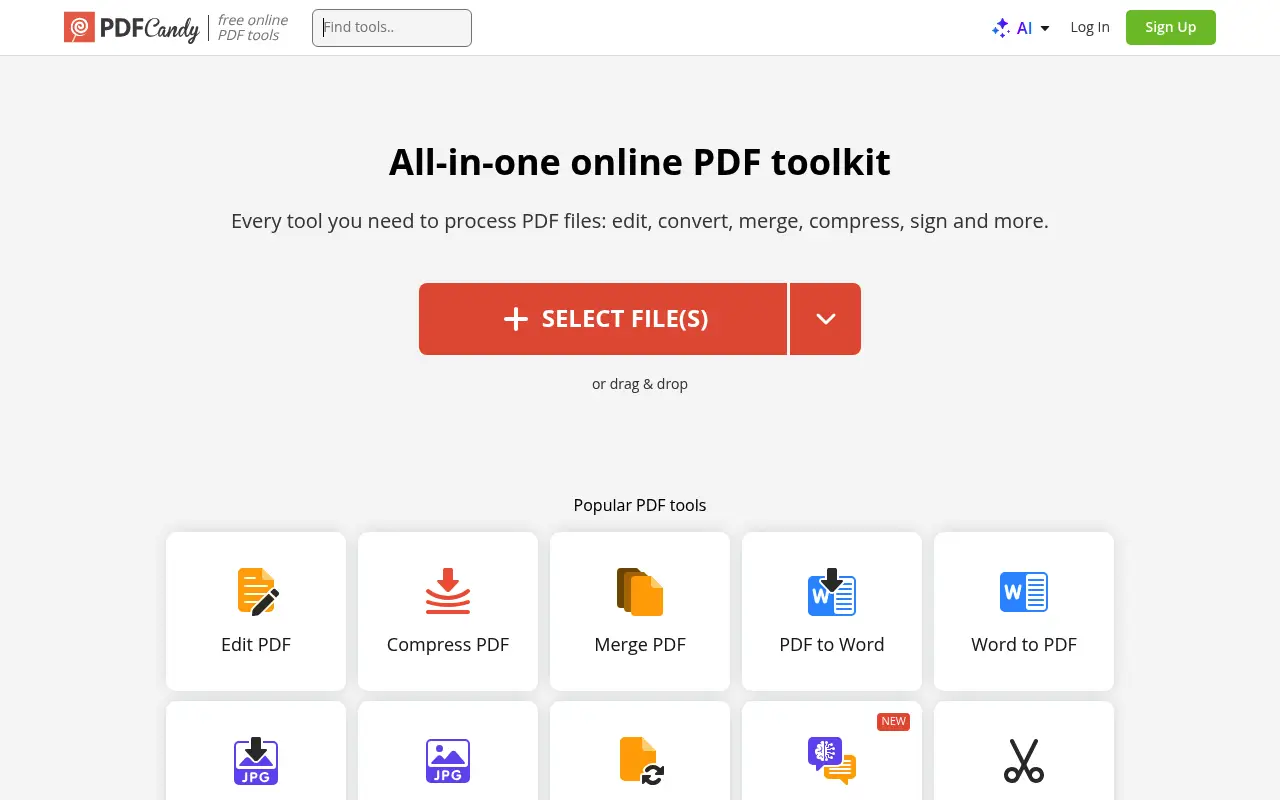
PDF Candy offers over 40 PDF tools through its web interface, covering everything from merging and splitting to extracting images and adding metadata. The tool count is higher than most competitors, though many tools address niche use cases.
PDF Candy's Windows desktop app processes files offline and can be purchased as a one-time license separate from the web subscription. The web Premium plan costs about $6/month annually.
The desktop app is Windows-only, which limits its usefulness for Mac users.
A closer look at Sejda
Sejda pricing and plans
Sejda provides a layered pricing structure that accommodates different usage patterns. Free users get three tasks per day with 50 MB and 200-page file limits. The $5 Web Week Pass is ideal for short bursts of work. Annual subscriptions cost $63, and the perpetual license is $69.
The perpetual license includes both the desktop application (with offline processing) and unlimited web access. This dual access at a one-time price is a strong value proposition that PDF Candy matches only partially with its Windows desktop app.
The lack of team or enterprise plans keeps pricing simple. Each license is for one user, and there are no volume discounts. This works well for individual users but limits organizational adoption.
Sejda core strengths
The combination of offline desktop processing and inline text editing at $69 is Sejda's unique positioning. Few tools at this price point offer both genuine offline capability and the ability to edit existing PDF text.
Sejda's free tier is among the most useful in the industry. Three daily tasks with 50 MB file support and 200-page limits cover most casual use cases. The generous limits mean many occasional users never need to upgrade.
The tool selection includes useful niche features: grayscale conversion for print-ready documents, PDF flattening for removing interactive elements, page cropping for adjusting visible areas, and OCR for making scanned text searchable. These tools extend Sejda beyond basic PDF operations.
Sejda known limitations
The web interface is functional but not visually appealing. Compared to modern web applications, Sejda's design feels utilitarian. The homepage presents all tools in a dense grid without clear visual hierarchy.
No API access limits automation potential. Users or businesses that want to integrate PDF processing into their workflows programmatically cannot use Sejda. They need to look at alternatives like iLovePDF or CloudConvert for API needs.
Mac and Linux desktop apps receive updates less frequently than the Windows version. Feature parity across platforms is generally maintained, but new features sometimes arrive on Windows first.
A closer look at PDF Candy
PDF Candy pricing and plans
PDF Candy's web platform offers a Premium subscription at approximately $72/year ($6/month billed annually) or $9/month on a month-to-month basis. The free tier provides basic operations with file size restrictions and advertisements.
The PDF Candy Desktop application for Windows is available as a perpetual license for around $50. This is one of the cheapest perpetual-license PDF desktop tools available, providing offline processing without ongoing costs.
No team plans, enterprise features, or API access. The product serves individuals with a focus on simplicity and affordability.
PDF Candy core strengths
The Windows desktop application at $50 perpetual is an affordable entry point for offline PDF processing. For Windows users who want local file handling without cloud uploads, this is one of the cheapest options available alongside File Studio.
Format conversion breadth is solid. PDF Candy supports conversions between PDF and formats including Word, Excel, PowerPoint, JPG, PNG, BMP, TIFF, EPUB, MOBI, and HTML. Reverse conversions (these formats to PDF) are also available.
The web interface is clean and easy to navigate. Each tool has a dedicated page with minimal clutter, clear upload instructions, and straightforward output. The simplicity makes it accessible for non-technical users.
PDF Candy known limitations
No inline text editing is available. PDF Candy can manipulate PDFs at the page level (merge, split, rotate, extract) and convert between formats, but it cannot modify existing text within a PDF document.
The desktop application is Windows-only. Mac and Linux users are limited to the web version, which processes files on PDF Candy's servers. This restricts the offline processing advantage to Windows users only.
Processing quality for format conversions can be inconsistent, especially with complex layouts. PDF-to-Word conversions of documents with multi-column layouts, embedded images, and custom fonts sometimes produce results that require significant manual cleanup.
Feature comparison
Sejda vs PDF Candy vs File Studio
| Feature | Sejda | PDF Candy | File Studio |
|---|---|---|---|
| Pricing | Free (limited); ~$8/month or $63/year | Free (limited); ~$6/month (annual); desktop sold separately | $29 one-time or $9.97/year |
| Desktop app platform | Mac, Windows, Linux | Windows only | Mac and Windows |
| Desktop app offline processing | Yes, fully local | Yes, fully local | Yes, fully local |
| Number of tools | ~20 focused PDF tools | 40+ PDF tools | Core PDF tools plus full image editing suite |
| Free tier limits | 3 tasks/hour; 50 MB, 200-page limits | Hourly task limits, file size caps | No free tier; no limits after purchase |
| PDF editing depth | Basic text editing, annotations | Basic editing, page manipulation | File-level operations, password removal |
| Interface quality | Clean, minimalist design | Functional, colorful, slightly cluttered | Clean, focused desktop interface |
| Image tools | None | Image extraction from PDFs | Full image suite: resize, compress, convert, watermark, crop |
Verdict
Which tool should you pick?
Sejda has the better desktop app with cross-platform support (Mac, Windows, Linux). PDF Candy has more individual tools and a Windows desktop app with one-time licensing. If you are on Windows and want the most tools, PDF Candy's desktop app is worth considering. For cross-platform desktop use with privacy-first processing, Sejda is stronger. File Studio offers a clean alternative with both PDF and image tools at a lower price.
Pricing breakdown
What you actually pay over time
Sejda's perpetual license at $69 and PDF Candy Desktop at $50 are both one-time purchases, with Sejda costing $19 more. However, Sejda includes inline text editing, OCR, and cross-platform desktop apps that PDF Candy does not offer. The $19 premium buys significantly more functionality.
On the subscription side, Sejda at $63/year versus PDF Candy at $72/year makes Sejda the cheaper option. Over three years, Sejda's subscription costs $189 versus PDF Candy's $216, saving $27. With perpetual licenses, Sejda costs $69 versus PDF Candy's $50 (desktop only), a difference of $19 in PDF Candy's favor.
File Studio at $29 once or $9.97/year is the cheapest option and works on both Mac and Windows. It lacks Sejda's inline text editing and OCR but provides image tools that neither Sejda nor PDF Candy include. For basic PDF operations plus image editing, File Studio offers the best value.
The cross-platform factor matters for total cost. PDF Candy Desktop is Windows-only; Mac users would need to subscribe to the web version at $72/year or find another tool. Sejda's perpetual license covers all platforms. File Studio's $29 also covers Mac and Windows, making it the cheapest cross-platform option.
Decision guide
Which tool should you pick?
You need inline text editing and OCR in a budget PDF tool
Pick Sejda. Sejda's $69 perpetual license includes text editing and OCR. PDF Candy offers neither feature at any price tier. The $19 premium over PDF Candy Desktop buys substantial additional capability.
You want the cheapest possible offline PDF tool for Windows
Pick PDF Candy. PDF Candy Desktop at $50 perpetual is $19 cheaper than Sejda and $21 more than File Studio. For users who need only basic PDF operations offline on Windows, it is a budget option.
You need offline PDF and image tools on both Mac and Windows
Pick File Studio. File Studio at $29 is the cheapest cross-platform offline option. PDF Candy Desktop is Windows-only, and Sejda's desktop app, while cross-platform, costs $69.
You need to convert PDFs to ebook formats (EPUB, MOBI)
Pick PDF Candy. PDF Candy supports PDF-to-EPUB and PDF-to-MOBI conversions. Sejda and File Studio focus on PDF operations and do not handle ebook format conversions.
You have intermittent PDF needs throughout the year
Pick Sejda. Sejda's free tier (three daily tasks) covers light use, and the $5 Web Week Pass handles occasional bursts. PDF Candy's free tier is more limited, and its cheapest paid option is $9/month.
The third option
Why File Studio might be a better fit
Works on both Mac and Windows, unlike PDF Candy's Windows-only desktop app.
One price ($29) covers everything, no separate desktop app purchase needed.
Full image editing suite goes beyond what either Sejda or PDF Candy provides.
No hourly task limits or usage restrictions of any kind.
Pricing
Simple, fair pricing.
All tools included. No hidden fees. Processing stays on your device.
Yearly
For short-term projects.
- 1 year of updates
- Image, PDF, SVG, and spreadsheet tools
- Works on Mac & Windows
- All processing done on device
Lifetime
One purchase. Keep it forever.
- Unlimited conversions forever
- 1 year of major updates
- Image, PDF, SVG, and spreadsheet tools
- Watch Folders & Automation
- macOS Notch Drop Zone
- Works on Mac & Windows
Team & Bulk Pricing
Lifetime seats with volume discounts. More seats, bigger discount.
15
lifetime seats
You save
$60
15% off the individual price
Enterprise
50+ seats with custom pricing, centralized license management, and priority support.
FAQ
Frequently asked questions
Does Sejda's desktop app work on Mac?→
Yes. Sejda's desktop app is available on Mac, Windows, and Linux, making it more versatile than PDF Candy's Windows-only desktop application.
Is PDF Candy's desktop app a separate purchase?→
Yes. PDF Candy sells its Windows desktop application as a separate product from the web Premium subscription. This means you may need to buy both if you want full access across web and desktop.
Which has more PDF tools?→
PDF Candy advertises 40+ tools versus Sejda's approximately 20. However, many of PDF Candy's extra tools are niche features like metadata editing and image extraction that most users will rarely need.
Can either tool handle image editing?→
Neither offers meaningful image editing. PDF Candy can extract images from PDFs, but that is not the same as editing images. File Studio includes a complete image editing toolkit alongside its PDF tools.
Which is better for batch processing?→
Both support batch processing on their paid plans. Sejda's desktop app handles batch operations locally. PDF Candy's desktop app also batches locally on Windows. File Studio includes unlimited batch processing at no extra cost.
@ayysoni · July 15, 2026
Related File Studio tools:
More comparisons: