

Comparison
TinyPNG vs iLovePDF: image specialist versus PDF-first toolkit.
TinyPNG is the gold standard for web image compression. iLovePDF is a PDF toolkit that also handles some image tasks. Comparing them directly is unusual, but if you need both image compression and PDF tools, it matters which approach you choose. File Studio bundles both capabilities in one offline app.
What is TinyPNG?
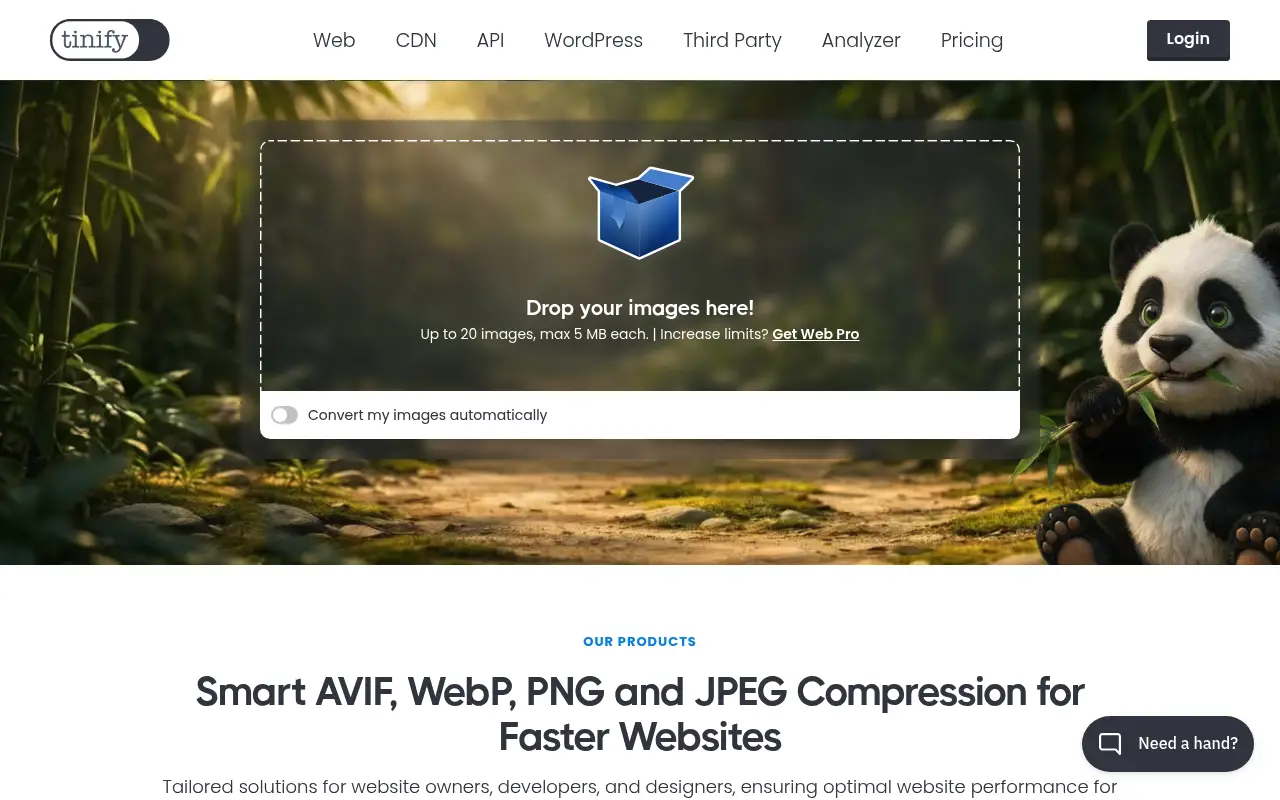
TinyPNG (which also handles JPG despite the name) is the most popular web-based image compression tool. It uses smart lossy compression to reduce PNG and JPEG file sizes by 50-80% with minimal visible quality loss. Web developers and designers rely on it for optimizing images before publishing.
The free tier allows 20 images per batch, each up to 5 MB. The Pro plan ($39/year) increases limits to 75 MB per file and adds more batch capacity. TinyPNG also offers a developer API, WordPress plugin, and Photoshop extension.
TinyPNG does one thing very well: it compresses images. It does not resize, crop, convert formats, add watermarks, or handle PDFs.
What is iLovePDF?
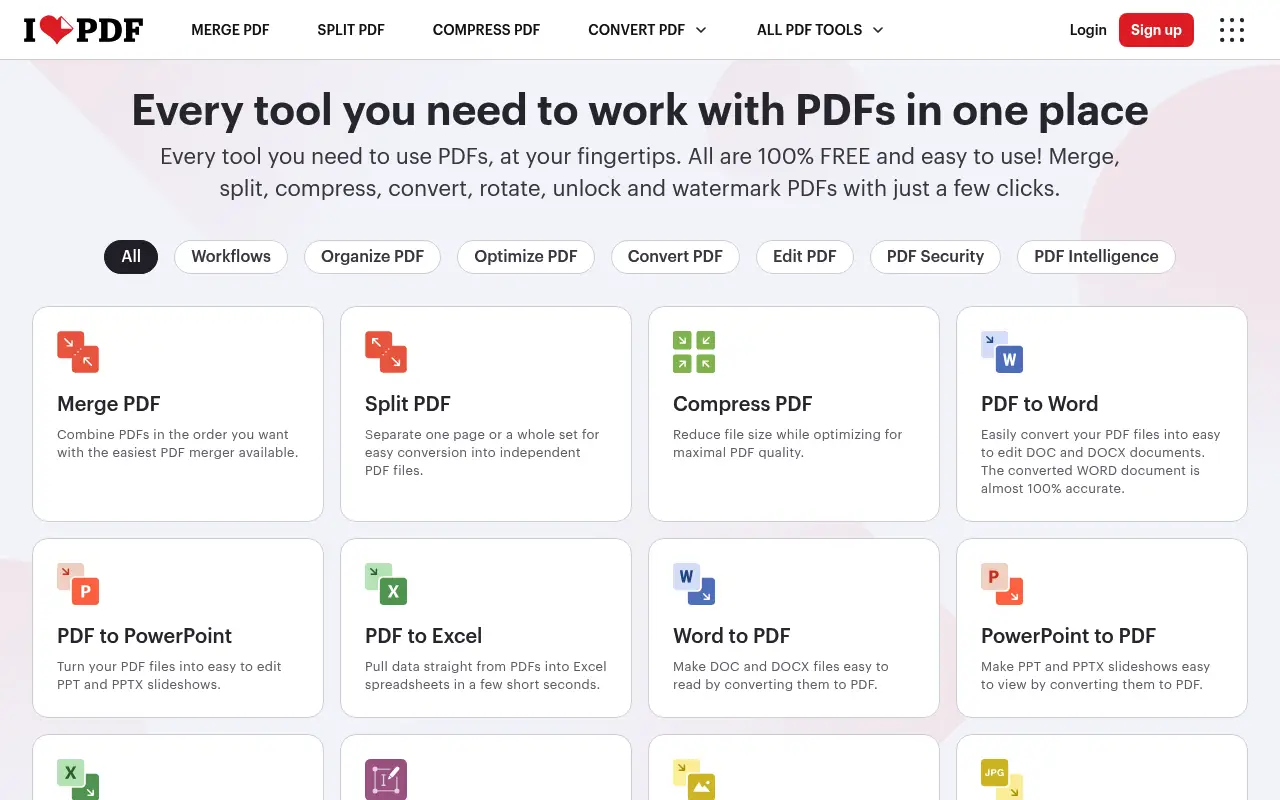
iLovePDF is primarily a PDF toolkit, but it includes an image compression tool and basic image-to-PDF conversion. The image compression is decent but not as optimized as TinyPNG's purpose-built algorithms.
iLovePDF's strength is breadth: you can compress images, convert them to PDF, and handle all your PDF tasks in one place. The Premium plan ($7/month annual) removes limits across all tools.
A closer look at TinyPNG
TinyPNG pricing and plans
TinyPNG offers a free tier that allows up to 20 image compressions per month through the web interface, with each image limited to 5 MB. The Pro plan costs approximately $39/year and removes the monthly limit, supports files up to 75 MB, and enables batch processing of up to 100 images at once.
The TinyPNG API (also branded as TinyPNG Developer API) costs $0.009 per compression after the first 500 free monthly compressions. This pay-per-use model is cost-effective for developers who integrate image optimization into their build pipelines or content management systems.
There are no team plans or enterprise pricing tiers. TinyPNG targets individual users and developers with a focused, simple pricing structure that matches its focused feature set.
TinyPNG core strengths
Image compression quality is TinyPNG's core competency and the reason for its strong reputation. The lossy compression algorithm for PNG files and the JPEG optimization engine produce some of the best file size reductions in the industry while maintaining perceptual quality. The difference between input and output is often imperceptible to the human eye.
The developer API is mature and widely adopted. Plugins exist for WordPress, Magento, Shopify, and other CMS platforms, automatically compressing images on upload. Build tool integrations for Webpack, Gulp, and other pipelines make TinyPNG part of many automated workflows.
WebP format support was added to complement PNG and JPEG optimization. TinyPNG can compress WebP images and convert between PNG, JPEG, and WebP formats, covering the three most common web image formats.
TinyPNG known limitations
TinyPNG is exclusively an image compression tool. It does not handle PDFs, document conversions, or any file types beyond PNG, JPEG, and WebP images. Users who need PDF tools or broader file handling need a separate service.
The free tier's 20-compression monthly limit is restrictive for anyone managing a website with regular image uploads. A single blog post with five images uses a quarter of the monthly allowance.
There is no desktop application. All processing happens through the web interface or API, meaning files are uploaded to TinyPNG's servers. Offline compression is not available through TinyPNG directly, though the API can be used in local build scripts.
A closer look at iLovePDF
iLovePDF pricing and plans
iLovePDF Premium at $84/year provides unlimited access to the full PDF toolkit. The free tier allows limited daily operations with a 25 MB file cap. For image-specific work, iLovePDF offers image-to-PDF conversion and basic image compression, but these are secondary to its PDF focus.
The Business plan and API access extend functionality for teams and developers. While the API covers PDF operations, it is not designed for high-volume image compression the way TinyPNG's API is.
iLovePDF's pricing reflects its position as a comprehensive PDF platform. Image tools are included but are not the primary product, which means the pricing is oriented toward PDF workflows rather than image optimization.
iLovePDF core strengths
iLovePDF's PDF tool suite is its core strength in this comparison. Merging, splitting, compressing, converting, annotating, and protecting PDFs are all well-executed. For users who need both PDF tools and occasional image handling, iLovePDF covers both from one platform.
The breadth of PDF tools (over 25 individual functions) means users rarely need to leave the platform for PDF-related work. Page numbering, watermarking, PDF/A conversion, PDF repair, and HTML-to-PDF are niche tools that other platforms often skip.
Cross-device accessibility through web, mobile apps, and desktop apps ensures iLovePDF is available however and wherever users need it. The consistent experience across platforms reduces friction in multi-device workflows.
iLovePDF known limitations
Image compression in iLovePDF is a secondary feature, not a core competency. The compression algorithms and quality preservation do not match TinyPNG's specialized optimization. For users who care about image quality at minimum file sizes, iLovePDF is not the best choice.
Image format support is limited. iLovePDF primarily handles image-to-PDF conversion rather than image-to-image optimization. You cannot convert between image formats (PNG to WebP, for example) through iLovePDF.
The image tools available are basic compared to dedicated image editing platforms. There is no resizing, cropping, watermarking, or format conversion for images outside of PDF-related operations.
Feature comparison
TinyPNG vs iLovePDF vs File Studio
| Feature | TinyPNG | iLovePDF | File Studio |
|---|---|---|---|
| Image compression quality | Excellent; smart lossy compression with minimal quality loss | Decent; not as optimized as dedicated tools | Good compression with adjustable quality settings |
| Pricing | Free (20/batch, 5 MB); Pro $39/year | Free (limited); Premium ~$7/month (~$84/year) | $29 one-time or $9.97/year |
| PDF tools | None | Full PDF toolkit (merge, split, compress, convert) | Merge, split, compress, convert, remove passwords |
| Image format support | PNG, JPEG, WebP | JPEG, PNG (limited) | JPG, PNG, WebP, TIFF, BMP, SVG, and more |
| Works offline | No (API and plugins available) | No | Fully offline |
| Batch processing | 20 images per batch (free); more on Pro | Premium only | Unlimited batch processing |
| Developer API | Yes, well-documented API | Not a primary feature | No API |
| Privacy / files stay local | Files uploaded for compression | Files uploaded for processing | Files never leave your device |
Verdict
Which tool should you pick?
TinyPNG is the clear winner for pure image compression quality and developer integration. iLovePDF is the better choice if you need both image and PDF tools in one place, even though its image compression is less optimized. If you want both good image compression and a full set of PDF tools in an offline desktop app, File Studio brings both together with the bonus of never uploading your images to any server.
Pricing breakdown
What you actually pay over time
TinyPNG Pro at $39/year is cheaper than iLovePDF Premium at $84/year, but the two tools serve very different purposes. TinyPNG focuses exclusively on image compression, while iLovePDF provides a full PDF toolkit. Comparing them on price alone misses the point; the question is which capability you need more.
For users who need both image compression and PDF tools, combining TinyPNG Pro ($39) with iLovePDF Premium ($84) costs $123/year. This provides best-in-class image optimization alongside comprehensive PDF operations, but the combined cost adds up over time.
File Studio at $29 once or $9.97/year provides both PDF tools and image tools (including compression, resizing, format conversion, watermarking, and cropping) in a single application. Over three years, File Studio costs $29 total versus $369 for the TinyPNG plus iLovePDF combination. While File Studio's image compression may not match TinyPNG's specialized algorithms in every case, it covers the core need at a fraction of the cost.
For developers, TinyPNG's API at $0.009 per compression after 500 free monthly compressions is competitively priced for build pipeline integration. iLovePDF's API focuses on PDF operations. File Studio does not offer an API. Each tool serves a different integration need.
Decision guide
Which tool should you pick?
You need the highest quality image compression for web performance
Pick TinyPNG. TinyPNG's compression algorithms are specifically optimized for PNG, JPEG, and WebP. The quality-to-size ratio is consistently better than general-purpose image tools.
You primarily work with PDFs and occasionally need image handling
Pick iLovePDF. iLovePDF's comprehensive PDF toolkit covers over 25 operations. Its basic image-to-PDF conversion handles occasional image needs without requiring a separate service.
You need both PDF tools and image tools and want to minimize cost
Pick File Studio. File Studio combines PDF operations with image compression, resizing, conversion, watermarking, and cropping for $29 once. It replaces the need for both TinyPNG and iLovePDF subscriptions.
You need automated image compression in a development build pipeline
Pick TinyPNG. TinyPNG's API and CMS plugins are designed for automated workflows. WordPress, Shopify, and build tool integrations compress images automatically on upload or during builds.
You handle sensitive images that should not be uploaded to external servers
Pick File Studio. Both TinyPNG and iLovePDF process files on their servers. File Studio compresses and edits images entirely on your local device, keeping sensitive visual content private.
The third option
Why File Studio might be a better fit
Combines image compression with PDF tools in a single offline app, replacing both TinyPNG and iLovePDF.
Supports more image formats than either tool, including WebP, TIFF, BMP, and SVG conversion.
No batch limits, no file size caps, and no server uploads.
At $29 one-time, it costs less than TinyPNG Pro ($39/year) and far less than iLovePDF Premium ($84/year).
Pricing
Simple, fair pricing.
All tools included. No hidden fees. Processing stays on your device.
Yearly
For short-term projects.
- 1 year of updates
- Image, PDF, SVG, and spreadsheet tools
- Works on Mac & Windows
- All processing done on device
Lifetime
One purchase. Keep it forever.
- Unlimited conversions forever
- 1 year of major updates
- Image, PDF, SVG, and spreadsheet tools
- Watch Folders & Automation
- macOS Notch Drop Zone
- Works on Mac & Windows
Team & Bulk Pricing
Lifetime seats with volume discounts. More seats, bigger discount.
15
lifetime seats
You save
$60
15% off the individual price
Enterprise
50+ seats with custom pricing, centralized license management, and priority support.
FAQ
Frequently asked questions
Is TinyPNG better at compressing images than File Studio?→
TinyPNG's compression algorithms are specifically tuned for web image optimization and generally achieve excellent results. File Studio provides good compression with adjustable quality settings. For web developers optimizing hundreds of images, TinyPNG's API integration is a significant advantage.
Can iLovePDF replace TinyPNG?→
For casual image compression, iLovePDF is adequate. For web developers who need highly optimized images with API integration, TinyPNG is the better tool. iLovePDF's image compression is a secondary feature, not its core strength.
Does TinyPNG handle PDFs?→
No. TinyPNG is exclusively an image compression tool. It does not handle PDFs in any way. For PDF tasks, you need a separate tool like iLovePDF or File Studio.
Can File Studio compress PNG files like TinyPNG?→
Yes. File Studio can compress PNG files offline. The compression may differ from TinyPNG's specific algorithms, but the results are good for general use. File Studio also compresses JPEG, WebP, and other formats.
Which is best for compressing iPhone photos?→
iPhones capture photos in WebP format. TinyPNG does not support WebP. iLovePDF has limited WebP support. File Studio handles WebP natively, making it the best option for converting and compressing iPhone photos offline.
@ayysoni · July 21, 2026
Related File Studio tools:
More comparisons: