

PDF to PNG converter
PDF to PNG - Create pixel‑perfect PNG images from PDFs on your desktop.
File Studio gives you tight control over output size and clarity so diagrams, UI mocks, and scanned documents stay legible at any zoom level.
Free trial · No account required · Files stay on your device
All conversions happen locally on your computer. No uploads, no subscriptions, and no background syncing.
PDF → PNG
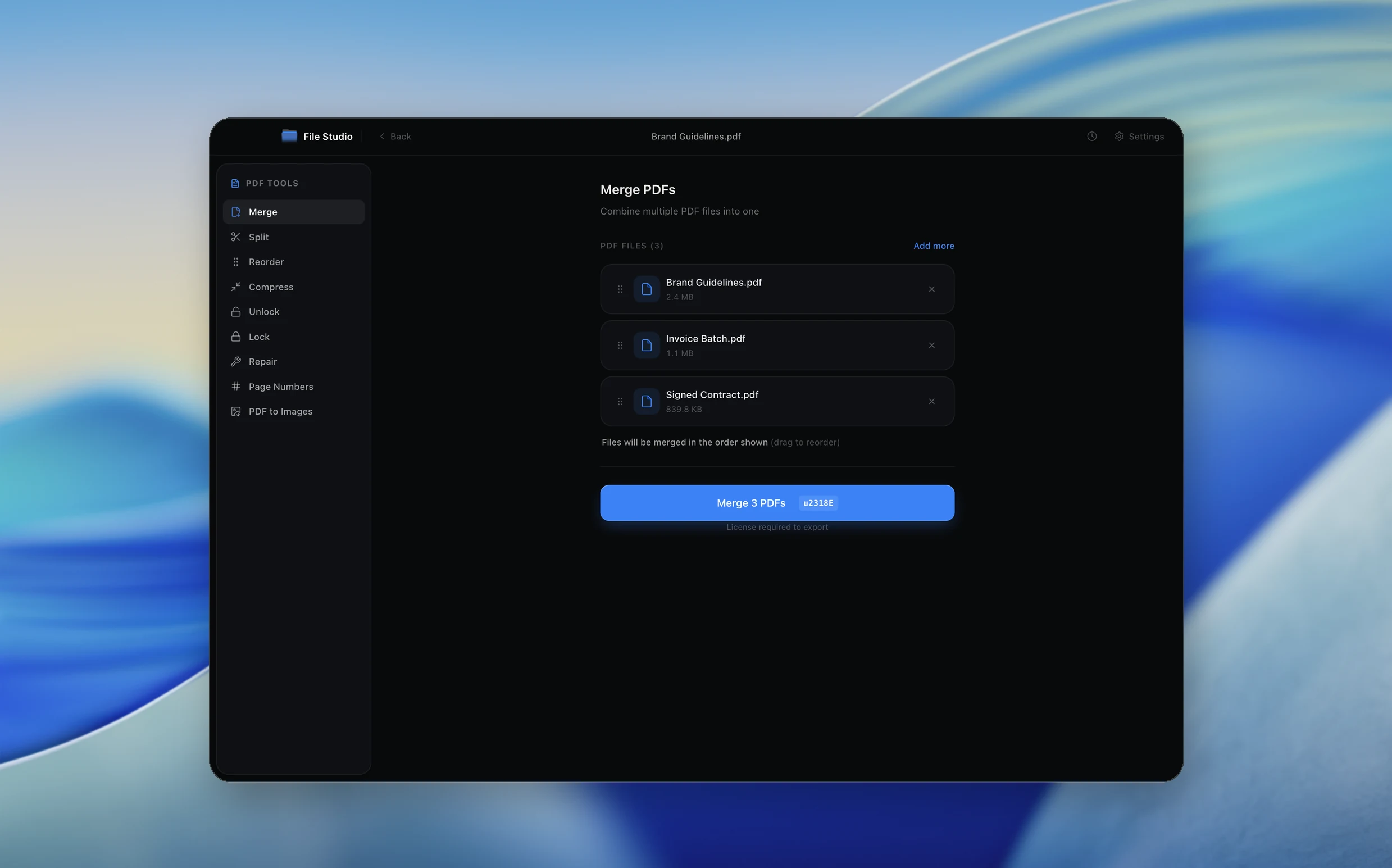
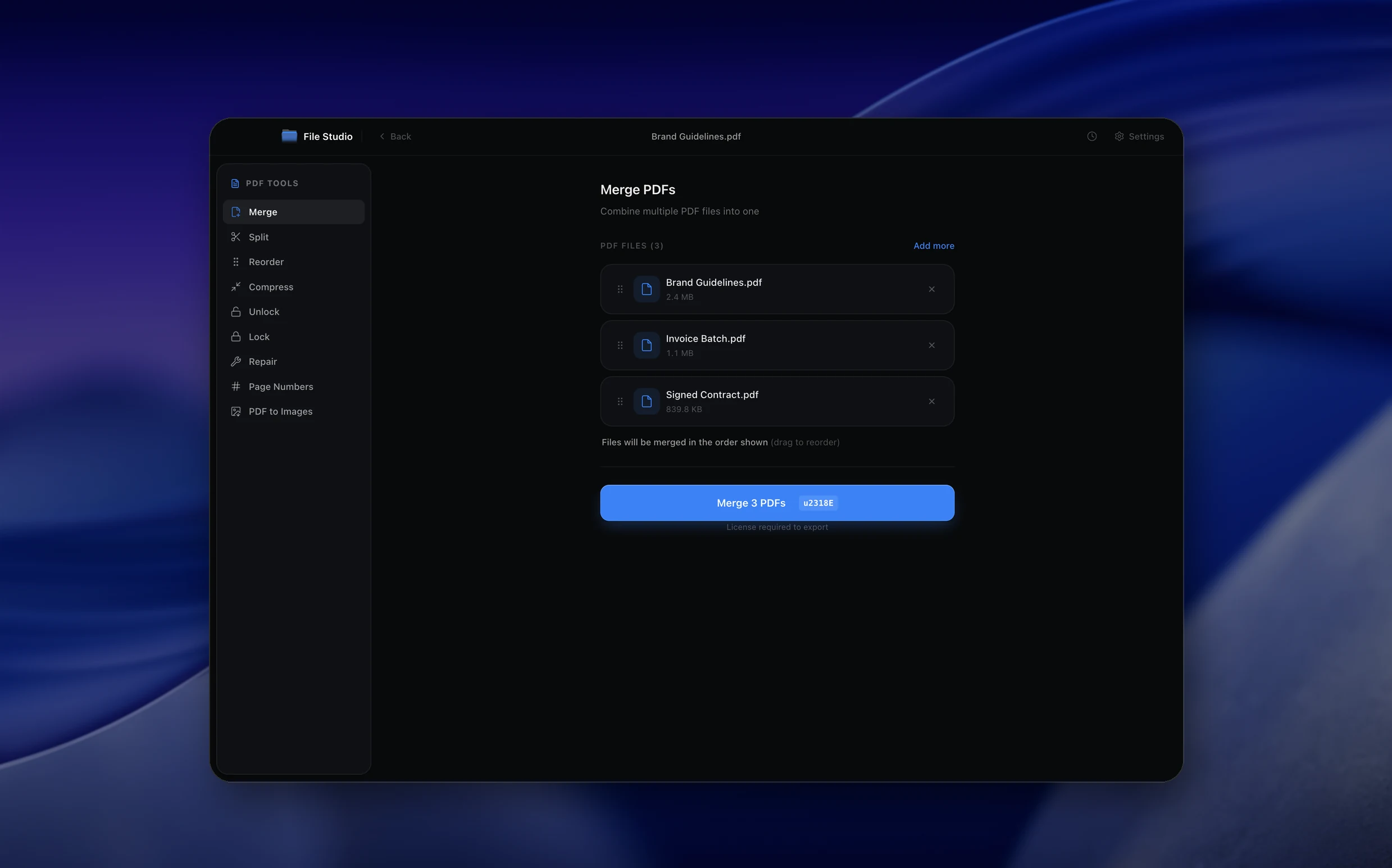
Real File Studio interface, shown in light and dark mode.
Understanding the PNG format
PNG (Portable Network Graphics) is a lossless raster image format created in 1996 as a patent-free alternative to GIF. It uses the DEFLATE compression algorithm to reduce file size without discarding any image data, making it ideal for graphics that require pixel-perfect accuracy. PNG supports 24-bit RGB color, 32-bit RGBA (with an 8-bit alpha transparency channel), and indexed color palettes of up to 256 colors.
The biggest advantage of PNG over JPG for PDF conversion is its lossless nature: text edges stay razor-sharp, line art retains every detail, and flat-color regions compress extremely well. PNG also supports full alpha transparency, which means you can place converted pages over any background without a white rectangle showing through.
The trade-off is file size. A PNG of a photograph-heavy PDF page will be substantially larger than an equivalent JPG at high quality. For documents that are primarily text, diagrams, or screenshots, PNG often produces smaller files than a high-quality JPG because DEFLATE excels at compressing areas of uniform color.
How it works
Convert PDF to PNG in four simple steps.
The flow mirrors the main File Studio experience: install the app, drop in your files, pick the right tool, and export clean, ready-to-share output. All without sending anything to the cloud.
Install File Studio
Download the app, move it to Applications, and open it. No sign-ups or accounts required.
Add your PDF files
Drag-and-drop your pdf files into the window or click to browse from disk.
Choose PDF → PNG
Pick the dedicated tool, then adjust resolution, quality, and page range until the preview feels right.
Export & keep working
Select an output folder and run the conversion. Your originals stay untouched on your device.
Best practices for cleaner results
- ·Group related files into folders before converting so your output stays organized and easy to archive.
- ·Use higher resolution presets when you know the result will be printed, zoomed in, or reused in design tools.
- ·Keep an unedited copy of your original PDF files for audits, record-keeping, or compliance workflows.
- ·Combine this tool with other File Studio actions like compress, merge, or split to streamline entire document pipelines.
Why File Studio
Built for trustworthy, everyday PDF to PNG work.
You get precise control over the output, predictable file names, and a private workflow that keeps sensitive documents on your own machine.
Features tuned for this conversion
- ·Keep text and vector artwork razor‑sharp at any zoom level.
- ·Export pages with transparent backgrounds when possible.
- ·Choose between standard and high‑fidelity presets for exports.
Why use File Studio for this conversion?
- ·Export pages to PNG for transparent UI mocks and product shots.
- ·Keep sharp text and vector edges for slide decks and diagrams.
- ·Batch‑convert long PDFs into organized PNG sequences.
Real-world ways people use it
- ·Generate presentation graphics directly from slide PDFs.
- ·Prepare design proofs as PNGs for review tools.
- ·Store important paperwork as high‑fidelity image backups.
Settings guide
Understanding your conversion options
Resolution (DPI)
For screen use, 150 DPI delivers clear text and sharp graphics. For print, 300 DPI is the professional standard. Because PNG is lossless, increasing DPI has a more linear effect on file size compared to JPG, so choose the lowest DPI that meets your quality needs.
Transparency
Enable transparency if you plan to overlay the image on colored backgrounds in presentations, web pages, or design tools. Disable it (and choose a background color) if the destination does not support transparency or if you want a predictable white background.
Color Depth
32-bit RGBA is the default for full-color pages with transparency. For simple documents with limited colors, 8-bit indexed PNG can dramatically reduce file size. Grayscale mode is useful for black-and-white documents and cuts size further.
Page Range
Select specific pages, a range, or the entire document. Each page is exported as a separate PNG file. For large documents, exporting only the pages you need prevents generating dozens of unnecessary files.
Compression Level
PNG compression level (0-9) controls how aggressively DEFLATE compresses the data. Higher values produce smaller files but take longer to process. The visual output is identical regardless of compression level because PNG is always lossless.
Industry standards and requirements
PNG is the preferred format for screenshots, UI mockups, and any image where text legibility is critical. Apple, Google, and Microsoft all use PNG extensively in their developer documentation and app store listing requirements. When converting PDF documentation to images for developer portals, PNG at 2x resolution (e.g., 144 DPI for a 72-DPI logical size) ensures Retina and HiDPI displays render content crisply.
In legal and compliance contexts, PNG is sometimes preferred over JPG because its lossless compression guarantees that no visual information is lost. However, for long-term archival, the original PDF should always be retained as the primary record since it preserves vector text and metadata that raster images cannot.
Web performance guidelines from Google recommend using modern formats like WebP or AVIF where browser support allows, falling back to PNG for transparency needs or JPG for photographic content. If you are converting PDFs to images for a website, consider a secondary conversion step from PNG to WebP to reduce bandwidth usage.
Troubleshooting
Common issues and how to fix them
PNG files are extremely large→
Photograph-heavy pages produce large PNGs. Consider using JPG for photo-dominated pages and reserving PNG for text, diagrams, or graphics that require transparency. You can also reduce DPI or switch to 8-bit indexed color if the page has limited colors.
Text appears jagged or aliased→
Increase the output DPI. At 72 DPI, small text may not have enough pixels for smooth anti-aliasing. 150 DPI or higher typically resolves this.
Transparency is not preserved when uploading→
Some platforms (social media, certain email clients) strip alpha channels or convert PNGs to JPG on upload. Verify that your destination supports PNG transparency. If it does not, export with a solid background instead.
Pricing
Simple, fair pricing.
All tools included. No hidden fees. Processing stays on your device.
Yearly
For short-term projects.
- 1 year of updates
- Image, PDF, SVG, and spreadsheet tools
- Works on Mac & Windows
- All processing done on device
Lifetime
One purchase. Keep it forever.
- Unlimited conversions forever
- 1 year of major updates
- Image, PDF, SVG, and spreadsheet tools
- Watch Folders & Automation
- macOS Notch Drop Zone
- Works on Mac & Windows
Team & Bulk Pricing
Lifetime seats with volume discounts. More seats, bigger discount.
15
lifetime seats
You save
$60
15% off the individual price
Enterprise
50+ seats with custom pricing, centralized license management, and priority support.
FAQ
Frequently asked questions
When should I use PNG instead of JPG?→
PNG is ideal for UI mocks, diagrams, and graphics where sharp lines matter, while JPG works best for photos and scans.
Can I control the final PNG dimensions?→
Yes. You can export at the original size or scale pages down to a specific pixel width or height.
Do transparent areas in my PDF stay transparent in PNG?→
If the source content uses transparency, File Studio will preserve it when exporting to PNG so overlays and UI elements stay clean.
Can I export every page of a PDF as a single long PNG?→
Today each page is exported as its own PNG for predictable sizing and indexing. You can still stitch pages together afterward in your design tool if you need a long image.
Is there any quality loss when converting PDF to PNG?→
No. PNG is a lossless format, so File Studio preserves detail from your original PDF while letting you control resolution for export.
Can I run the PDF to PNG converter on large documents?→
Yes. File Studio is optimized for long PDFs and can export dozens or hundreds of pages to PNG, depending on your available disk space.
Looking for something else? Explore more offline conversions with File Studio: