

Comparison
Adobe Acrobat vs Foxit PDF: the two biggest desktop PDF editors.
Adobe Acrobat and Foxit PDF Editor are both full-featured desktop PDF editors aimed at professionals. They compete directly on editing power, performance, and pricing. This comparison covers where each excels and where File Studio offers a simpler, cheaper option for everyday tasks.
What is Adobe Acrobat?
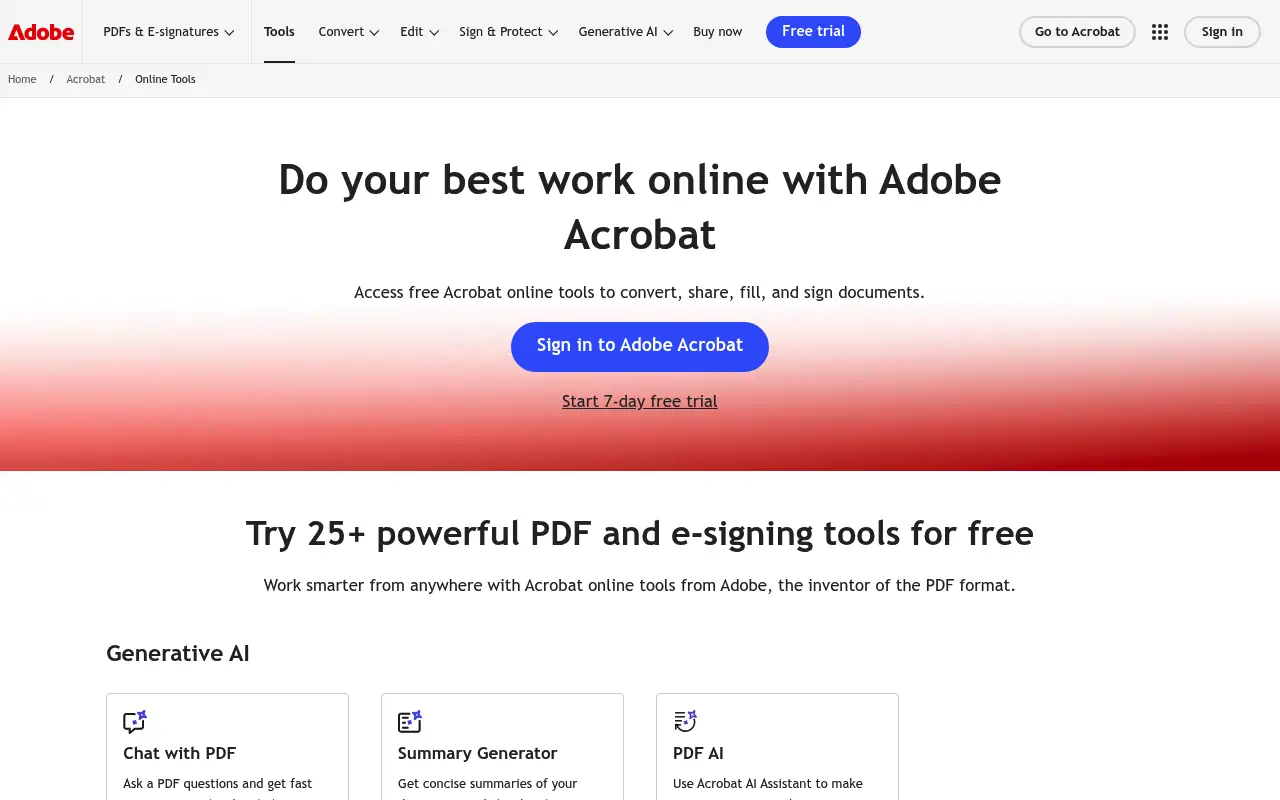
Adobe Acrobat Pro DC is the original and most widely used professional PDF editor. It provides comprehensive text and image editing, form creation, advanced OCR, digital signatures, redaction, and deep integration with Adobe's Creative Cloud ecosystem.
Acrobat is available on Mac, Windows, iOS, and Android, with cloud features through Adobe Document Cloud. At around $23/month (annual), it is the priciest mainstream PDF editor, but its feature depth is unmatched.
What is Foxit PDF Editor?
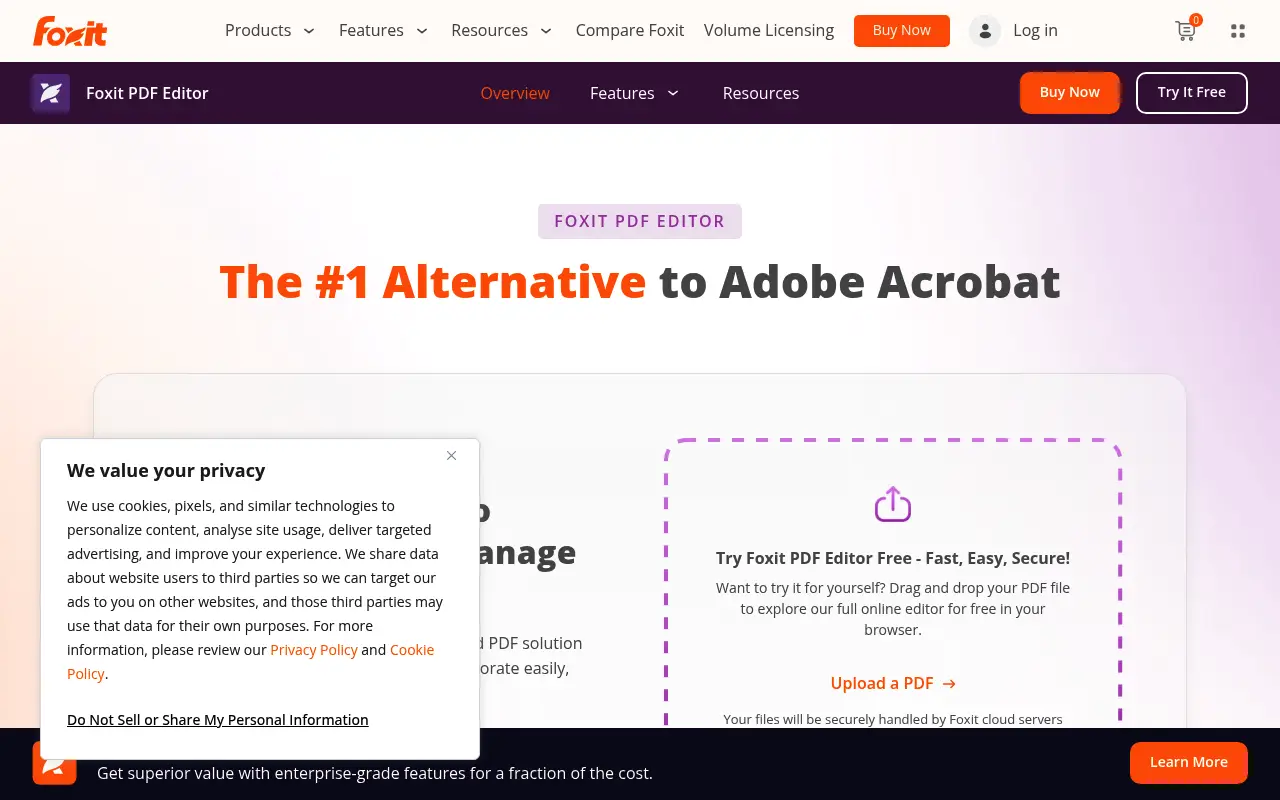
Foxit PDF Editor (formerly PhantomPDF) is the most popular alternative to Adobe Acrobat for professional PDF editing. It offers text and image editing, form creation, OCR, digital signatures, redaction, and collaboration tools at a lower price point.
Foxit is known for faster launch times and a lighter footprint compared to Acrobat. Pricing starts at around $15/month or can be purchased with a perpetual license. Foxit also has strong enterprise and IT deployment features.
The interface follows a ribbon-style layout similar to Microsoft Office, which feels familiar to Windows users but can seem cluttered on Mac.
A closer look at Adobe Acrobat
Adobe Acrobat pricing and plans
Adobe Acrobat Pro runs approximately $23 per month on an annual commitment ($276 per year). The Standard edition at about $13 per month ($156 per year) removes features like OCR editing, redaction, and document comparison. Neither tier offers a perpetual license; the subscription is the only option.
Adobe bundles Acrobat with Creative Cloud All Apps for $55 per month, which can represent better value for users who already need Photoshop or Illustrator. Educational pricing drops this significantly, sometimes to $20 per month for the full suite.
For enterprise customers, Adobe offers named-user and device-based licensing through Value Incentive Plans (VIP). Pricing depends on volume and commitment length, but even discounted enterprise rates typically exceed $15 per user per month for Acrobat Pro.
Adobe Acrobat core strengths
Acrobat's document comparison feature is uniquely valuable in legal and editorial workflows. It highlights every difference between two PDF versions, including text changes, moved content, and formatting shifts. This level of comparison analysis is absent from most competing tools.
The Acrobat ecosystem includes Adobe Sign for electronic signatures, Document Cloud for storage and sharing, and tight integration with Microsoft 365. For organizations already invested in Adobe products, Acrobat slots in naturally and extends existing workflows.
Accessibility compliance tools in Acrobat, including the ability to create tagged PDFs and check documents against WCAG and PDF/UA standards, are important for government agencies and organizations that must produce accessible documents.
Adobe Acrobat known limitations
Acrobat's subscription-only model is a sore point for long-time users who previously purchased perpetual licenses. Adobe eliminated the one-time purchase option years ago, forcing everyone into recurring payments regardless of usage frequency.
The application's resource consumption is substantial. On Windows, Acrobat can use 500 MB or more of RAM with large documents open, and background processes continue running even when the application is closed. This has led to user complaints about system slowdowns.
Collaboration features, while robust, require all participants to have Adobe accounts. Sharing a PDF for review through Document Cloud means recipients need to sign in, which adds friction compared to simply emailing a file or using a shared drive.
A closer look at Foxit PDF
Foxit PDF pricing and plans
Foxit PDF Editor (formerly PhantomPDF) is priced at approximately $160 per year for the Pro version or around $14 per month on a monthly basis. Foxit also offers a one-time perpetual license, typically priced between $160 and $180, which sets it apart from Adobe's subscription-only approach.
The Standard edition runs about $100 per year or $120 for a perpetual license. It includes basic editing, annotations, and form filling but omits OCR, redaction, and advanced security features that come with Pro.
Foxit offers volume licensing for businesses starting at five seats, with discounts scaling based on quantity. Education and government pricing is also available at reduced rates, making it competitive for institutional deployments.
Foxit PDF core strengths
Performance is Foxit's headline advantage over Acrobat. The application launches significantly faster, uses less memory, and handles large documents more smoothly. Users working with PDFs exceeding 100 pages or containing heavy graphics will notice the difference immediately.
Foxit's collaboration features are strong. Real-time co-authoring lets multiple users edit a PDF simultaneously, and the integration with SharePoint, OneDrive, Google Drive, Box, and Dropbox is more flexible than Acrobat's cloud-centric approach. The shared review workflow does not require all participants to have Foxit accounts.
The ConnectedPDF technology is unique to Foxit. It adds tracking capabilities to PDFs, allowing creators to see who viewed a document, when it was opened, and where it was shared. For document control in enterprise environments, this provides an audit trail without third-party tools.
Foxit PDF known limitations
While Foxit's editing capabilities are solid, the fidelity of text editing does not quite match Acrobat's, particularly with complex documents that use embedded subset fonts or unusual encodings. In edge cases, edited text may not render identically to the original.
Foxit's OCR, while competent, supports fewer languages than Acrobat's and can struggle with poor-quality scans or handwritten annotations. For organizations that process large volumes of scanned documents, this difference matters.
The user interface has improved over the years but still feels more utilitarian than Acrobat's. The ribbon-style toolbar can feel cramped, and some features are buried in submenus. New users sometimes find it harder to locate specific tools compared to Acrobat's reorganized interface.
Feature comparison
Adobe Acrobat vs Foxit PDF vs File Studio
| Feature | Adobe Acrobat | Foxit PDF | File Studio |
|---|---|---|---|
| Pricing | ~$23/month (annual); no perpetual option | ~$15/month or perpetual license available | $29 one-time or $9.97/year |
| PDF editing depth | Industry-leading text/image editing, forms, redaction | Comparable editing, forms, redaction, collaboration | Merge, split, compress, convert, remove passwords |
| OCR capability | Advanced OCR, multiple languages | Strong OCR with similar language support | No built-in OCR |
| Speed / performance | Can be slow to launch; resource-heavy | Faster launch, lighter on system resources | Lightweight, fast launch |
| Platform support | Mac, Windows, iOS, Android, web | Mac, Windows, iOS, Android, Linux, web | Mac and Windows |
| Cloud integration | Adobe Document Cloud, SharePoint, Dropbox | Foxit Cloud, SharePoint, Google Drive, Dropbox | No cloud integration; fully offline |
| Requires account | Yes, Adobe ID | Yes, Foxit account | No account required |
| Image tools | Minimal; PDF-focused | Minimal; PDF-focused | Full image suite: resize, compress, convert, watermark, crop |
Verdict
Which tool should you pick?
Adobe Acrobat and Foxit PDF Editor are closely matched for professional PDF editing. Acrobat has the edge in ecosystem integration and is the safer choice for enterprise environments where Adobe is already standard. Foxit offers better performance, Linux support, and lower pricing with a perpetual license option. Both are overkill for users who mainly need to merge, split, or compress PDFs. File Studio is a practical, affordable choice for those everyday tasks, with the bonus of working entirely offline.
Pricing breakdown
What you actually pay over time
Adobe Acrobat Pro's $276 annual subscription sits noticeably above Foxit PDF Editor Pro's $160 annual subscription, a difference of $116 per year. Over three years, Acrobat costs $828 while Foxit costs $480 for the subscription, saving $348. Alternatively, Foxit's perpetual license at around $170 makes it dramatically cheaper over time, costing roughly $170 total versus $828 for three years of Acrobat.
For teams, the math shifts further in Foxit's favor. A 10-person deployment on Acrobat Pro costs $2,760 per year. The same team on Foxit Editor Pro subscriptions costs $1,600, saving $1,160 annually. With Foxit's perpetual licensing and volume discounts, the upfront cost for 10 seats might be under $1,400 with no recurring fees.
File Studio approaches this comparison from a different angle entirely. At $29 one-time or $9.97 per year, it covers the basic PDF operations (merge, split, compress, convert, password removal) that many users need daily. It lacks the advanced editing, OCR, and form tools that both Acrobat and Foxit provide, but for users who do not need those features, it eliminates 90% or more of the cost.
The perpetual license option is a key differentiator. Both Foxit and File Studio offer one-time purchase options, while Adobe does not. For budget-conscious buyers who dislike subscriptions, this tilts the decision away from Acrobat. Foxit's perpetual license plus File Studio for image tools would cost around $200 total, comparable to a single year of Acrobat Pro.
Decision guide
Which tool should you pick?
You need a full-featured PDF editor at a lower price than Acrobat
Pick Foxit PDF. Foxit Editor Pro offers 90% of Acrobat's capabilities at roughly 60% of the cost, with the added option of a perpetual license that eliminates recurring fees entirely.
You work with very large PDFs and need fast performance
Pick Foxit PDF. Foxit launches faster and handles large, graphics-heavy documents more smoothly than Acrobat. The lighter resource footprint is noticeable on machines with limited RAM.
You need best-in-class OCR and form creation
Pick Adobe Acrobat. Acrobat's OCR engine supports more languages and handles complex layouts more accurately. Its form builder with JavaScript validation remains the industry standard.
You only need to merge, split, compress, and convert PDFs
Pick File Studio. Neither Acrobat's nor Foxit's advanced features are needed for these everyday tasks. File Studio performs them offline for $29 once, saving hundreds per year.
You need document tracking and audit trails
Pick Foxit PDF. Foxit's ConnectedPDF technology provides built-in document tracking that shows who accessed a file and when. This type of audit capability requires third-party tools when using Acrobat.
The third option
Why File Studio might be a better fit
At $29 one-time, File Studio costs less than one month of either Acrobat or Foxit subscriptions.
No account, no cloud, no telemetry; your files stay on your machine.
Focuses on the PDF tasks most people actually need, without the complexity of a full editor.
Includes image editing tools that professional PDF editors typically ignore.
Pricing
Simple, fair pricing.
All tools included. No hidden fees. Processing stays on your device.
Yearly
For short-term projects.
- 1 year of updates
- Image, PDF, SVG, and spreadsheet tools
- Works on Mac & Windows
- All processing done on device
Lifetime
One purchase. Keep it forever.
- Unlimited conversions forever
- 1 year of major updates
- Image, PDF, SVG, and spreadsheet tools
- Watch Folders & Automation
- macOS Notch Drop Zone
- Works on Mac & Windows
Team & Bulk Pricing
Lifetime seats with volume discounts. More seats, bigger discount.
15
lifetime seats
You save
$60
15% off the individual price
Enterprise
50+ seats with custom pricing, centralized license management, and priority support.
FAQ
Frequently asked questions
Is Foxit PDF Editor as good as Adobe Acrobat?→
For most professional PDF tasks, Foxit matches Acrobat feature-for-feature. Acrobat has deeper integration with Adobe products and is more widely recognized in enterprise settings. Foxit performs better on lower-end hardware and offers Linux support.
Can Foxit open and edit PDFs created in Acrobat?→
Yes. PDF is an open standard, so Foxit can open, edit, and save any standard PDF file regardless of which tool created it. There are rare edge cases with proprietary Adobe features like LiveCycle forms, but these are uncommon.
Does Foxit offer a one-time purchase option?→
Yes. Unlike Adobe Acrobat, which is subscription-only, Foxit offers a perpetual license option in addition to its subscription plans. This makes it a better value for users who want to avoid recurring costs.
When should I choose File Studio over Acrobat or Foxit?→
Choose File Studio if your PDF needs are limited to merging, splitting, compressing, and converting. It is also the best option if you want guaranteed offline processing and do not want to pay for features you will never use.
Does File Studio support PDF editing like Acrobat and Foxit?→
File Studio does not support inline text or image editing within PDFs. It focuses on document-level operations (merge, split, compress, convert, remove passwords) and image editing. For editing text inside a PDF, Acrobat or Foxit is necessary.
@ayysoni · March 27, 2026
Related File Studio tools:
More comparisons: