

Comparison
Adobe Acrobat vs Sejda: full editor versus task-based tool.
Sejda is a focused PDF tool that handles specific tasks well without the overhead of a full editor. Adobe Acrobat is the most comprehensive PDF solution available. This comparison helps you decide whether you need Acrobat's depth or if Sejda's simplicity is enough, with File Studio as a third path.
What is Adobe Acrobat?
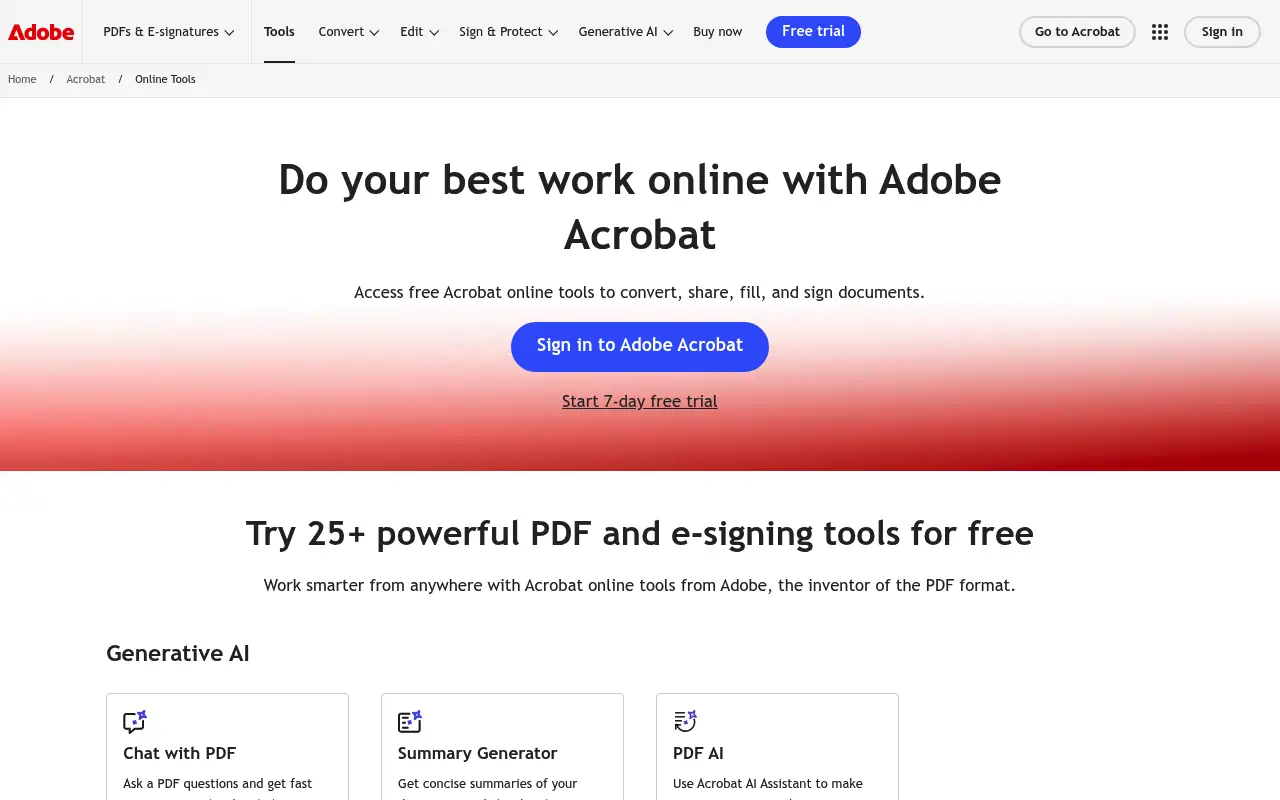
Adobe Acrobat Pro DC is the most feature-rich PDF application on the market. It handles everything from basic viewing to advanced editing, form creation, OCR, digital signatures, and automated workflows. It is the standard in legal, government, and enterprise settings.
The $23/month price tag and complex interface mean Acrobat is best suited for users who genuinely need professional PDF editing. For occasional tasks, it is both expensive and overcomplicated.
What is Sejda?
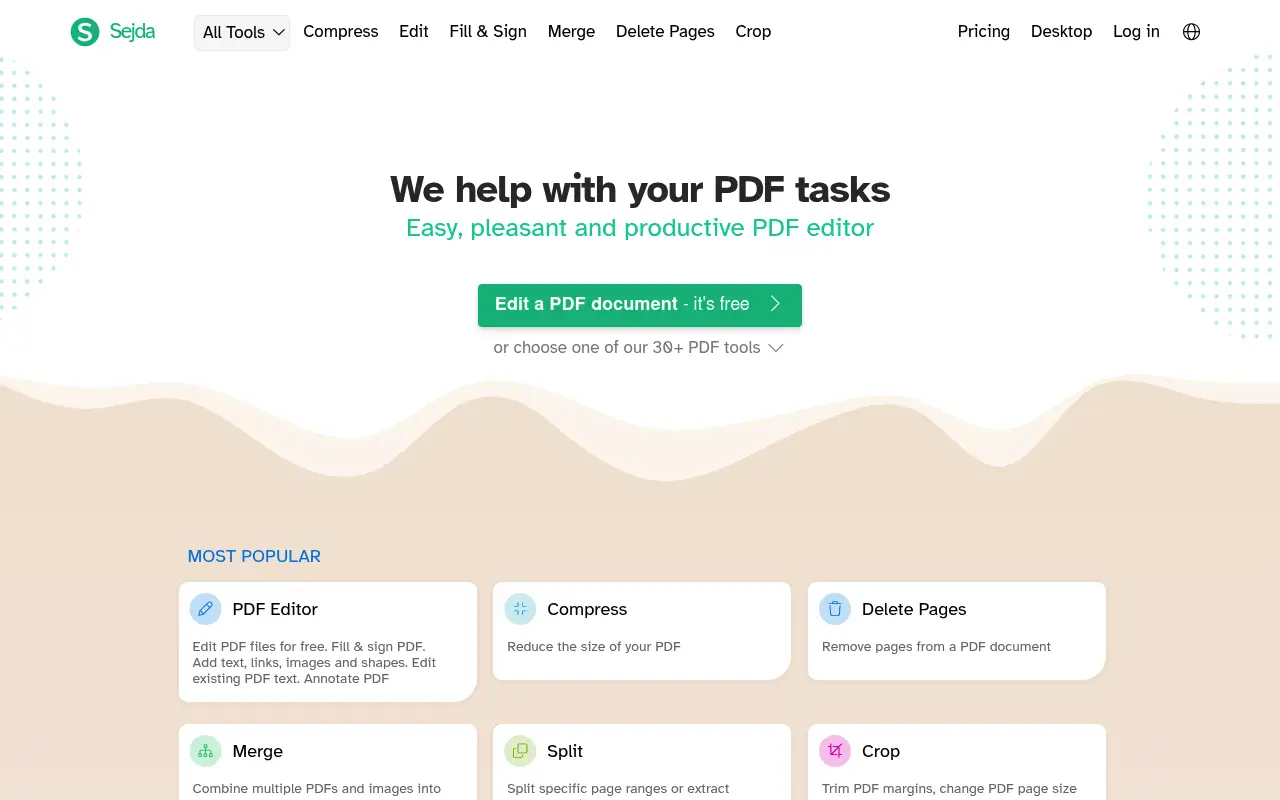
Sejda is a web-based PDF platform with a clean, task-oriented interface. Each tool (merge, split, compress, edit, convert) has its own dedicated page, making it easy to find exactly what you need. Sejda also offers a desktop app that works offline.
The free tier allows up to 3 tasks per hour with a 50 MB file size limit and 200-page document limit. The paid plan (about $8/month or $63/year) removes these restrictions.
Sejda stands out from other web tools by offering a genuine desktop application that processes files locally. This is unusual among browser-based PDF tools and gives it a privacy advantage over competitors like iLovePDF and Smallpdf.
A closer look at Adobe Acrobat
Adobe Acrobat pricing and plans
Acrobat Pro at $276 per year is positioned as the professional standard, but for users comparing it against a tool like Sejda, the price gap is enormous. Sejda's entire annual cost is less than two months of Acrobat Pro, which raises the question of how much you truly need from a PDF editor.
Adobe does offer free online PDF tools at acrobat.adobe.com that handle basic tasks like merging, splitting, and compressing. These free tools are functional but limited: file size caps apply, and you need an Adobe account. They serve primarily as a gateway to paid plans.
The lack of a perpetual license remains Acrobat's biggest pricing weakness. Users who bought Acrobat 11 or earlier with a one-time payment have no equivalent modern option. Every renewal period presents an opportunity to switch to a cheaper alternative.
Adobe Acrobat core strengths
Acrobat's enterprise integration capabilities set it apart from lightweight tools like Sejda. Integration with Microsoft SharePoint, Teams, and OneDrive enables document workflows within existing corporate infrastructure. IT departments can deploy and manage Acrobat through standard enterprise tools.
The document sanitization feature removes hidden data from PDFs, including metadata, comments, hidden text, and embedded attachments. This is essential for organizations that share documents externally and need to ensure no confidential information leaks through metadata.
Acrobat's JavaScript support within PDF forms enables complex interactive documents. Calculations, validations, conditional visibility, and custom button actions make it possible to create sophisticated form-based workflows without external software.
Adobe Acrobat known limitations
For casual users comparing Acrobat to Sejda, the feature overlap is small and the price difference is large. Over 70% of PDF tasks involve basic operations (merge, split, compress, convert) that both tools handle equally well. Paying $276/year for features you never use is a common frustration.
Acrobat's online tools have become increasingly aggressive about requiring sign-in. Tasks that used to work anonymously now prompt for an Adobe ID, adding friction to quick operations. This contrasts with Sejda's approach of allowing a certain number of free tasks without any account.
The application update process on both Mac and Windows can be disruptive. Adobe's updater sometimes requires restarts, closes open documents without warning during background updates, and occasionally changes settings during major version updates.
A closer look at Sejda
Sejda pricing and plans
Sejda offers a remarkably simple pricing model. The free tier allows three tasks per day with files up to 50 MB and 200 pages. The Web Week Pass costs $5 for seven days of unlimited online use. The Desktop + Web annual plan costs $63 per year, and there is a Desktop + Web perpetual license for a one-time payment of $69.
The perpetual license at $69 is one of the best deals in the PDF tool market. It includes both the web-based tools and the desktop application, with all features unlocked. Future updates within the purchased major version are included.
There are no team plans or enterprise licensing, which keeps the pricing straightforward but limits Sejda's appeal for organizations needing centralized management, shared workspaces, or volume discounts.
Sejda core strengths
Sejda's desktop application processes files locally, meaning your documents never leave your machine. This is a crucial distinction from many web-based tools and even from Acrobat's online features. For privacy-sensitive work, Sejda's local processing is a strong selling point.
The tool selection covers an impressive range for a budget product. Beyond basics, Sejda includes PDF text editing (inline changes to existing text), form filling, page crop, flatten, grayscale conversion, OCR, and even a PDF editor that lets you add or modify content visually.
Sejda's web tools are fast and well-designed. Each tool has a single, focused purpose with clear instructions. There is no bloat, no upselling within the interface, and no unnecessary features cluttering the experience. Users can complete most tasks in under 30 seconds.
Sejda known limitations
Sejda's text editing, while functional, is not as refined as Acrobat's. Font matching can be inconsistent, and editing text in PDFs with complex layouts (multi-column, text wrapping around images) sometimes produces unexpected results.
The free tier's 200-page limit and 50 MB file size cap can be restrictive for users working with long reports, manuals, or presentation decks. These limits are per-file, so splitting a large document into smaller pieces before processing adds extra steps.
Customer support is limited compared to Adobe's resources. Sejda relies primarily on email support and documentation. There is no live chat, phone support, or community forum with the depth of Adobe's ecosystem.
Feature comparison
Adobe Acrobat vs Sejda vs File Studio
| Feature | Adobe Acrobat | Sejda | File Studio |
|---|---|---|---|
| Pricing | ~$23/month (annual) | Free (limited); ~$8/month or $63/year | $29 one-time or $9.97/year |
| PDF editing depth | Full inline editing, forms, redaction | Basic text editing, annotations, form filling | Merge, split, compress, convert, remove passwords |
| Works offline | Yes, desktop app | Yes, desktop app available (processes locally) | Yes, fully offline |
| Free tier limits | No free tier for Pro features | 3 tasks/hour; 50 MB, 200-page limits | No free tier; no limits after purchase |
| Privacy / files stay local | Local processing with optional cloud | Web: uploaded; Desktop: local processing | Always local, never uploaded |
| OCR capability | Advanced multi-language OCR | Basic OCR available | No built-in OCR |
| File format support | PDF plus Office format conversions | PDF, Word, Excel, JPG, PNG conversions | PDF and image formats (JPG, PNG, WebP, TIFF, BMP, SVG) |
| Image tools | Minimal | None | Full image suite: resize, compress, convert, watermark, crop |
Verdict
Which tool should you pick?
Adobe Acrobat is the right choice if you need professional-grade PDF editing, complex forms, or advanced OCR. Sejda is a smart pick for users who want a simple, task-focused tool with the option of local desktop processing. Sejda's desktop app is a genuine differentiator among web-first PDF tools. For users whose needs align with document-level PDF operations and image editing, File Studio offers a more affordable desktop app with broader image tools.
Pricing breakdown
What you actually pay over time
The pricing contrast between Acrobat Pro and Sejda is stark. Acrobat costs $276 per year with no perpetual option; Sejda offers a $69 perpetual license. Over three years, Acrobat totals $828 while Sejda costs $69 once. That is a difference of $759, more than ten times Sejda's price.
Sejda's free tier is also more practical than Acrobat's. Three tasks per day with 50 MB file support covers casual use cases adequately. Acrobat's free online tools impose stricter limits and push harder toward paid conversion. For someone who processes a few PDFs per week, Sejda's free tier may be entirely sufficient.
File Studio at $29 one-time or $9.97/year competes directly with Sejda's price point. Both are budget-friendly, offline-capable options. Sejda has the edge in PDF editing features (inline text editing, OCR), while File Studio adds comprehensive image tools (resize, compress, convert, watermark, crop) that Sejda lacks. The choice depends on whether you need deeper PDF editing or broader file format coverage.
For organizations evaluating total cost across a team, Sejda's lack of team management features is a consideration. Ten Sejda perpetual licenses cost $690 with no centralized billing or admin controls. Acrobat for Teams at $9.97/user/month costs $1,800 per year but includes management tools. File Studio's $29 per license for 10 users totals $290 with no recurring cost, though it also lacks centralized management.
Decision guide
Which tool should you pick?
You want full PDF editing capabilities on a small budget
Pick Sejda. Sejda's $69 perpetual license includes inline text editing, form filling, OCR, and page management. It covers the most common professional PDF tasks at a fraction of Acrobat's cost.
You need enterprise-grade features and IT-managed deployment
Pick Adobe Acrobat. Acrobat's enterprise licensing, Active Directory integration, group policy support, and centralized management tools make it the appropriate choice for IT-managed corporate environments.
You process PDFs occasionally and want zero ongoing costs
Pick Sejda. Sejda's free tier (three tasks per day, 50 MB files, 200 pages) is generous enough for occasional use. The perpetual license at $69 eliminates any future cost if you need more.
You need both PDF tools and image editing tools
Pick File Studio. File Studio combines PDF operations with a full image toolkit at $29 once. Neither Acrobat nor Sejda includes dedicated image editing, resizing, compression, or format conversion for images.
You need advanced form creation with calculations and validation
Pick Adobe Acrobat. Acrobat's JavaScript-enabled form builder creates interactive documents with calculations, conditional logic, and data validation. Sejda's form filling works with existing forms but cannot create complex interactive fields from scratch.
The third option
Why File Studio might be a better fit
One-time $29 payment versus Sejda's $63/year or Acrobat's $276/year.
No task-per-hour limits or file size restrictions like Sejda's free tier.
Includes comprehensive image editing that neither Acrobat nor Sejda provides.
Simpler interface than Acrobat, comparable simplicity to Sejda, with the reliability of a desktop app.
Pricing
Simple, fair pricing.
All tools included. No hidden fees. Processing stays on your device.
Yearly
For short-term projects.
- 1 year of updates
- Image, PDF, SVG, and spreadsheet tools
- Works on Mac & Windows
- All processing done on device
Lifetime
One purchase. Keep it forever.
- Unlimited conversions forever
- 1 year of major updates
- Image, PDF, SVG, and spreadsheet tools
- Watch Folders & Automation
- macOS Notch Drop Zone
- Works on Mac & Windows
Team & Bulk Pricing
Lifetime seats with volume discounts. More seats, bigger discount.
15
lifetime seats
You save
$60
15% off the individual price
Enterprise
50+ seats with custom pricing, centralized license management, and priority support.
FAQ
Frequently asked questions
Does Sejda's desktop app really work offline?→
Yes. Sejda's desktop application processes files locally on your computer without sending them to servers. This is a genuine advantage over most web-based PDF tools. File Studio similarly works fully offline.
Can Sejda edit text inside a PDF?→
Sejda offers basic text editing within PDFs, including adding text, changing fonts, and modifying existing text. It is not as powerful as Acrobat's editing, but it covers common needs.
Is Adobe Acrobat overkill for merging PDFs?→
Yes. If your primary need is merging, splitting, or compressing PDFs, Acrobat's price and complexity are not justified. Sejda or File Studio can handle these tasks at a fraction of the cost.
What does File Studio have that Sejda does not?→
File Studio includes a full image editing toolkit (resize, compress, convert, watermark, crop) and has no task-per-hour restrictions. Sejda has broader PDF editing capabilities including basic text editing.
Which tool is best for occasional PDF tasks?→
Sejda's free tier is great for occasional use if you can work within the 3-tasks-per-hour limit. File Studio is better if you want no restrictions and prefer a one-time purchase. Acrobat is unnecessarily expensive for occasional use.
@ayysoni · April 10, 2026
Related File Studio tools:
More comparisons: