

PDF Candy alternative
All the PDF Candy tools you need, running offline on your desktop.
PDF Candy offers a wide range of PDF tools online and in a Windows desktop app. The free online version has task limits, and the desktop version is Windows-only. File Studio provides similar PDF capabilities plus image tools, works on both Mac and Windows, and processes everything locally.
Works 100% offline on both Windows and Mac.
PDF Candy
Requires internet and file uploads to work.
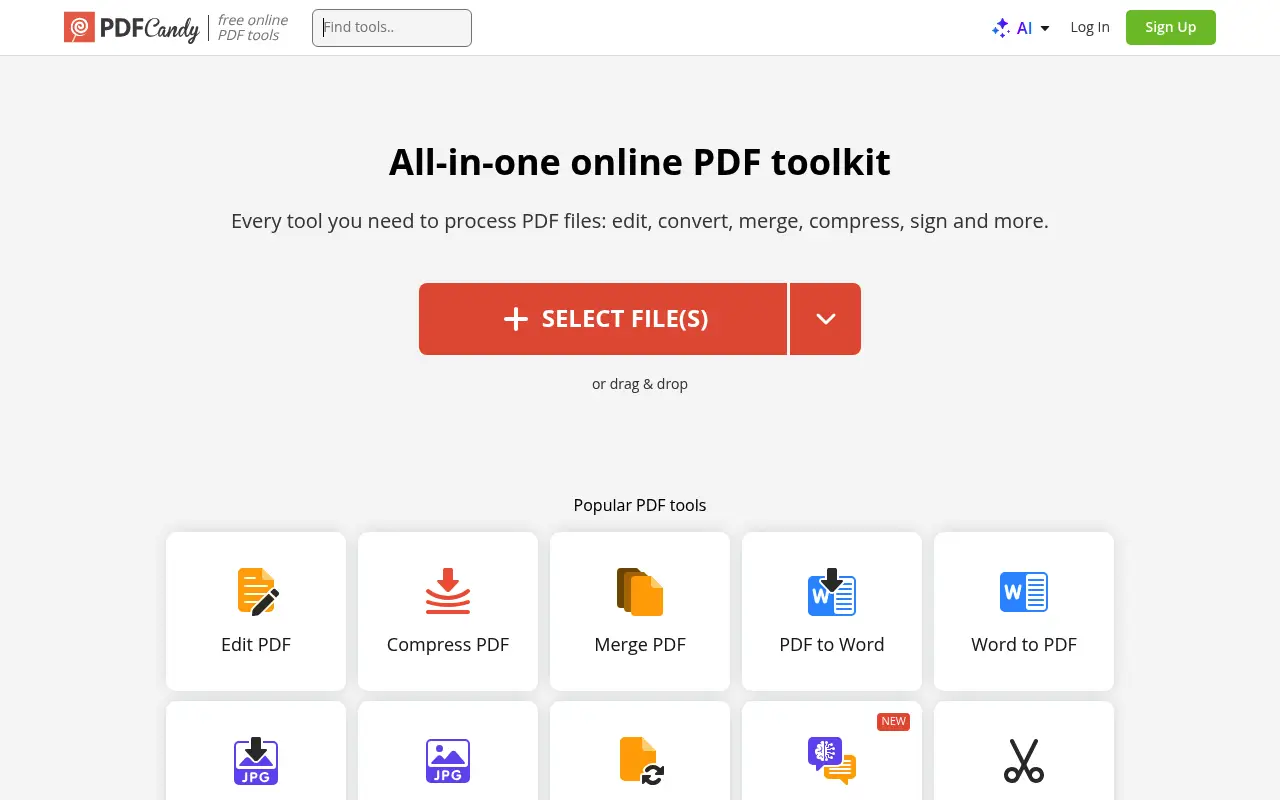
Why people use PDF Candy
PDF Candy is a PDF toolkit developed by Icecream Apps, a software company that produces a range of file utility applications. The product comes in two forms: a free online version at pdfcandy.com and a downloadable desktop application for Windows. The online version offers over 40 PDF tools including merge, split, compress, convert, edit, sign, protect, and various format-specific conversions. It is one of the more feature-rich free online PDF platforms available.
The typical PDF Candy user is someone looking for a free or low-cost PDF tool with broad functionality. The online version attracts users who want quick, no-install access to PDF operations. The desktop version appeals to Windows users who prefer local processing. PDF Candy's strength is in the sheer number of tools it offers: beyond the standard merge, split, and compress, it includes OCR, PDF-to-DWG conversion, metadata editing, page extraction, and more. This breadth makes it a genuine Swiss Army knife for PDF work.
The pricing structure has multiple tiers. The free online version limits users to one task per hour, which is the most restrictive rate limit among popular PDF tools. The web premium plan costs approximately $6 per month or $48 per year. The desktop edition costs $99 for a two-year license. Having separate pricing for the web and desktop products adds complexity, and the desktop license's two-year expiration means it is not a true one-time purchase despite being marketed differently from the subscription.
A significant limitation for Mac users is that PDF Candy's desktop application is Windows-only. Mac users are limited to the online version, which means uploading files to PDF Candy's servers and dealing with the one-task-per-hour restriction on the free tier. File Studio runs natively on both Mac and Windows, processes files locally regardless of platform, and costs $29 for a lifetime license with no usage restrictions.
The one-task-per-hour limit on PDF Candy's free online tier is perhaps the most restrictive rate limit among popular PDF tools. If you need to merge a document, compress it, and then convert it to images, that is three operations which would require three hours of waiting on the free tier. Even Smallpdf's two-tasks-per-day limit is more practical in comparison. For users who need to accomplish multiple PDF operations in a single work session, the rate limit makes PDF Candy's free tier impractical for real work.
Side-by-side comparison
File Studio vs PDF Candy
| Feature | PDF Candy | File Studio |
|---|---|---|
| Works offline | Desktop version does (Windows only) | Yes, Mac and Windows |
| Mac support | Online only (no Mac desktop app) | Full native Mac app |
| File privacy | Online: files uploaded; Desktop: files stay local | Files always stay local |
| Free tier limits | 1 task per hour online | No task limits |
| Pricing model | Free with limits; $6/month or $48/year; Desktop $99/2yr | $29 one-time or $15/year |
| Image tools | Basic image-to-PDF and PDF-to-image | Full suite: convert, resize, compress, watermark, collage, HEIC support |
| Batch processing | Available in desktop and paid web tiers | Unlimited batch processing included |
Why switch
What you get with File Studio instead
Native Mac support, unlike PDF Candy's Windows-only desktop app.
At $29, File Studio costs significantly less than PDF Candy Desktop's $99 two-year license.
No one-task-per-hour limit. Process files at whatever pace your work demands.
Comprehensive image tools built in, going well beyond basic image-to-PDF conversion.
A single purchase covers everything; no separate pricing for web versus desktop features.
Pricing
PDF Candy's online premium plan costs $6/month or $48/year. Their desktop edition costs $99 for a two-year license. File Studio's $29 one-time fee gives you perpetual access on both Mac and Windows, making it substantially cheaper than either PDF Candy option.
In-depth look
Feature breakdown: PDF Candy vs File Studio
PDF tools comparison
PDF Candy's tool list is extensive. The online version offers merge, split, compress, convert to and from multiple formats, add watermarks, rotate pages, crop pages, resize pages, add page numbers, extract text, extract images, unlock, protect, sign, OCR, edit, rearrange pages, delete pages, and more. The desktop version includes most of these features for local processing. The breadth is impressive, though individual tools vary in depth and polish.
File Studio's PDF toolkit is more focused: merge, split, compress, convert to and from image formats, and remove passwords. Each tool is designed for efficiency with drag-and-drop interfaces, batch processing support, and clear settings. While File Studio has fewer tools than PDF Candy, the tools it includes are well-polished and run without the restrictions that PDF Candy's free tier imposes.
For users who need specialized tools like OCR, DWG conversion, or metadata editing, PDF Candy's breadth is an advantage. For users who mainly merge, split, compress, and convert PDFs, File Studio provides a cleaner, faster experience without task-per-hour limits or platform restrictions.
Cross-platform consistency is another differentiator. PDF Candy delivers a different experience depending on your platform: Windows users get the full desktop application, while Mac users are limited to the online version with its restrictions and privacy tradeoffs. File Studio provides identical functionality on both Mac and Windows, with the same local processing, the same features, and the same privacy guarantees regardless of operating system. This consistency matters for users who work across platforms or for teams with mixed Mac and Windows environments.
Image handling
PDF Candy's image capabilities are limited to converting images to PDFs and PDFs to images. There are no standalone image editing, compression, or format conversion tools. For image work beyond the PDF conversion context, you would need Icecream Apps' separate image products or a third-party tool.
File Studio bundles comprehensive image tools into the same application: format conversion between JPG, PNG, WebP, HEIC, and more; image compression with quality controls; batch resizing; cropping; watermarking with text and image overlays; and collage creation. Having these alongside PDF tools in a single app is particularly valuable for users who regularly work with both file types.
The integration of image tools is one of File Studio's clearest advantages over PDF Candy. Instead of needing separate applications or web services for different types of file operations, everything is accessible from one interface with consistent behavior and local processing guarantees.
Consider a common scenario: preparing product images for an e-commerce listing. You might need to convert photos from HEIC to JPG, compress them for fast loading, resize to standard product image dimensions, and add a watermark. PDF Candy cannot perform any of these operations. You would need to find and use a separate online image tool for each step, uploading your images to yet another service each time. File Studio processes the entire sequence locally in a single batch operation, with consistent settings applied across all images.
Privacy and data handling
PDF Candy's online version processes files on their servers. Files are uploaded, processed, and then available for download. The company states that files are automatically deleted after processing, though specific retention times depend on the plan tier. The desktop version processes files locally on Windows, providing privacy parity with other desktop tools.
The privacy situation is split by platform. Windows users who purchase the desktop edition ($99 for two years) get local processing. Mac users are stuck with the online version and must upload files regardless. This platform disparity is a meaningful limitation for Mac-based professionals working with sensitive documents.
File Studio provides local processing on both Mac and Windows with identical functionality across platforms. There is no scenario in which files leave your device, regardless of which operating system you use. This consistency, combined with the lower price point, makes File Studio a more straightforward choice for privacy-conscious users on either platform.
Honest take
What you give up by switching
- *PDF Candy offers over 40 specialized PDF tools, including OCR, DWG conversion, and metadata editing, that File Studio does not include.
- *PDF Candy's free online tier lets you perform one task per hour without any payment, which is sufficient for very occasional use.
- *PDF Candy's desktop version includes advanced tools like OCR and PDF protection that go beyond File Studio's feature set.
- *PDF Candy supports PDF-to-Word, PDF-to-Excel, and other document format conversions that File Studio does not offer.
- *PDF Candy's Windows desktop app provides a broader range of local PDF tools for users who need capabilities beyond merging, splitting, and compressing.
Decision guide
Which tool is right for you?
You need specialized PDF tools like OCR, DWG conversion, or metadata editing
Use PDF Candy. Its extensive tool library covers niche PDF operations that File Studio does not include.
You are a Mac user who needs offline PDF processing
Use File Studio. PDF Candy's desktop app is Windows-only, leaving Mac users with only the online version. File Studio has a full native Mac app.
You want the most affordable lifetime desktop license for everyday PDF and image work
Use File Studio. At $29, it costs far less than PDF Candy Desktop's $99 two-year license, and includes image tools that PDF Candy lacks.
You occasionally need a free PDF tool and can tolerate the one-task-per-hour restriction
Use PDF Candy's free online tier for very occasional, non-time-sensitive tasks where the rate limit is not a problem.
Pricing
Simple, fair pricing.
All tools included. No hidden fees. Processing stays on your device.
Yearly
For short-term projects.
- 1 year of updates
- Image, PDF, SVG, and spreadsheet tools
- Works on Mac & Windows
- All processing done on device
Lifetime
One purchase. Keep it forever.
- Unlimited conversions forever
- 1 year of major updates
- Image, PDF, SVG, and spreadsheet tools
- Watch Folders & Automation
- macOS Notch Drop Zone
- Works on Mac & Windows
Team & Bulk Pricing
Lifetime seats with volume discounts. More seats, bigger discount.
15
lifetime seats
You save
$60
15% off the individual price
Enterprise
50+ seats with custom pricing, centralized license management, and priority support.
FAQ
Frequently asked questions
Does PDF Candy's desktop app work on Mac?→
No. PDF Candy's desktop application is Windows-only. Mac users are limited to the online version, which requires file uploads and has task limits. File Studio offers a native Mac app with full offline functionality.
Can File Studio do everything PDF Candy can?→
File Studio covers the most popular PDF Candy functions: merging, splitting, compressing, converting, and annotating PDFs. PDF Candy has some additional niche tools like PDF-to-DWG conversion. For common PDF and image tasks, File Studio is a solid replacement.
Is PDF Candy's desktop version fully offline?→
Yes, PDF Candy Desktop processes files locally on Windows. If you are on Windows and want a PDF Candy-like experience, File Studio offers similar capabilities at a lower price, plus image tools.
How does File Studio handle PDF-to-image conversion compared to PDF Candy?→
Both tools convert PDFs to JPG and PNG effectively. File Studio lets you control DPI and quality settings for the output images. The results are comparable.
Can File Studio protect PDFs with passwords like PDF Candy?→
File Studio can remove passwords from PDFs. For adding password protection, check the current feature list on the File Studio website.
@ayysoni · February 4, 2026
Related File Studio tools you might find useful:
Compare File Studio with other tools: