

Comparison
Smallpdf vs CloudConvert: PDF suite versus universal converter.
Smallpdf is a dedicated PDF toolkit. CloudConvert is a powerful file converter supporting over 200 formats. They overlap on PDF conversion but differ fundamentally in scope. This comparison helps you decide between them and introduces File Studio for offline work.
What is Smallpdf?
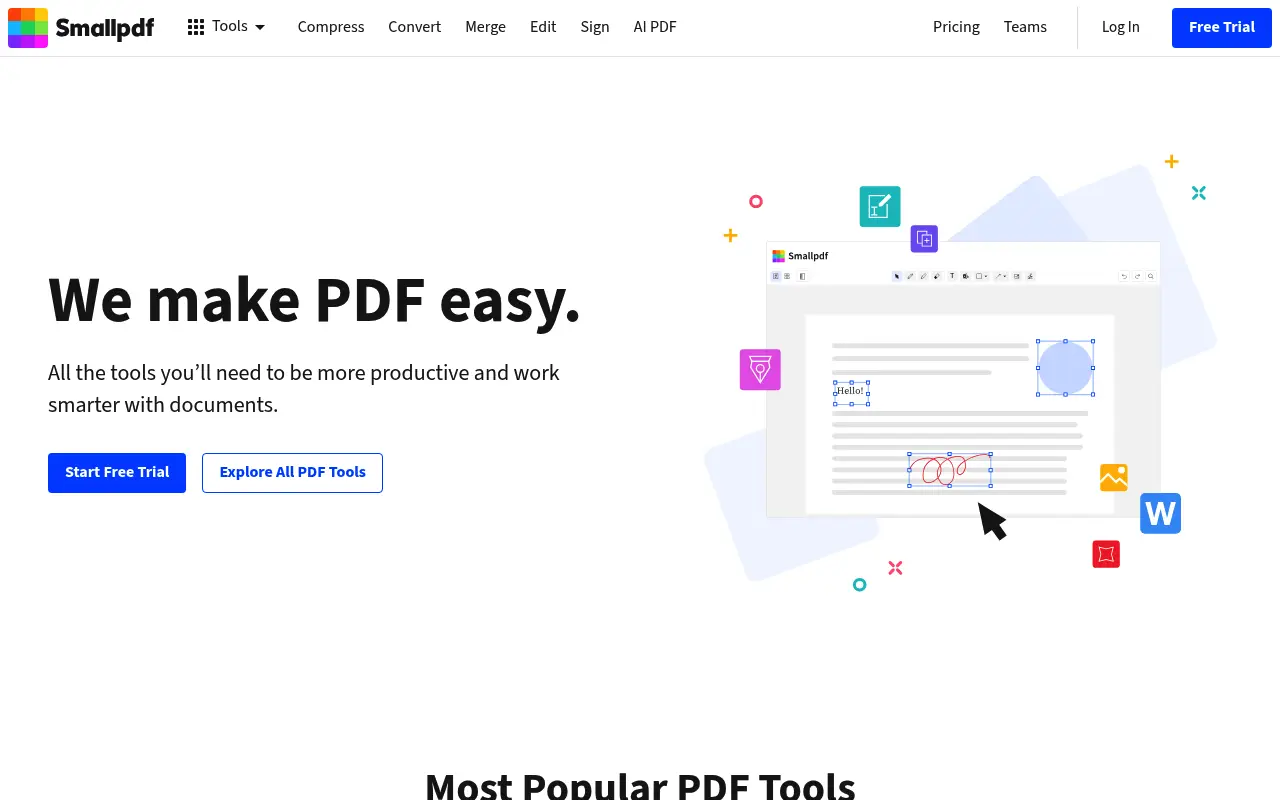
Smallpdf provides a curated set of PDF-specific tools: merge, split, compress, convert, edit, and sign. Its interface is among the most user-friendly in the PDF tool space, and it handles common PDF tasks efficiently.
The free tier gives you 2 tasks per day. Pro ($12/month annual) unlocks unlimited use, batch processing, and a desktop app. Smallpdf is designed for people whose primary need is working with PDFs.
What is CloudConvert?
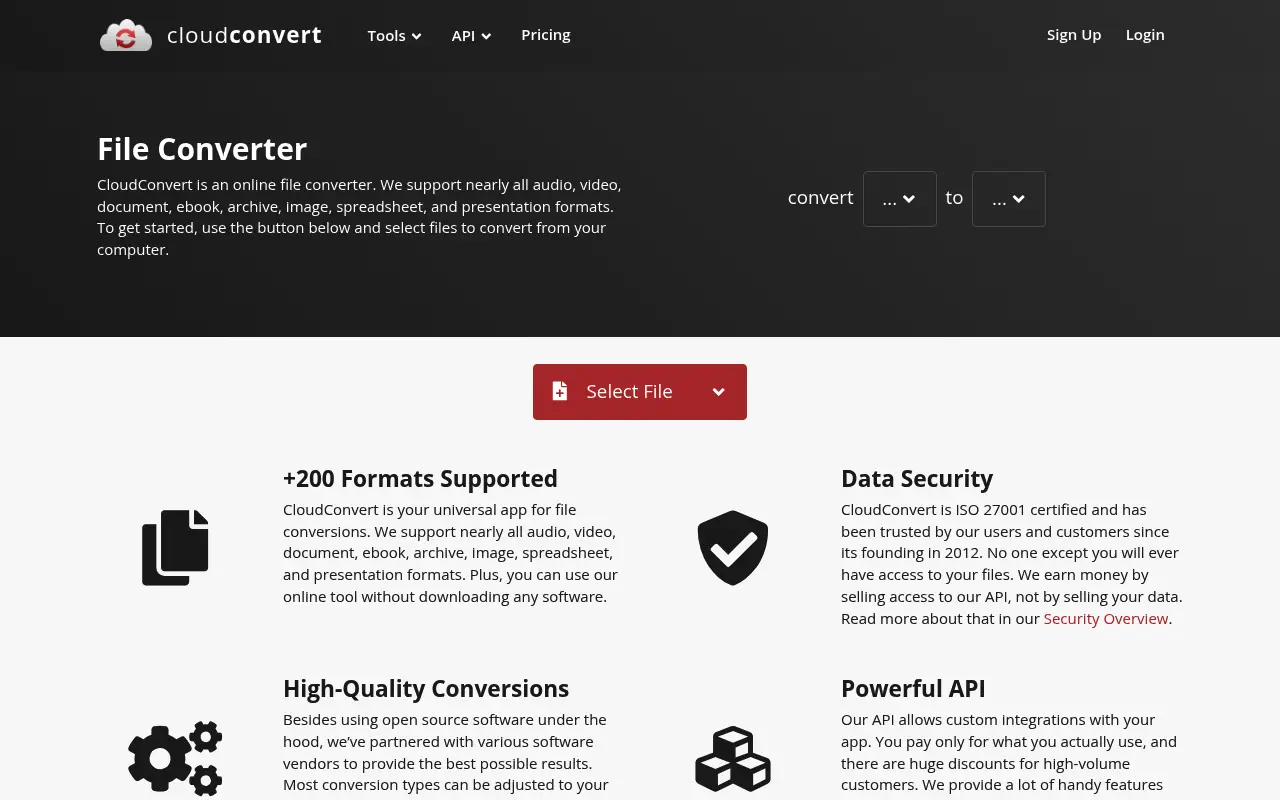
CloudConvert is a developer-friendly file conversion platform supporting over 200 formats including documents, images, video, audio, CAD files, and ebooks. It is known for high-quality conversions and an API that developers can integrate into their workflows.
CloudConvert uses a credit-based pricing system. Free users get 25 conversions per day. Paid packages start at $8 for 500 conversions and scale from there. Subscriptions are also available.
CloudConvert does not offer PDF manipulation tools like merging or splitting. It strictly converts files between formats. The conversion quality, especially for PDF to Word and vice versa, is generally excellent.
A closer look at Smallpdf
Smallpdf pricing and plans
Smallpdf Pro at $144/year offers unlimited PDF operations with a clean, focused interface. The tool suite is purpose-built for PDF workflows, including merge, split, compress, convert, sign, and annotate. The free tier's two-task daily limit is designed to demonstrate value before requiring a subscription.
Team pricing at $10/user/month includes collaborative features like shared workspaces. For organizations that standardize on Smallpdf, this provides managed PDF access across the team.
Smallpdf's pricing model is simple: free with limits, or paid without limits. There are no per-conversion fees, storage charges, or format-based pricing tiers. You either have access or you do not.
Smallpdf core strengths
Smallpdf excels at PDF-specific operations. Each tool is optimized for its specific task, producing consistent, high-quality results. The compression algorithm, for example, offers multiple quality levels and achieves noticeable file size reductions without visible quality loss on most documents.
The integrated workflow is seamless. After compressing a PDF, you can immediately merge it with another, split the result, and convert it to a different format, all within the same session without re-uploading. This chained workflow saves time for multi-step tasks.
Brand trust and security certifications give Smallpdf credibility in professional settings. ISO 27001 certification and GDPR compliance provide assurance that file handling meets recognized standards.
Smallpdf known limitations
Smallpdf is exclusively a PDF tool. It does not convert between non-PDF formats (image-to-image, audio, video, etc.). Users who need broader file conversion capabilities need a supplementary service like CloudConvert.
The subscription cost is the highest among web-based PDF-only tools. At $144/year, Smallpdf costs more than iLovePDF ($84), Sejda ($63), and several other PDF platforms. The premium buys interface quality and brand trust, not necessarily more features.
API access is limited compared to dedicated conversion services. Smallpdf's API covers PDF operations but not the breadth of format conversions that CloudConvert's API supports.
A closer look at CloudConvert
CloudConvert pricing and plans
CloudConvert uses a credits-based pricing model rather than a flat subscription. You purchase conversion minutes in packages: 500 minutes for $8, 1,000 for $16, 2,000 for $32, and so on. Credits do not expire, which is unusual and appreciated.
A subscription option is also available starting at approximately $8/month for 1,000 conversion minutes per month. Unused subscription minutes do not roll over, so the prepaid package is often a better deal for irregular usage.
The free tier provides 25 conversion minutes per day, which covers a handful of file conversions. Each conversion typically consumes one to a few minutes depending on file size and format complexity.
CloudConvert core strengths
CloudConvert supports over 200 formats across documents, images, audio, video, spreadsheets, presentations, ebooks, and archives. This breadth makes it a universal conversion tool rather than a PDF-specific platform. Any format-to-format conversion you can imagine is likely supported.
The API is CloudConvert's strongest product. It is well-documented, supports webhooks for asynchronous processing, and is used by thousands of applications and services. For developers building applications that need file conversion, CloudConvert's API is a top-tier option.
Conversion quality is generally high, thanks to CloudConvert's use of established libraries like LibreOffice, FFmpeg, and ImageMagick on the backend. The output settings are highly configurable, letting advanced users control resolution, codec, bitrate, and other format-specific parameters.
CloudConvert known limitations
CloudConvert does not offer PDF-specific tools like merge, split, compress, watermark, or page management. It converts files between formats but does not manipulate PDFs beyond conversion. Users who need PDF operations must supplement CloudConvert with another tool.
The credits-based pricing can be unpredictable. Converting a large video file consumes significantly more minutes than a small document, making it difficult to forecast monthly costs. Users with variable workloads may find the pricing model hard to budget around.
The interface is designed for developers and technical users. While functional, it is not as approachable as Smallpdf's drag-and-drop simplicity. Non-technical users may find the settings and options overwhelming.
Feature comparison
Smallpdf vs CloudConvert vs File Studio
| Feature | Smallpdf | CloudConvert | File Studio |
|---|---|---|---|
| Pricing | Free (2/day); Pro ~$12/month | Free (25/day); Pay-per-use or subscriptions from $8 | $29 one-time or $9.97/year |
| PDF manipulation tools | Merge, split, compress, edit, sign | Conversion only; no merge, split, or compress | Merge, split, compress, convert, remove passwords |
| File format breadth | PDF and common Office/image formats | 200+ formats including video, audio, CAD | PDF and image formats (JPG, PNG, WebP, TIFF, BMP, SVG) |
| API availability | Not a primary feature | Full API for developer integration | No API; desktop app only |
| Works offline | Desktop app, cloud-dependent | No, web-only service | Fully offline |
| Privacy / files stay local | Files uploaded to servers | Files uploaded; processed on European servers | Files never leave your device |
| Conversion quality | Good for PDF conversions | Excellent across all formats | Good for PDF and image conversions |
| Batch processing | Pro only | Supported on all plans (uses credits) | Unlimited batch processing included |
Verdict
Which tool should you pick?
These tools complement each other more than they compete. Smallpdf is the right pick for PDF-specific tasks like merging, splitting, and compressing. CloudConvert is the better choice when you need high-quality format conversions across many file types. Neither works offline. File Studio provides a practical offline solution for the PDF and image operations most people need day to day.
Pricing breakdown
What you actually pay over time
Direct price comparison is difficult because these tools serve different purposes. Smallpdf charges a flat $144/year for unlimited PDF operations. CloudConvert charges per conversion minute, with costs varying widely based on file type and size. A user who processes 20 PDFs per month might spend $50/year on CloudConvert, while a user converting large video files could spend $500 or more.
For PDF-specific work, Smallpdf is more predictable. You know exactly what a year costs regardless of volume. CloudConvert's variable pricing means heavy PDF users could end up paying more, while light users pay less. The break-even point depends entirely on usage patterns.
File Studio at $29 once or $9.97/year is the most predictable and affordable option for users who need PDF and image tools specifically. It does not match CloudConvert's format breadth or Smallpdf's cloud convenience, but it eliminates both the subscription cost and the variable per-conversion pricing entirely.
For developers evaluating API options, CloudConvert's API is significantly more capable and flexible than Smallpdf's. If your use case is programmatic file conversion at scale, CloudConvert is the appropriate choice regardless of the pricing model. For end-user PDF tasks, Smallpdf or File Studio makes more sense.
Decision guide
Which tool should you pick?
You need PDF-specific tools like merge, split, compress, and annotate
Pick Smallpdf. CloudConvert does not offer PDF manipulation tools. It only converts between formats. Smallpdf provides a complete suite of PDF operations optimized for everyday use.
You need to convert between many different file formats (video, audio, docs)
Pick CloudConvert. CloudConvert supports 200+ format conversions including video, audio, and ebook formats. Smallpdf and File Studio are limited to PDF and image format operations.
You are building an application that needs file conversion via API
Pick CloudConvert. CloudConvert's API is mature, well-documented, and supports webhooks, sandbox environments, and high-volume processing. It is the de facto standard for programmatic file conversion.
You want predictable pricing with no per-file costs
Pick File Studio. File Studio's $29 one-time price covers unlimited PDF and image operations locally. There are no per-conversion fees, no minutes to track, and no subscription to manage.
You need both PDF tools and format conversion in one service
Pick Smallpdf. While Smallpdf's conversion range is limited to PDF-related formats, it combines conversion with PDF manipulation in a single platform. CloudConvert converts but does not offer merge, split, or compress.
The third option
Why File Studio might be a better fit
Handles both PDF operations (merge, split, compress) and image conversions in a single offline app.
No credit system, no task limits, and no per-conversion costs.
Your files never touch a server, unlike both Smallpdf and CloudConvert.
One-time $29 purchase is simpler than CloudConvert's credit-based pricing.
Pricing
Simple, fair pricing.
All tools included. No hidden fees. Processing stays on your device.
Yearly
For short-term projects.
- 1 year of updates
- Image, PDF, SVG, and spreadsheet tools
- Works on Mac & Windows
- All processing done on device
Lifetime
One purchase. Keep it forever.
- Unlimited conversions forever
- 1 year of major updates
- Image, PDF, SVG, and spreadsheet tools
- Watch Folders & Automation
- macOS Notch Drop Zone
- Works on Mac & Windows
Team & Bulk Pricing
Lifetime seats with volume discounts. More seats, bigger discount.
15
lifetime seats
You save
$60
15% off the individual price
Enterprise
50+ seats with custom pricing, centralized license management, and priority support.
FAQ
Frequently asked questions
Can CloudConvert merge PDFs?→
No. CloudConvert is strictly a format conversion tool. It converts PDFs to other formats and vice versa but does not support merging, splitting, or compressing PDFs. For those tasks, use Smallpdf or File Studio.
Is CloudConvert good for PDF to Word conversion?→
Yes. CloudConvert is known for high-quality document conversions, and PDF to Word is one of its strengths. The layout preservation is generally excellent.
Does CloudConvert have an API?→
Yes. CloudConvert offers a well-documented REST API that developers can use to integrate file conversions into applications. This is one of its main selling points for technical users. Neither Smallpdf nor File Studio offers a comparable API.
Which is more cost-effective for occasional use?→
CloudConvert's free tier (25 conversions/day) is more generous than Smallpdf's (2 tasks/day) for conversions. For regular use, File Studio's one-time purchase eliminates per-task thinking entirely.
Can File Studio convert PDFs to Word?→
File Studio focuses on PDF-to-image and image-to-PDF conversions. For PDF-to-Word conversion specifically, CloudConvert or Smallpdf may produce better results.
@ayysoni · May 20, 2026
Related File Studio tools:
More comparisons: